Modern Docker management for everyone.
A powerful, intuitive Docker platform. Free for homelabs, ready for enterprise.
We think you'll like it here.
Perfect for your homelab
SQLite by default, runs on a Raspberry Pi, zero telemetry, free forever. Self-host everything without the complexity.
Built for growing teams
OIDC/SSO included free, container activity logging, Git-based deployments, premium support. Everything your team needs without the enterprise price tag.
Enterprise-grade control
RBAC, LDAP/AD integration, compliance-grade audit logging, and priority support. Everything you need to satisfy compliance requirements.
Up and running in 30 seconds
One command. No config files. No setup wizards, no 47-page README.
docker run -d \
  --name dockhand \
  --restart unless-stopped \
  -p 3000:3000 \
  -v /var/run/docker.sock:/var/run/docker.sock \
  -v dockhand_data:/app/data \
  fnsys/dockhand:latest
Then open http://localhost:3000. Or put it behind Traefik, Nginx, Caddy, a Kubernetes ingress, three load balancers, and a VPN tunnel. We don't judge.
Prefer Docker Compose?
services:
  dockhand:
    image: fnsys/dockhand:latest
    container_name: dockhand
    restart: unless-stopped
    ports:
      - 3000:3000
    volumes:
      - /var/run/docker.sock:/var/run/docker.sock
      - dockhand_data:/app/data

volumes:
  dockhand_data:
Need PostgreSQL?
services:
  postgres:
    image: postgres:16-alpine
    restart: unless-stopped
    environment:
      POSTGRES_USER: dockhand
      POSTGRES_PASSWORD: changeme
      POSTGRES_DB: dockhand
    volumes:
      - postgres_data:/var/lib/postgresql/data

  dockhand:
    image: fnsys/dockhand:latest
    ports:
      - 3000:3000
    environment:
      DATABASE_URL: postgres://dockhand:changeme@postgres:5432/dockhand
    volumes:
      - /var/run/docker.sock:/var/run/docker.sock
      - dockhand_data:/app/data
    depends_on:
      - postgres
    restart: unless-stopped

volumes:
  postgres_data:
  dockhand_data:
Reverse proxy, remote hosts, PostgreSQL and every setting are covered in the user manual.
Everything you need to manage Docker in one place
From simple container operations to complex multi-environment deployments.
Even that one container you forgot about three months ago.
Container operations
- Start, stop, restart, remove containers
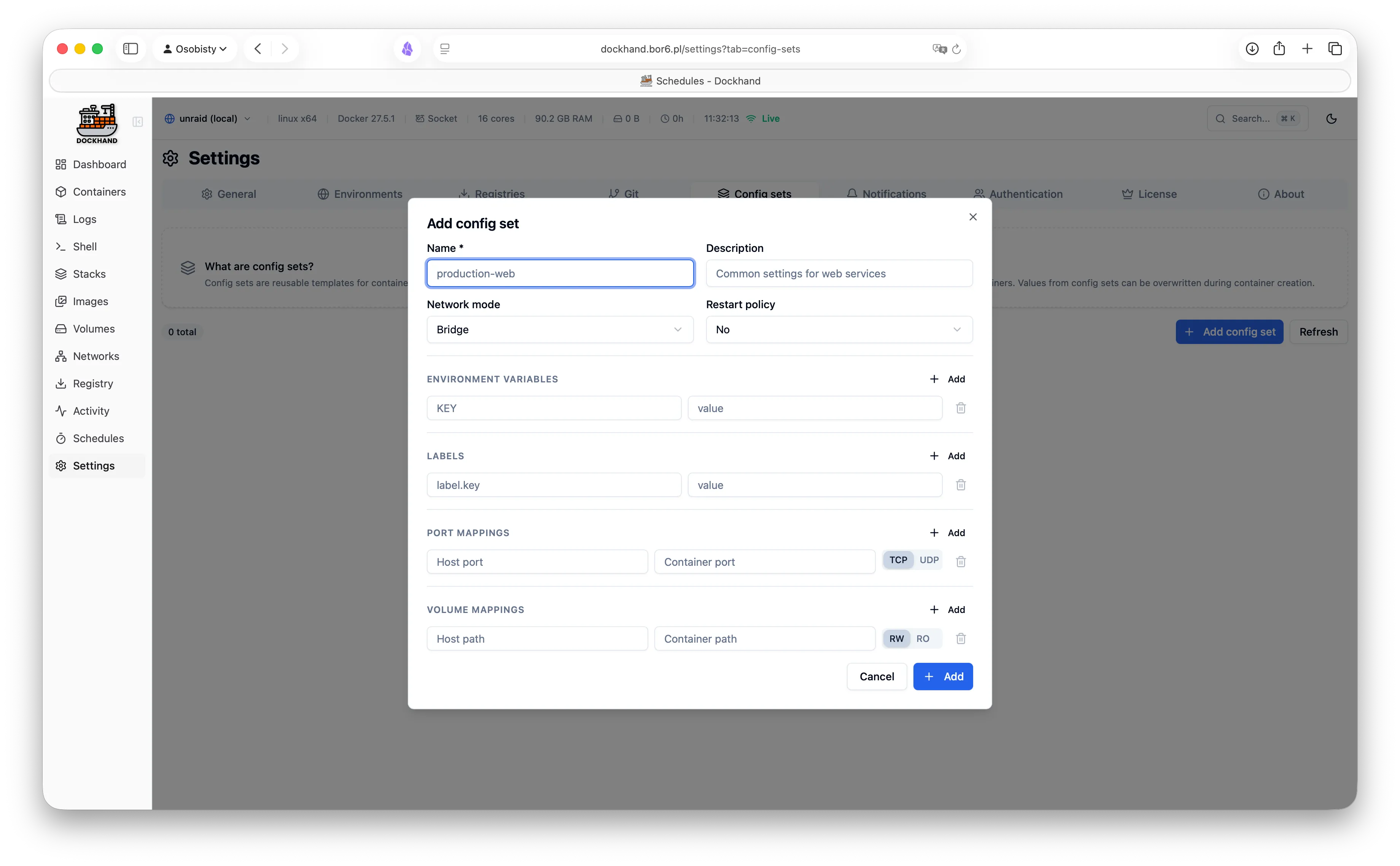
- Create containers with advanced configuration
- Update CPU, memory, and restart policy in place - no restart
- Attach and detach networks on running containers
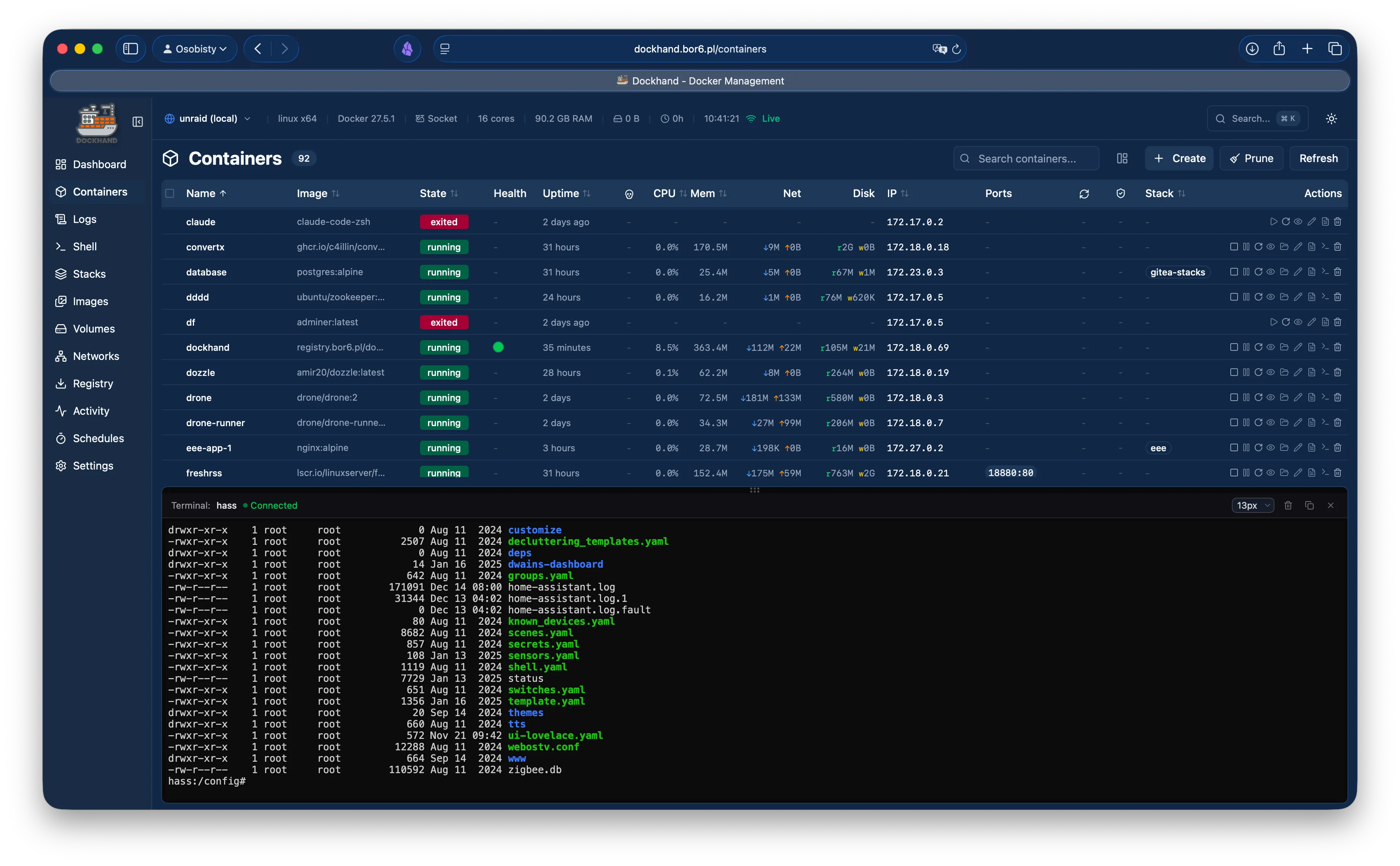
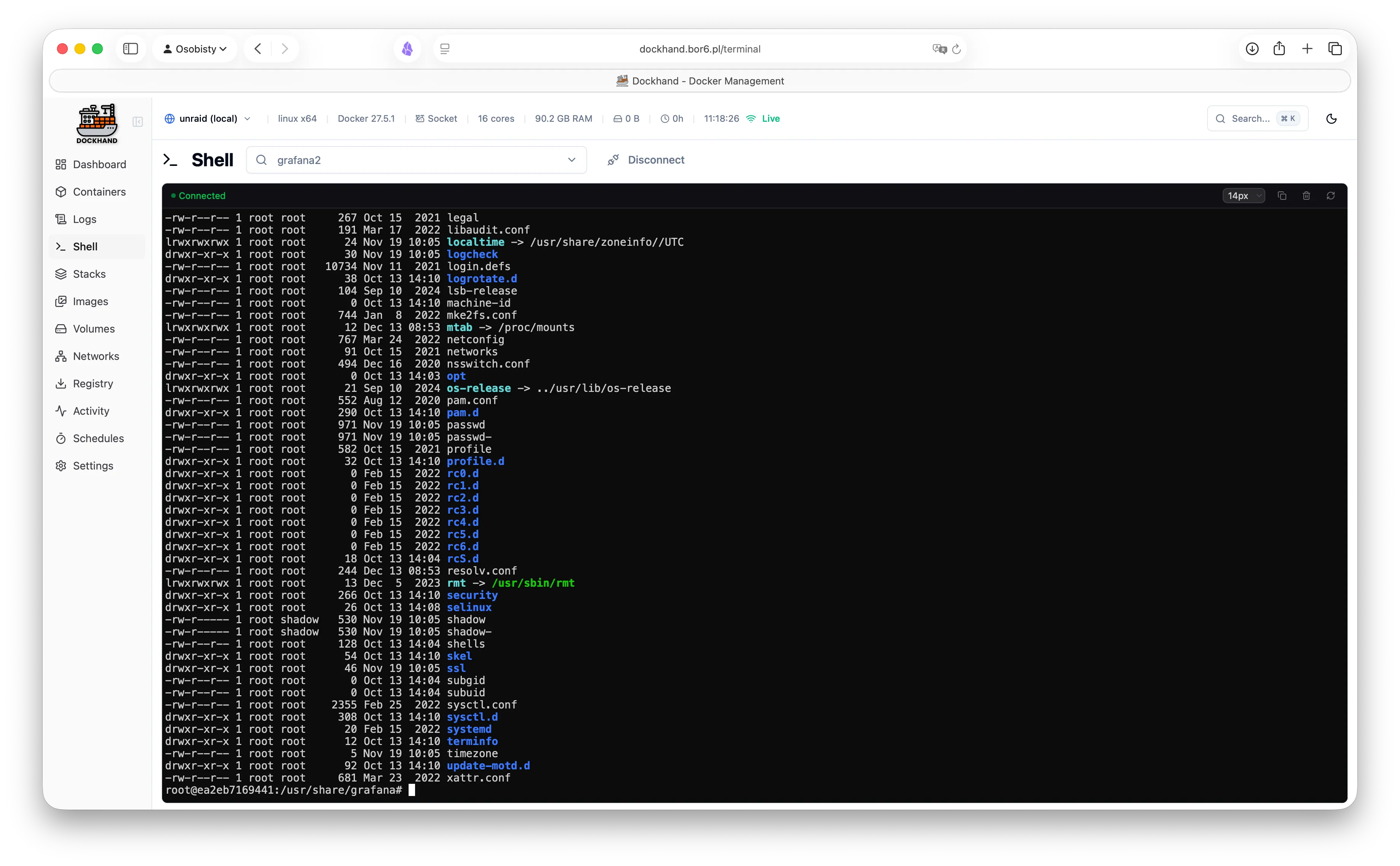
- Interactive web terminal (no SSH needed)
- Browse, edit, and transfer files
Compose & stacks
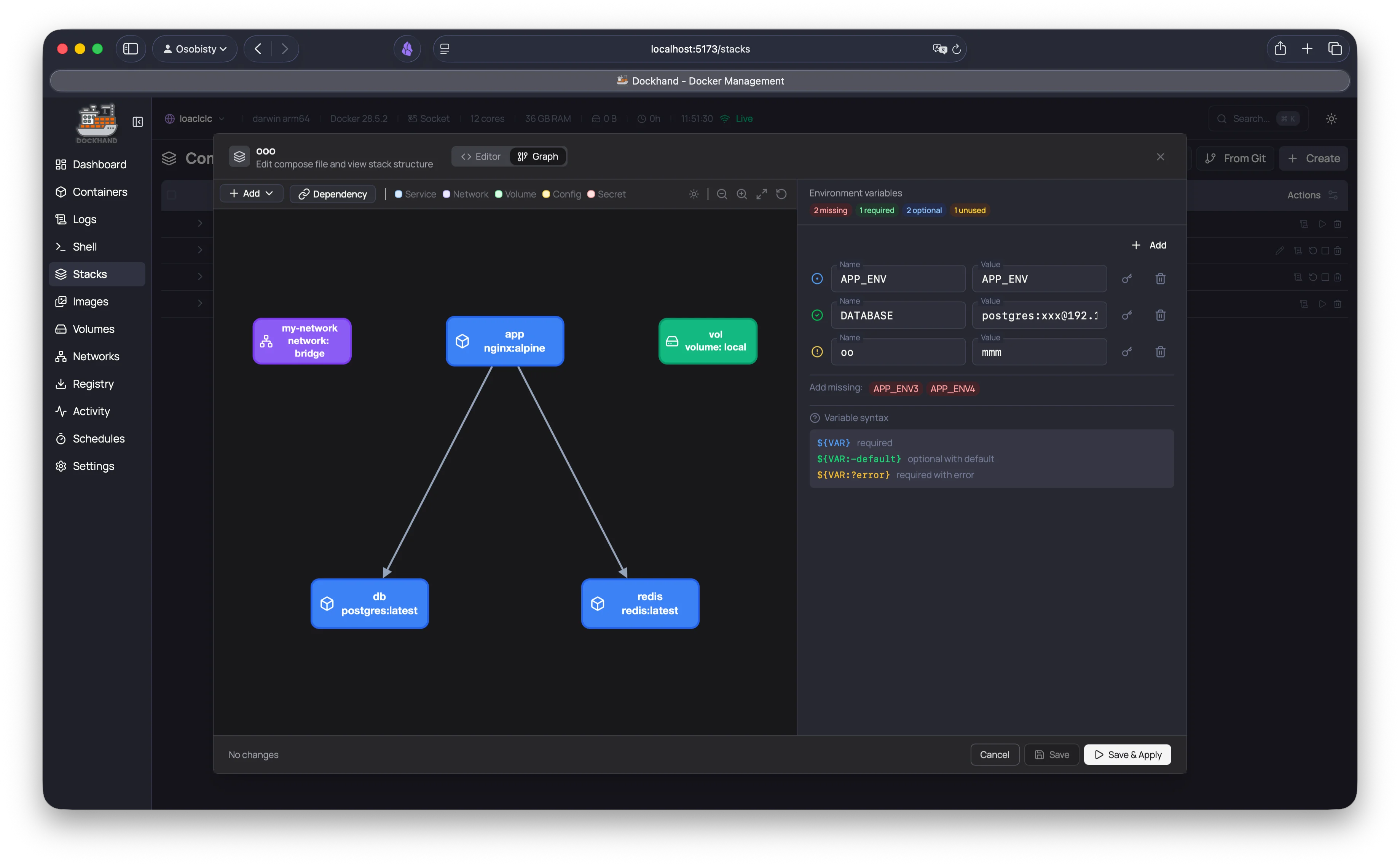
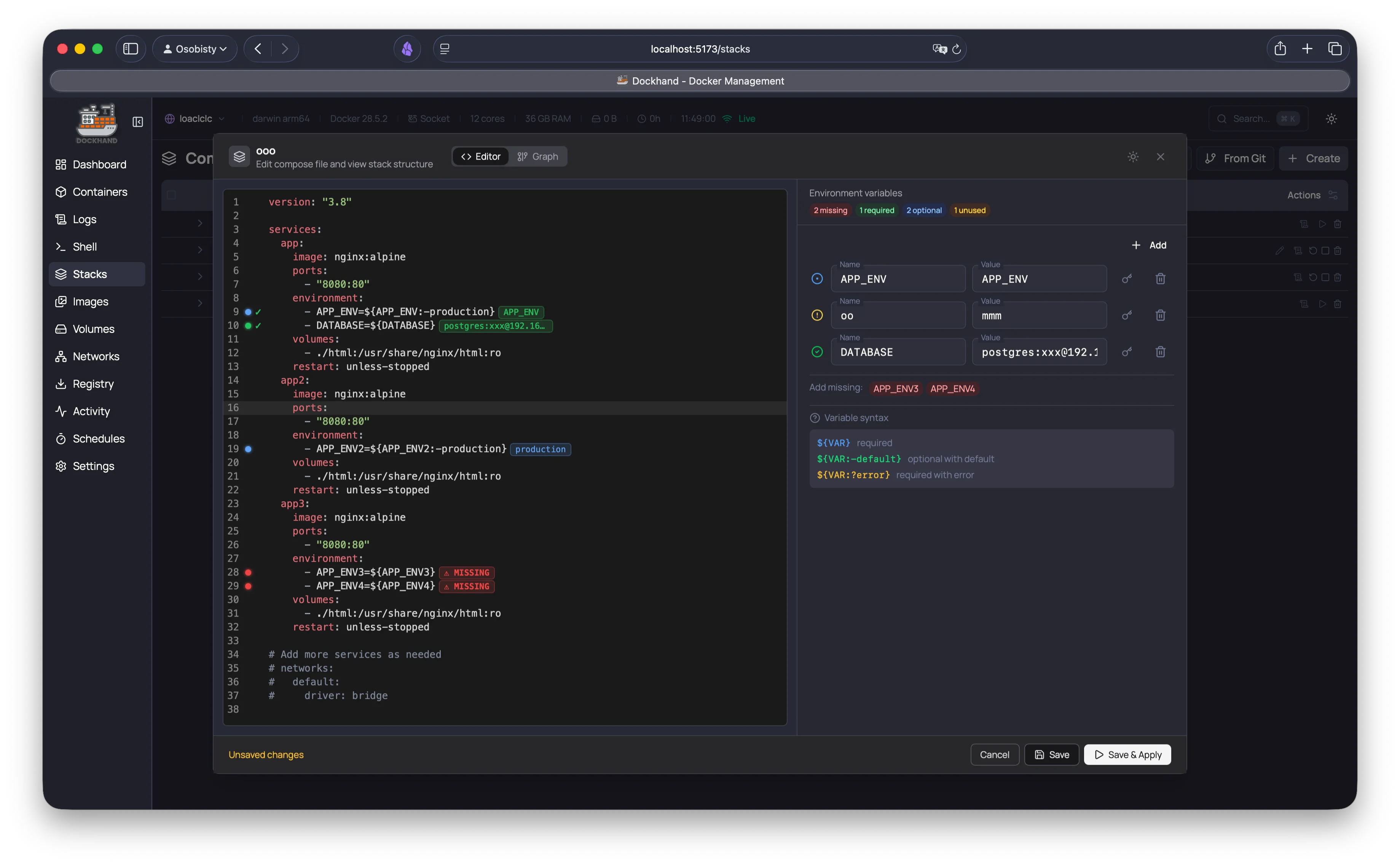
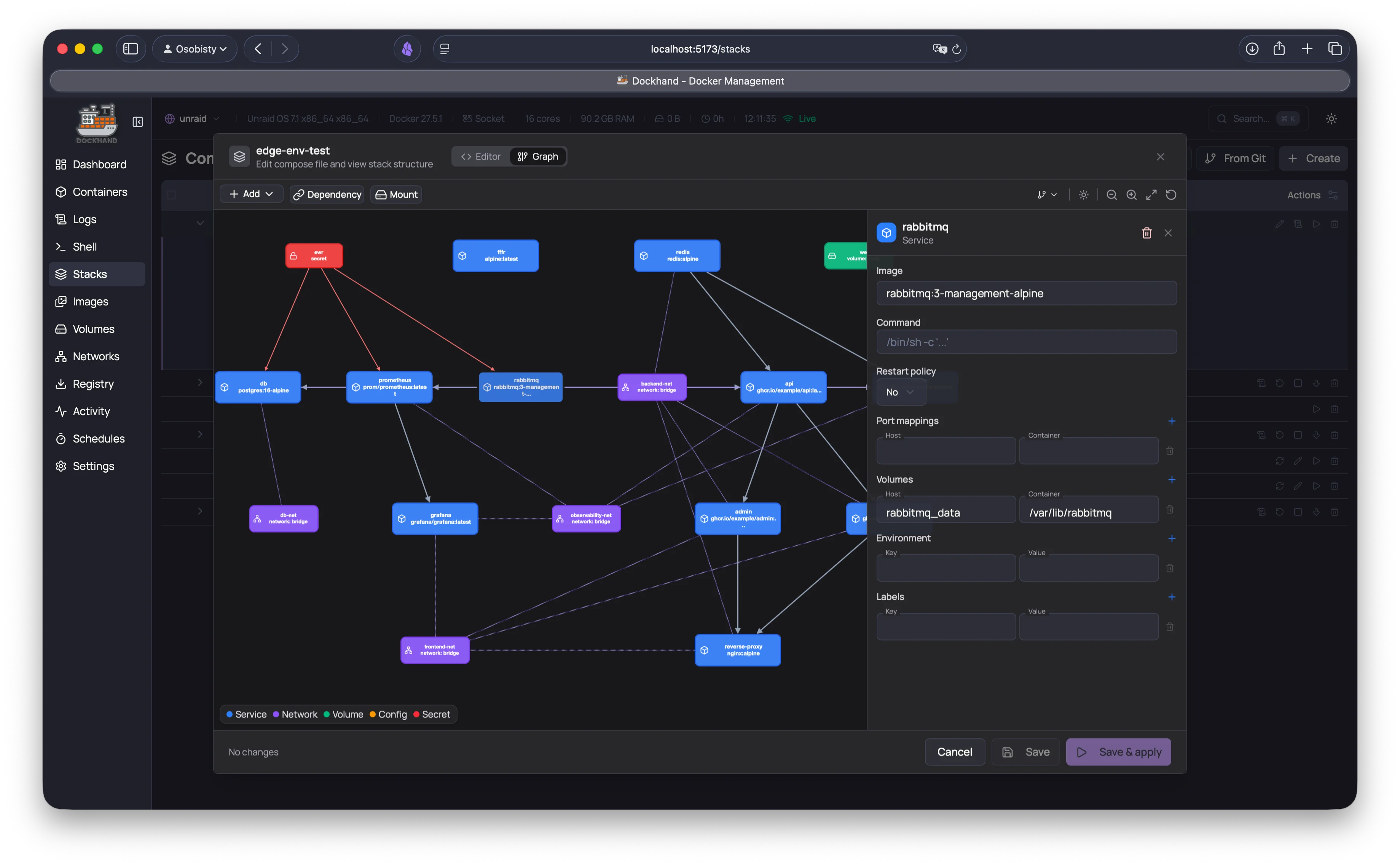
- Visual Compose editor - no YAML headaches
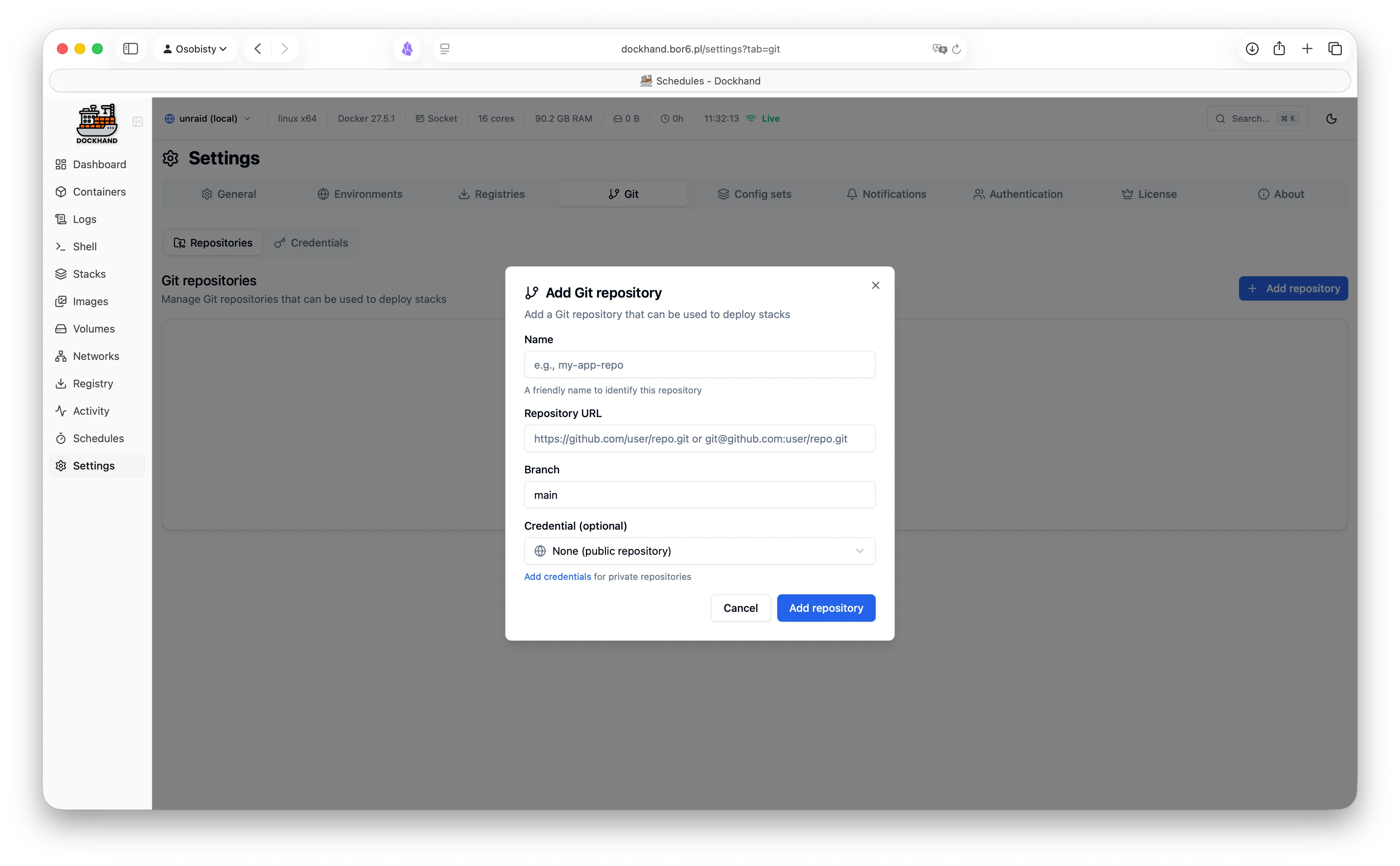
- Deploy from a template library or your Git repositories
- Update images straight from the stack view
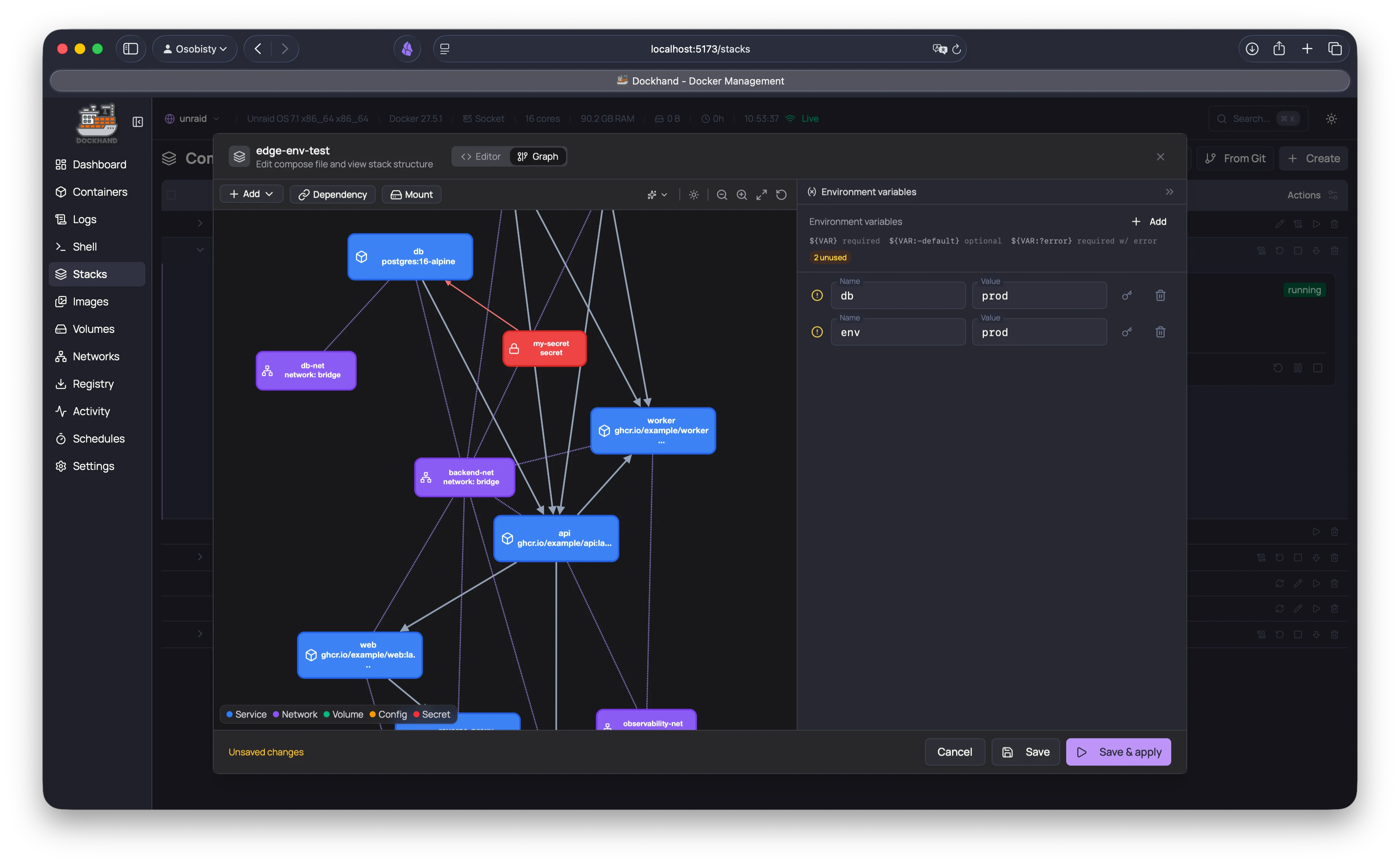
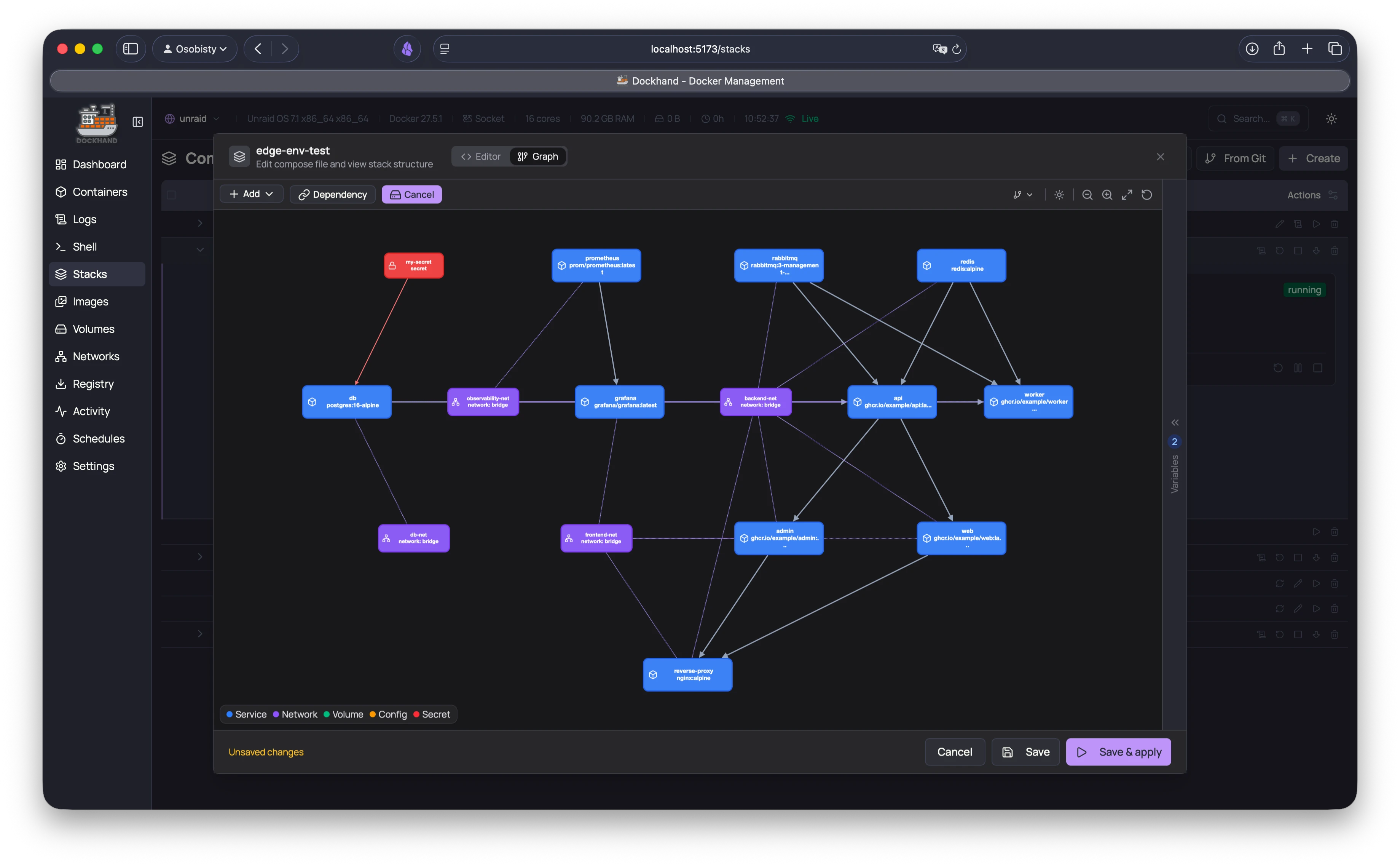
- Read-only compose view with a dependency graph
- Adopt from other container managers
- Scheduled deployments and updates
- Compose validation with one-click fixes.
It points, then it fixes.
Observability
- Live CPU & memory metrics per container
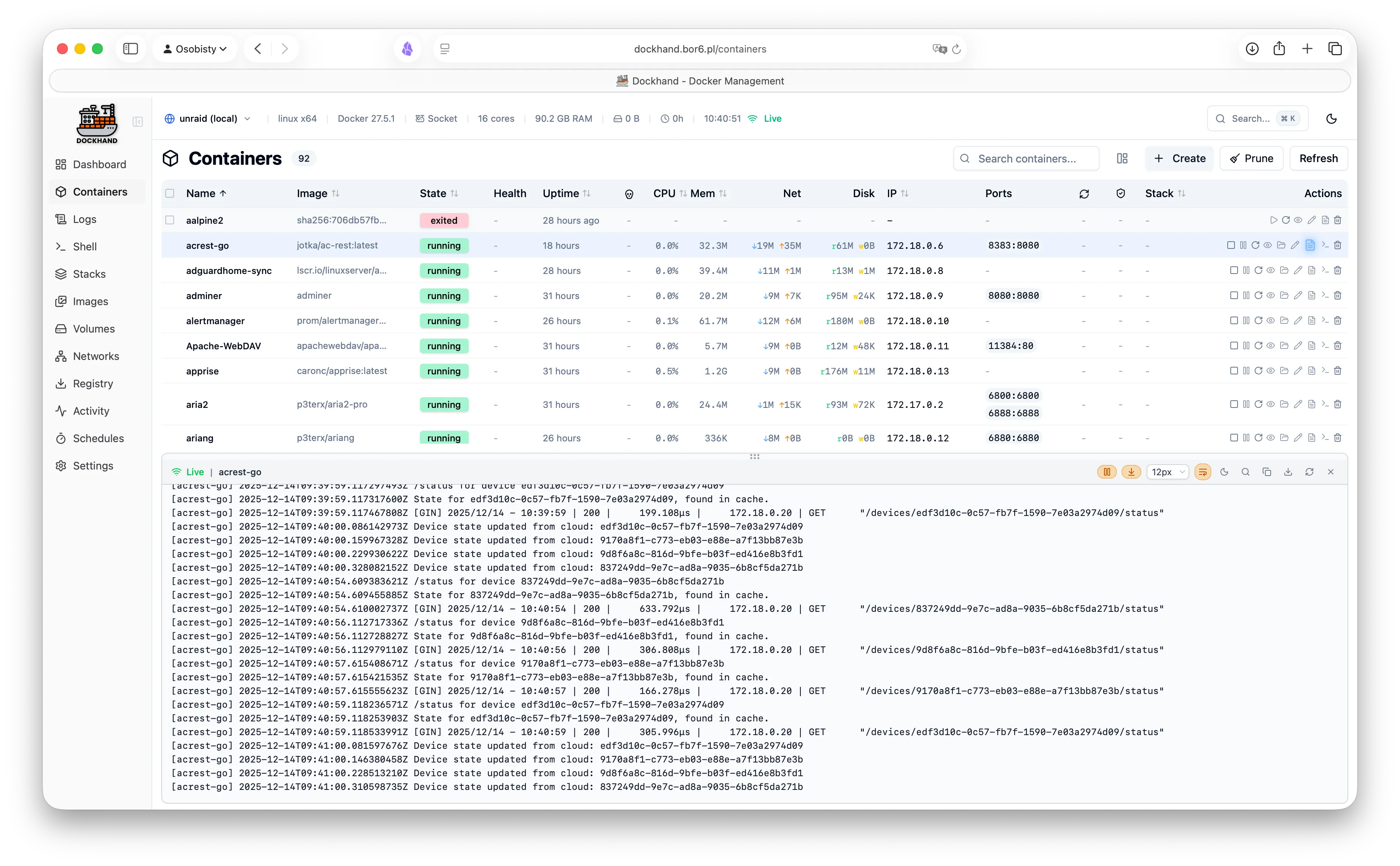
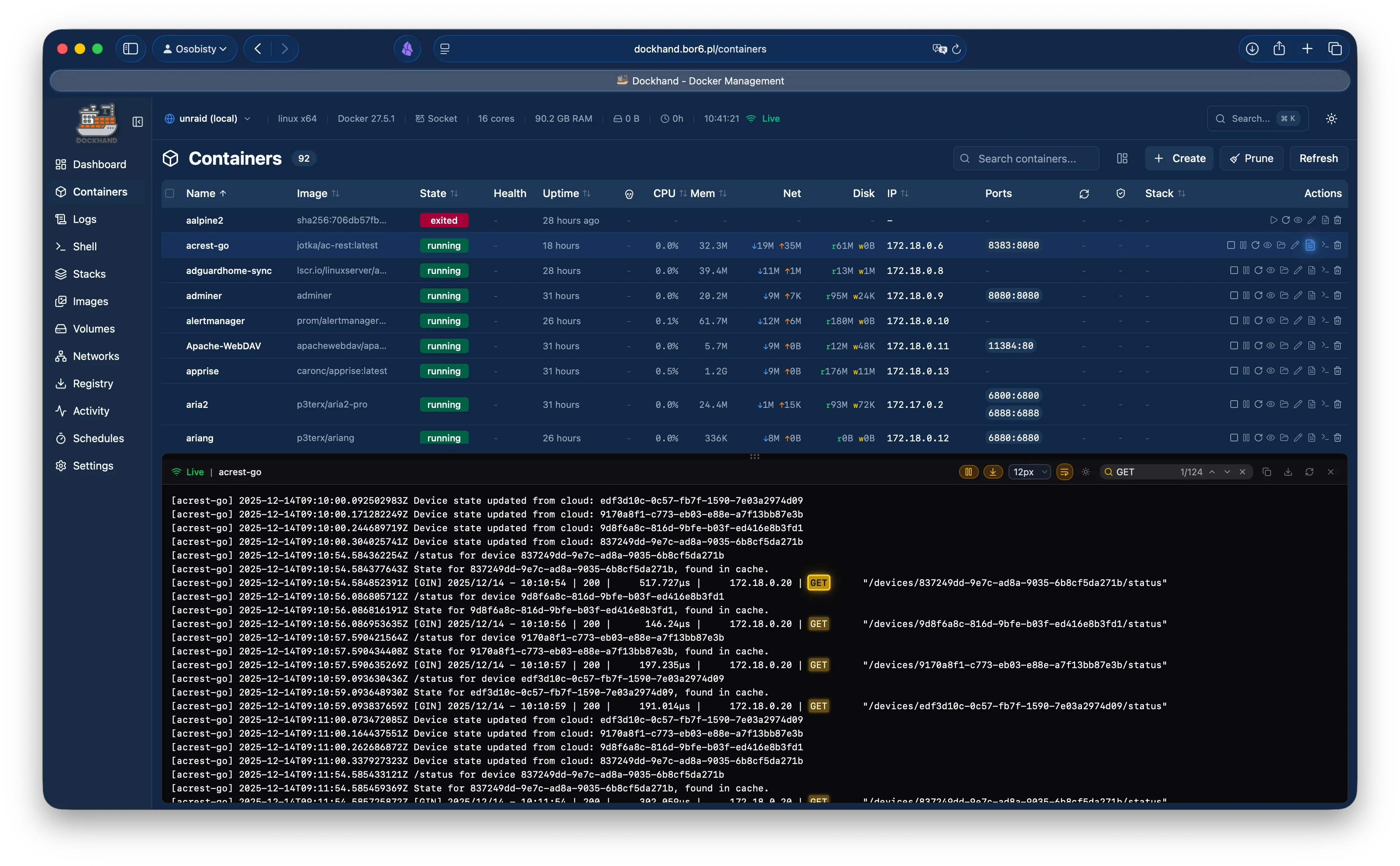
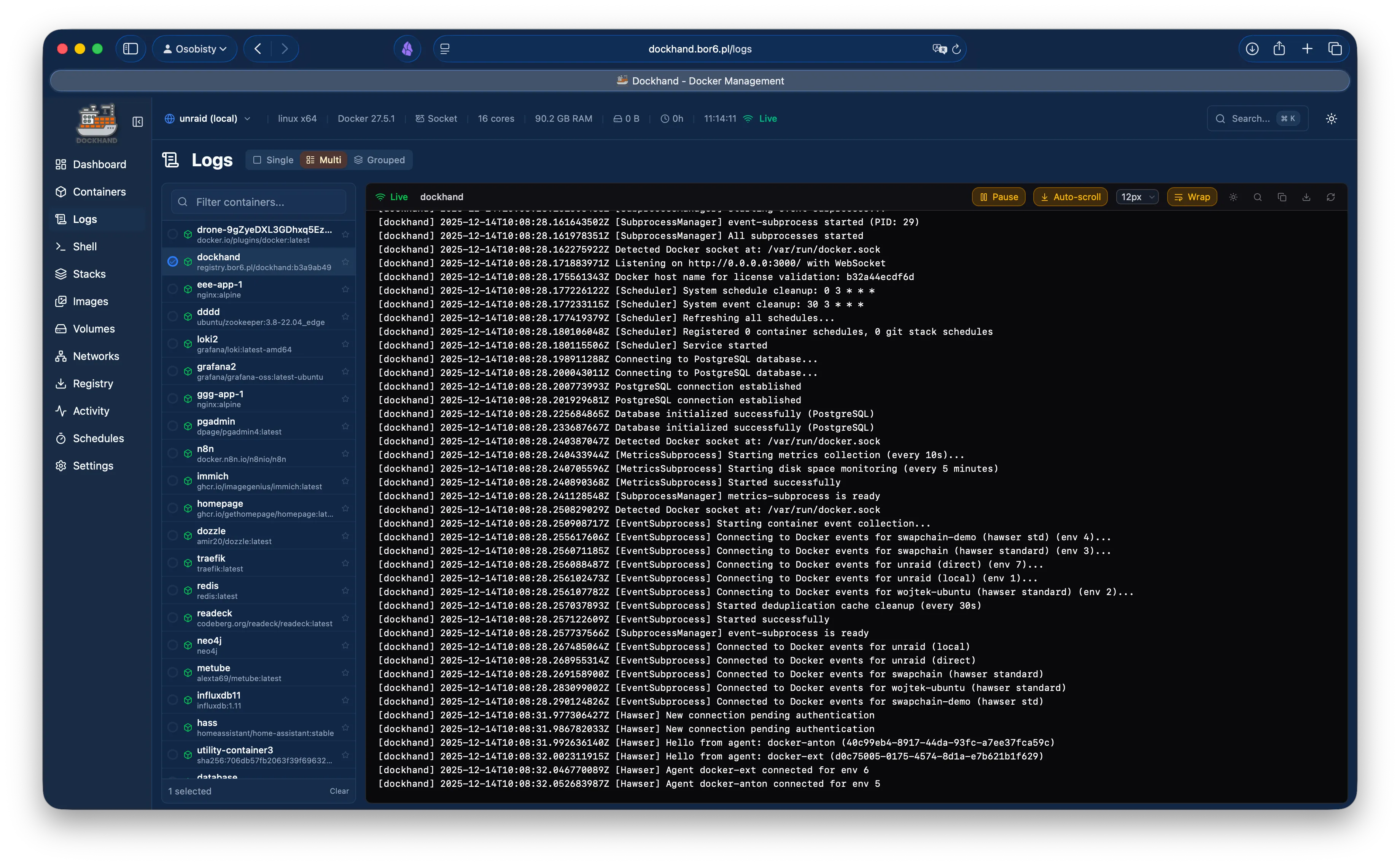
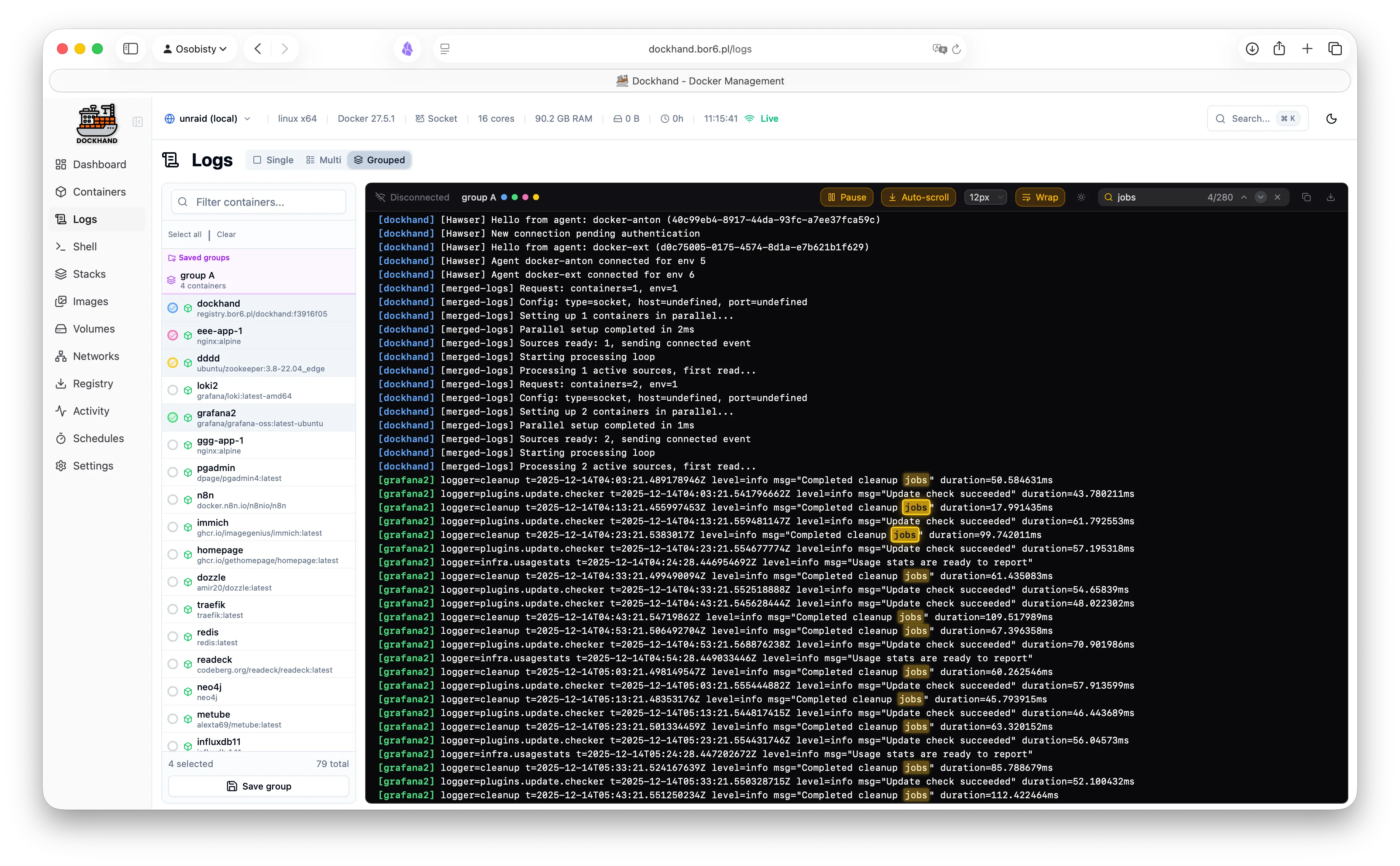
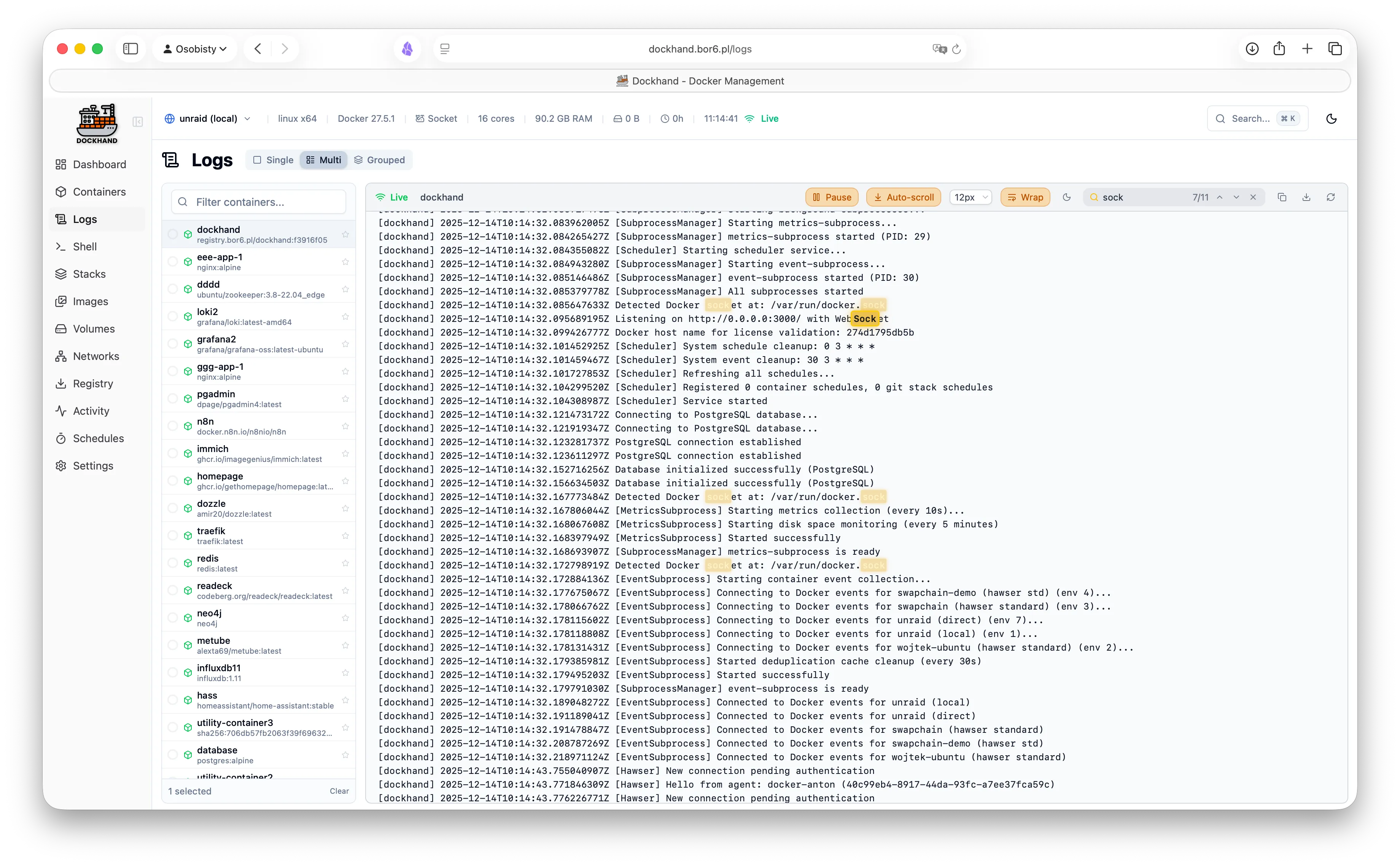
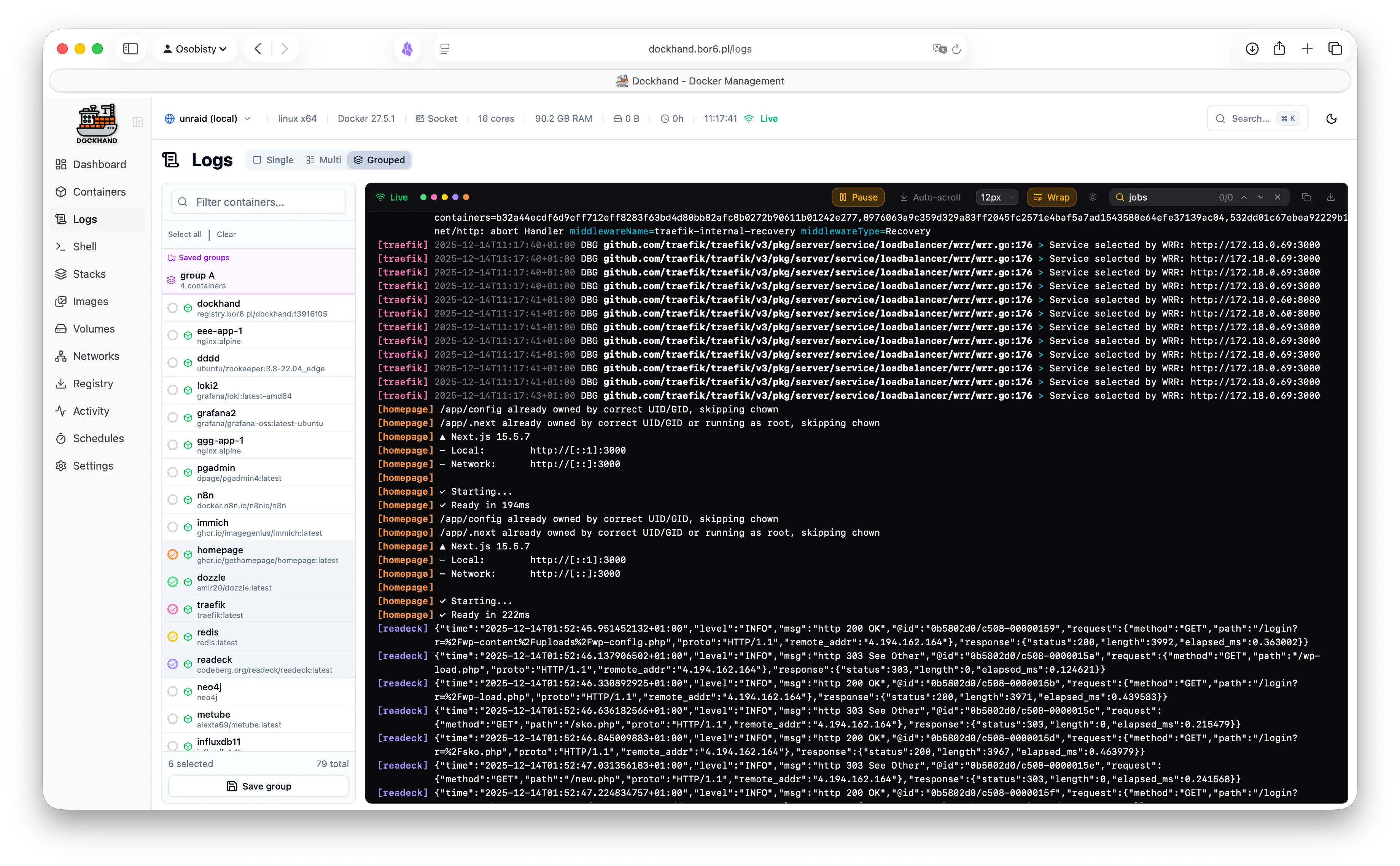
- Real-time log streaming with ANSI colors, time-range and tail filters
- Container activity log
- Disk usage monitoring
- Prometheus /metrics endpoint - point Grafana at it and go wild
- Environment state report as PDF or CSV, on a schedule.
The one email auditors are happy to receive.
Security
- OIDC/SSO with any provider Free
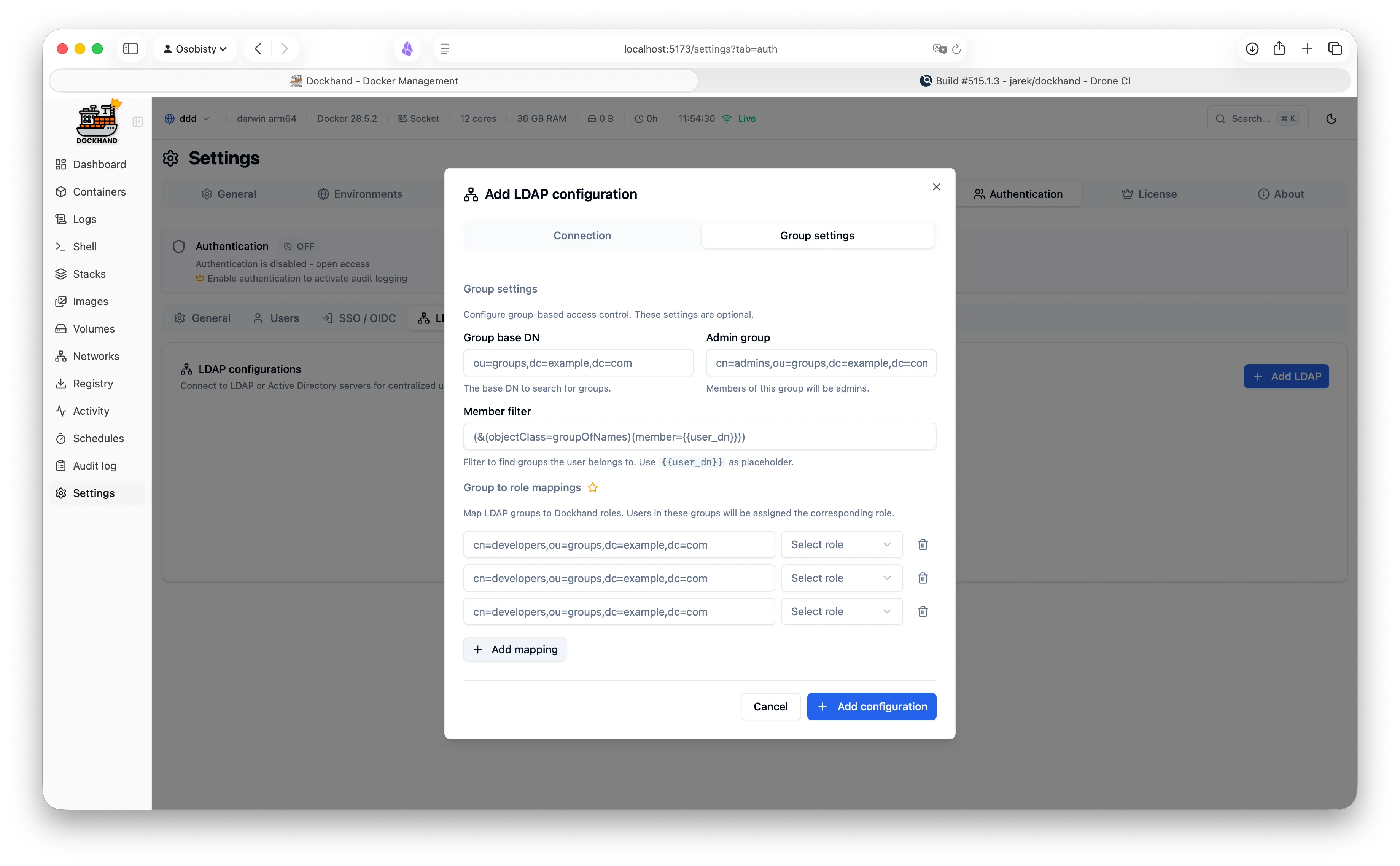
- LDAP/Active Directory integration
- Multi-factor authentication (TOTP)
- Sign in with a passkey.
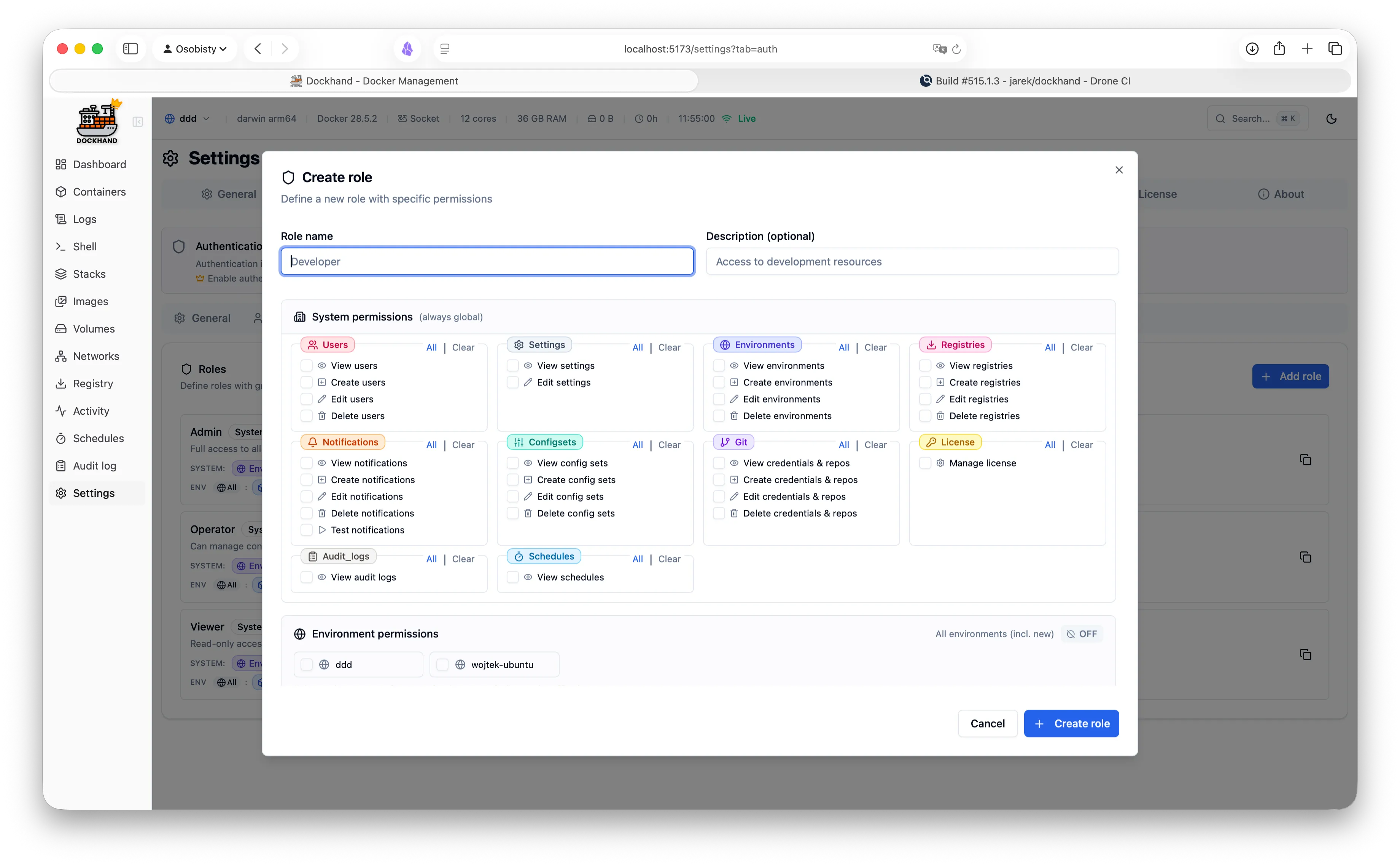
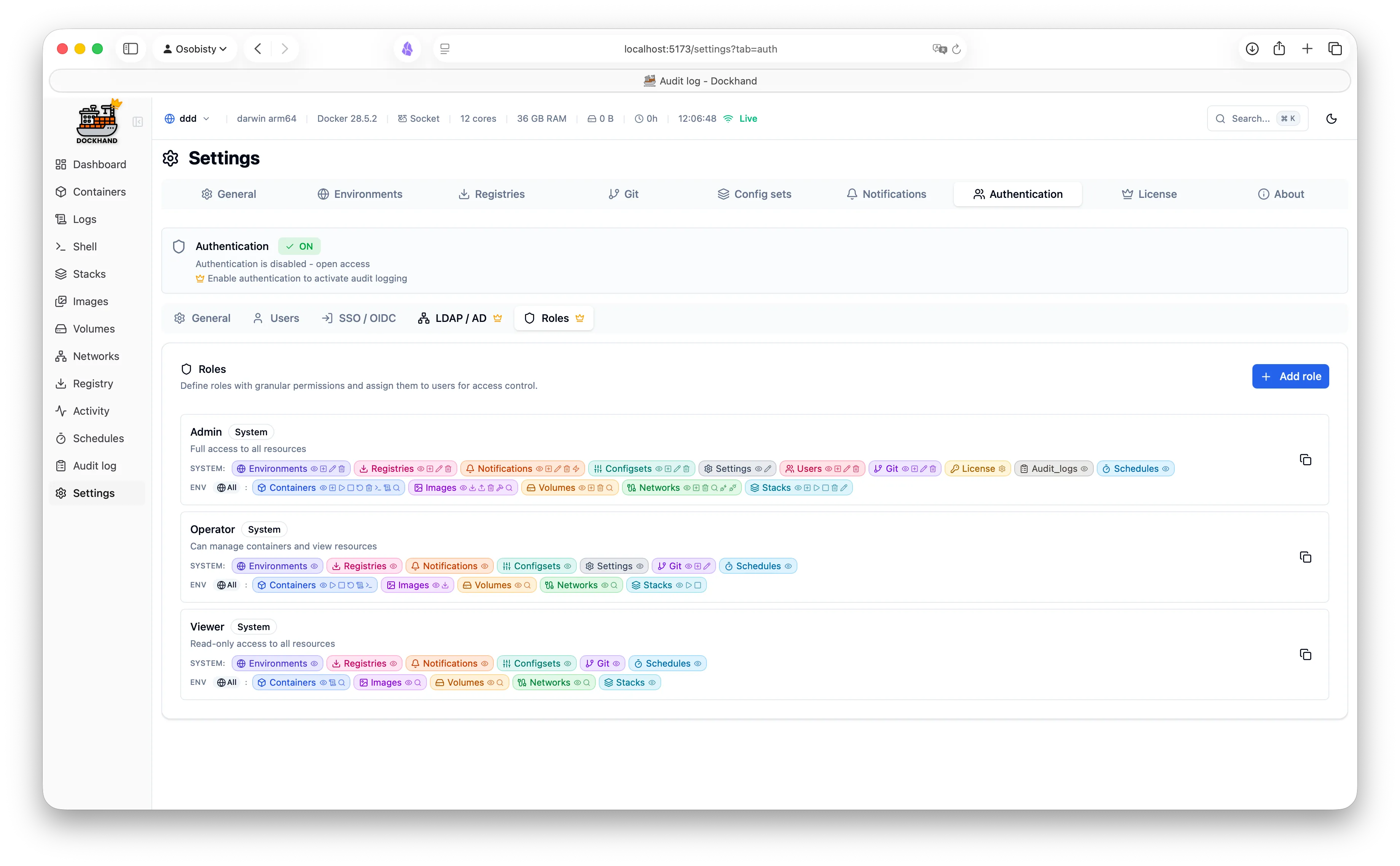
Your face, your finger, your call. Never your sticky note. - Role-based access control
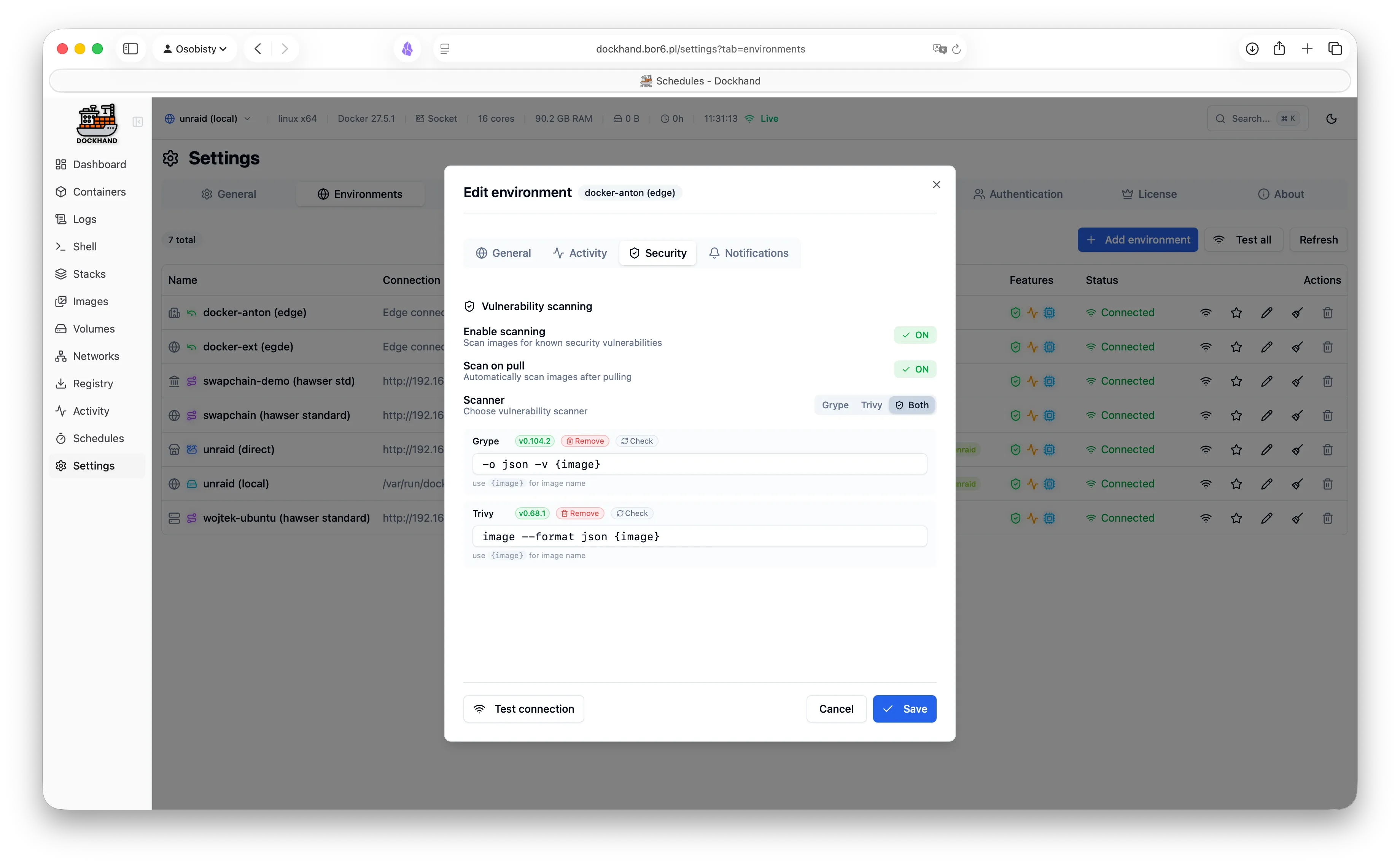
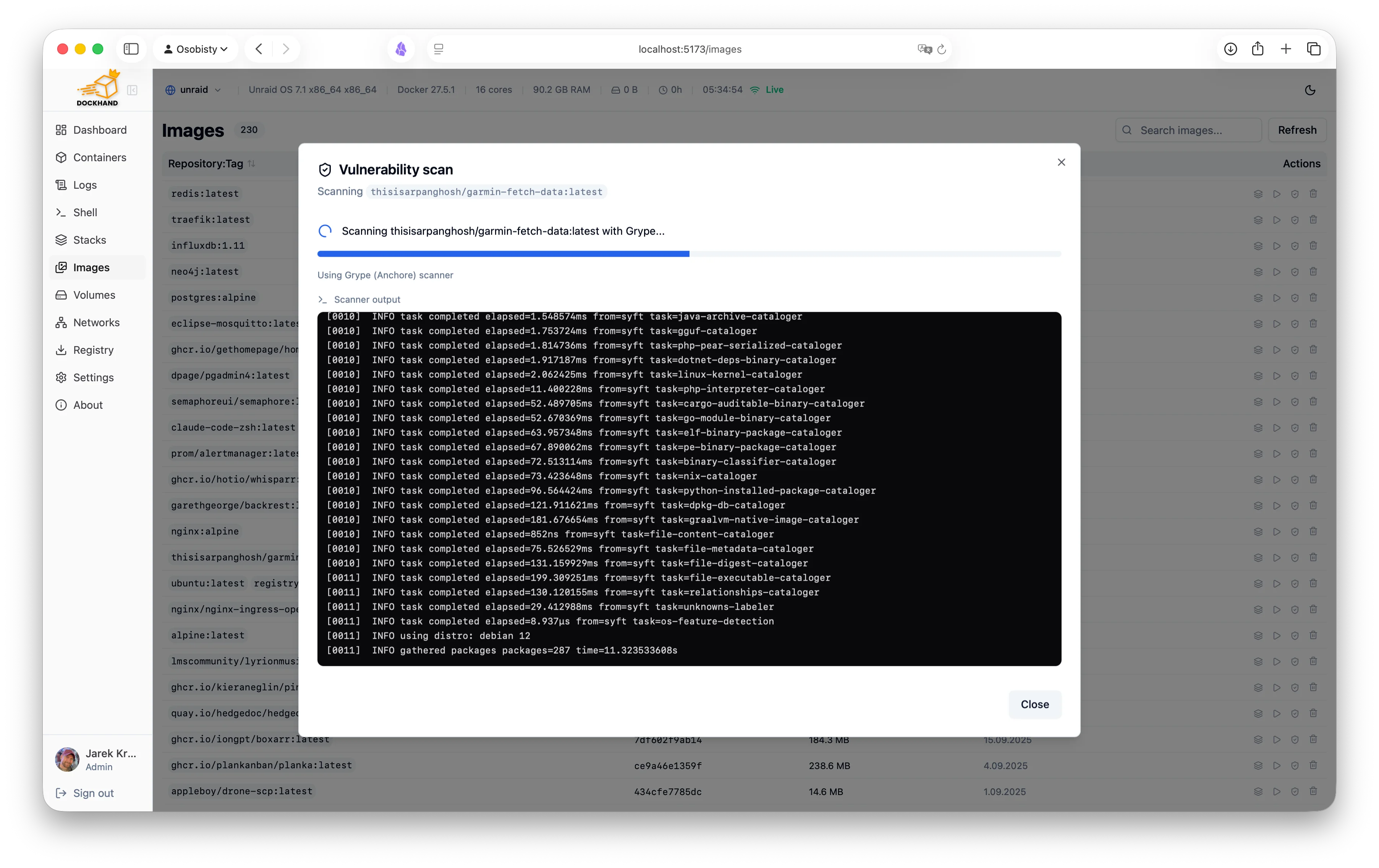
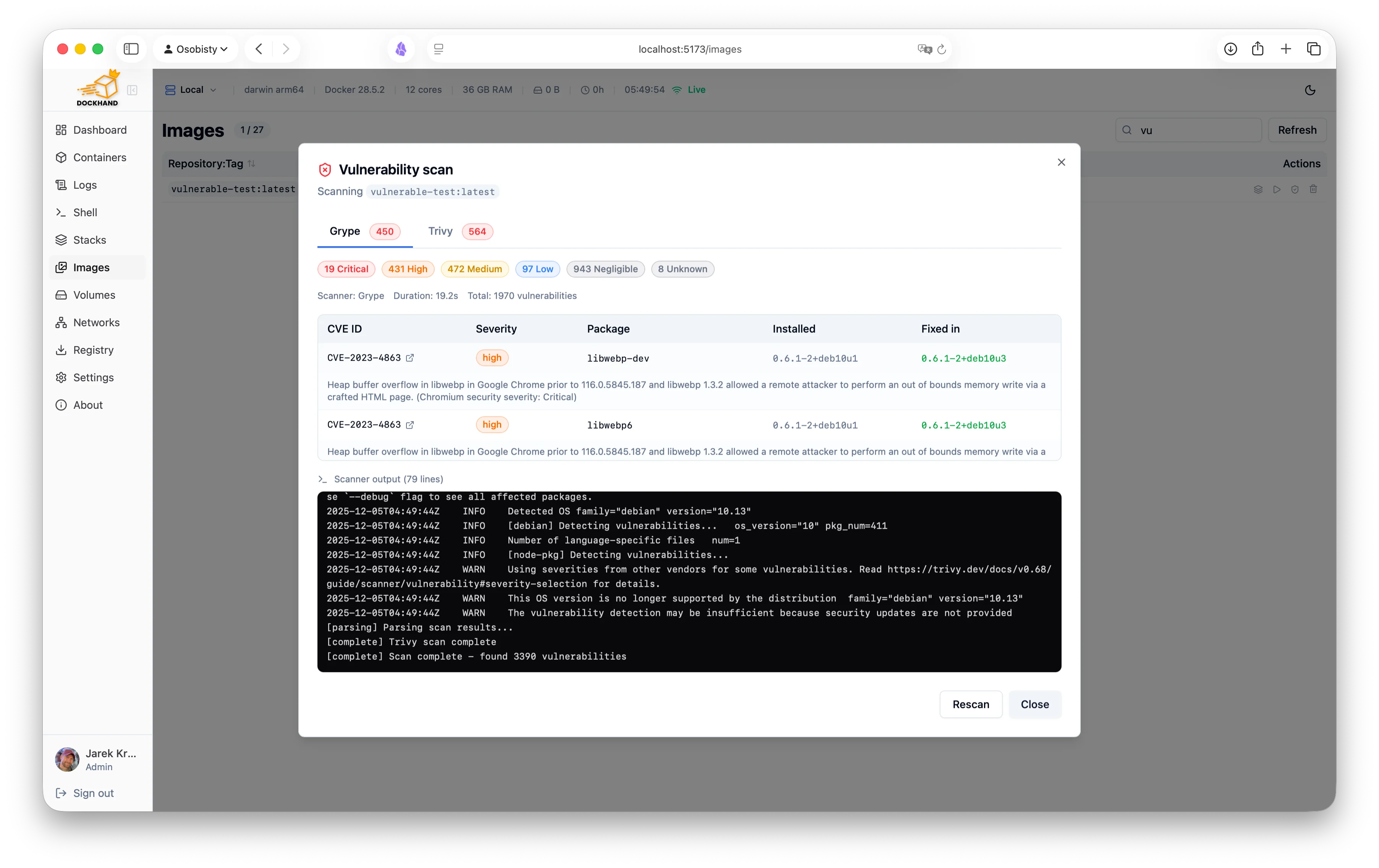
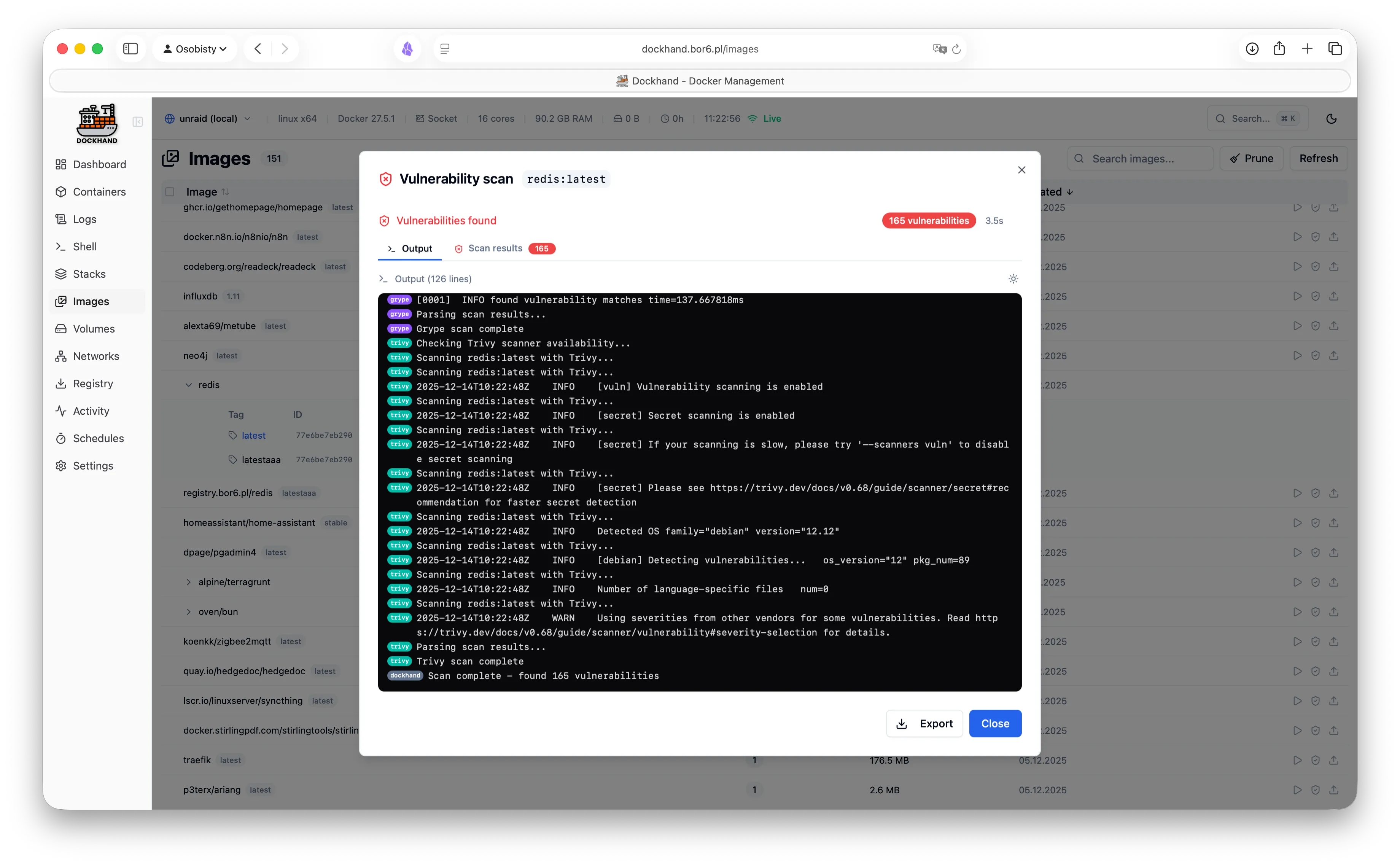
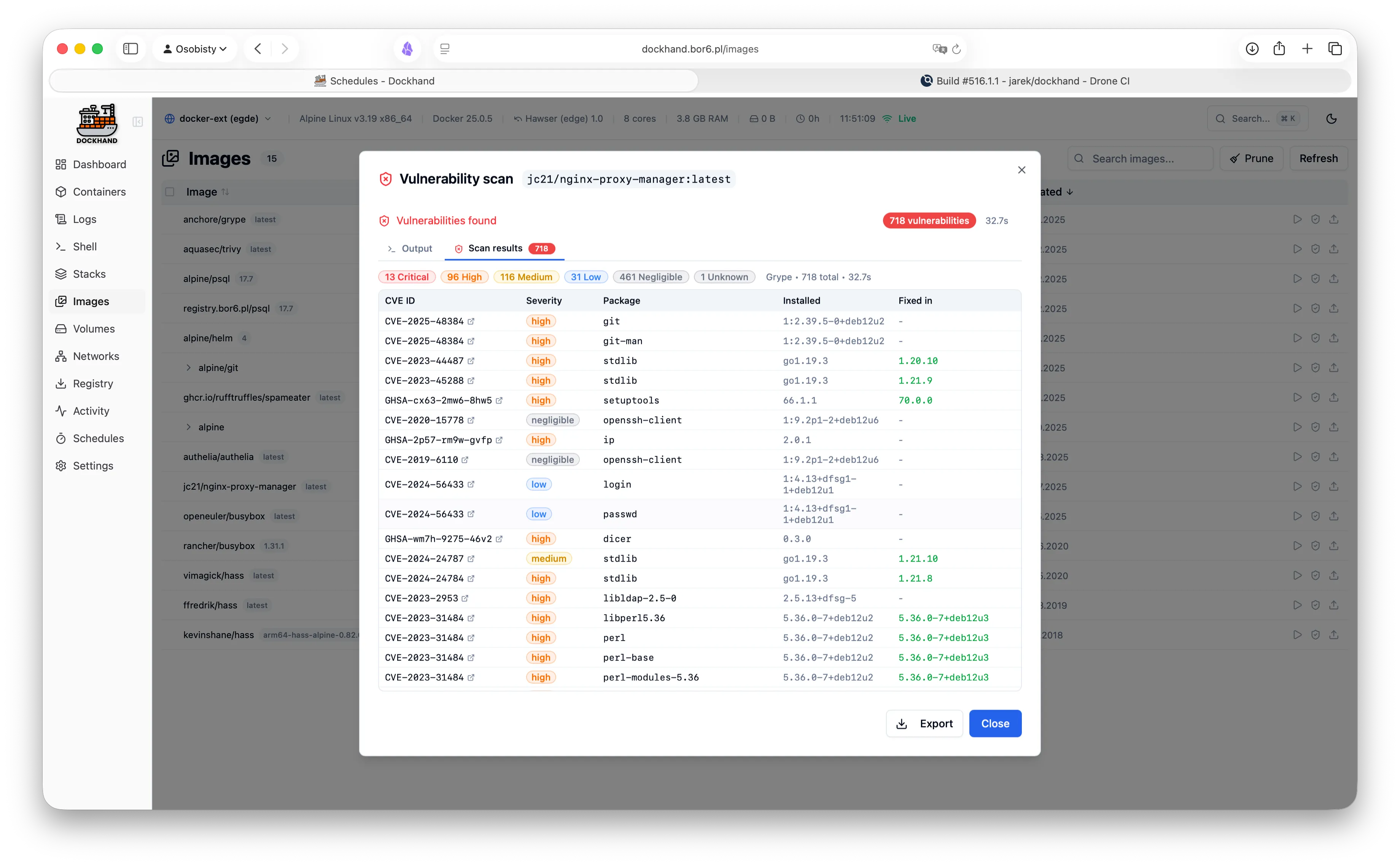
- Vulnerability scanning (Grype/Trivy) with a CVE dashboard
- Export findings as SARIF for DefectDojo, Dependency-Track, and friends
Multi-host
- Local Docker socket
- Remote TCP connections with TLS
- Hawser agent for NAT/firewall traversal
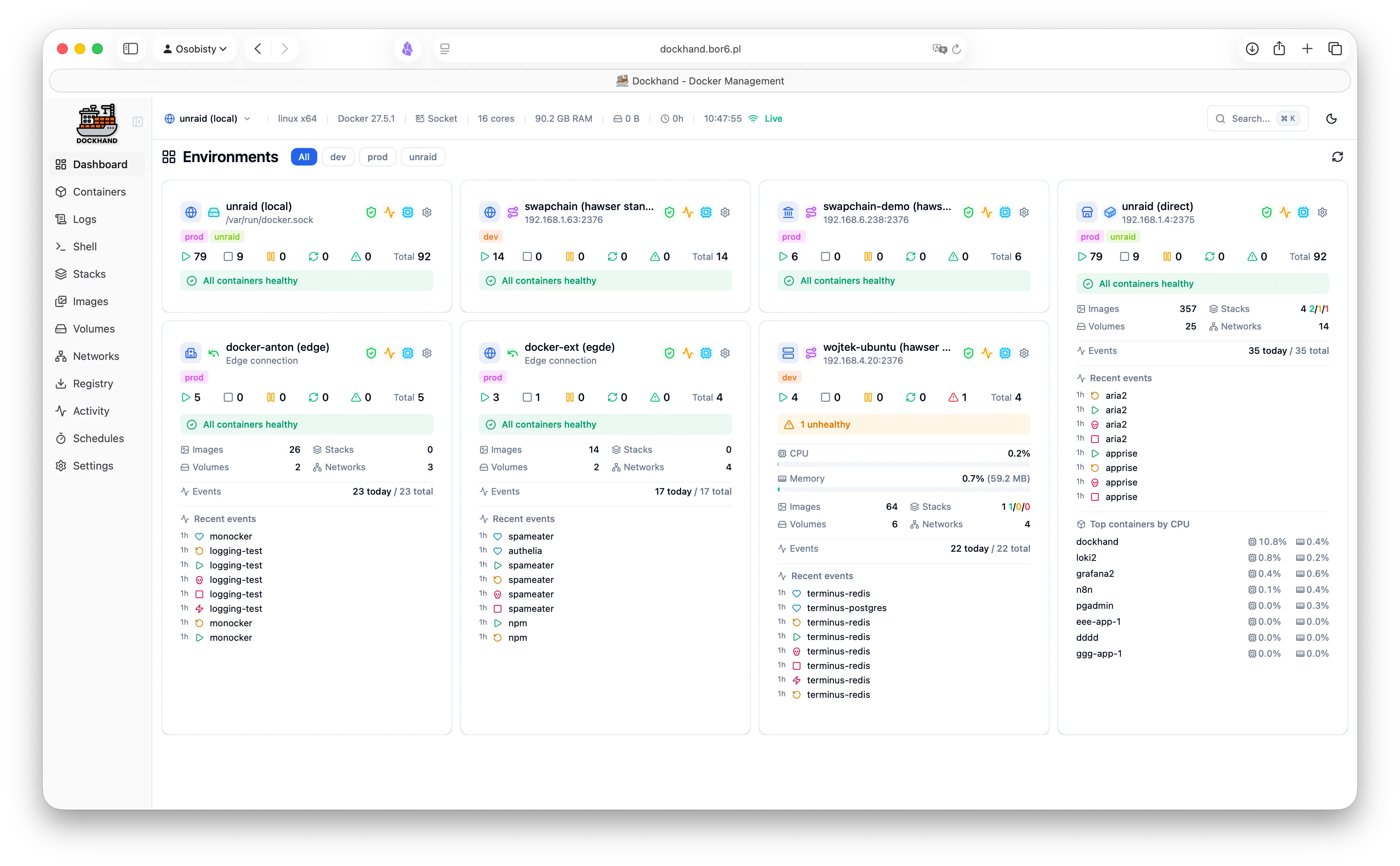
- Environment switching in one click
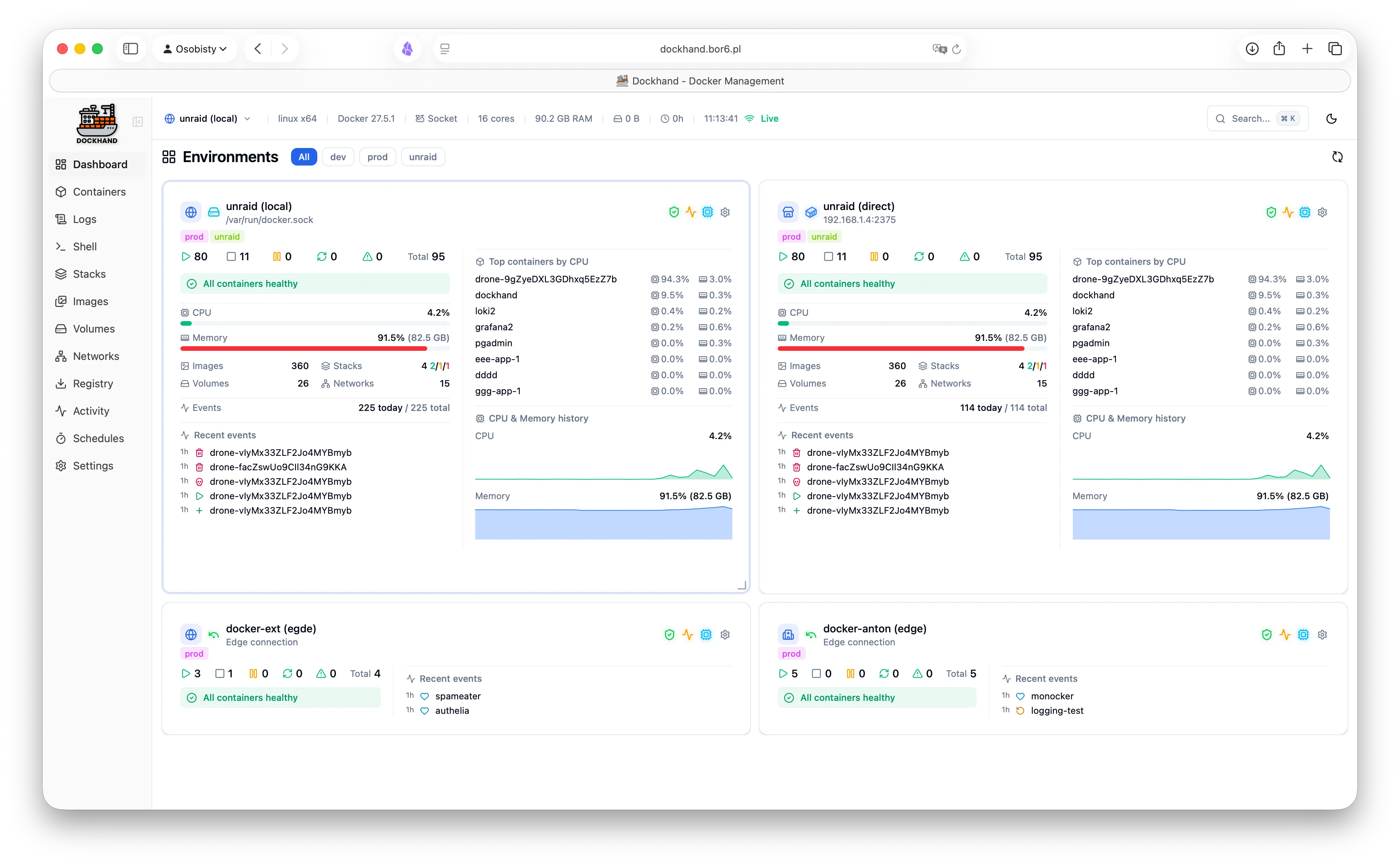
- Dashboard tiles per environment
GitOps
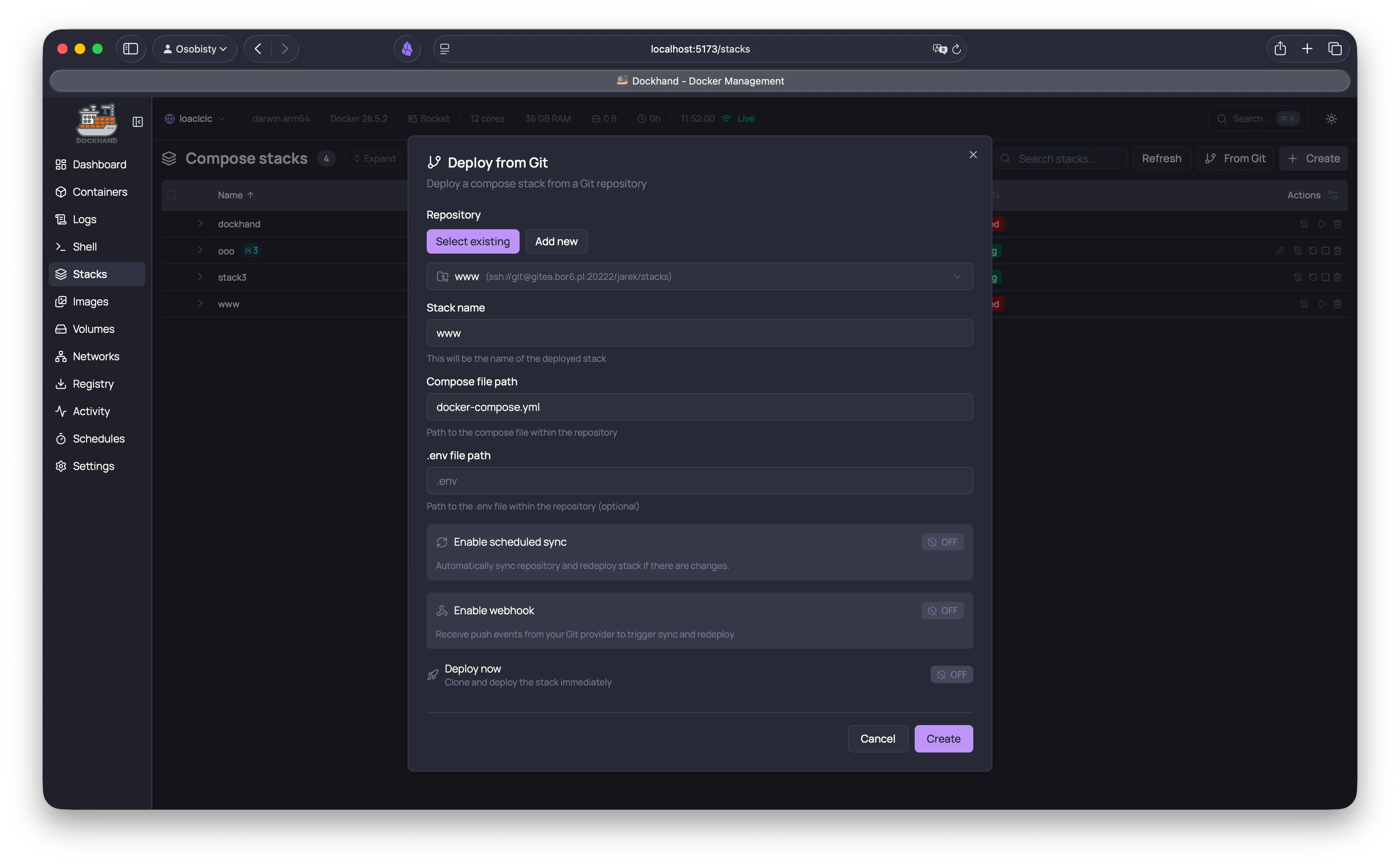
- Deploy stacks from Git repos
- SSH and HTTPS authentication
- Webhook triggers for auto-deploy
- Re-pull images & force redeploy per stack
- Scheduled sync intervals
- Multiple repository support
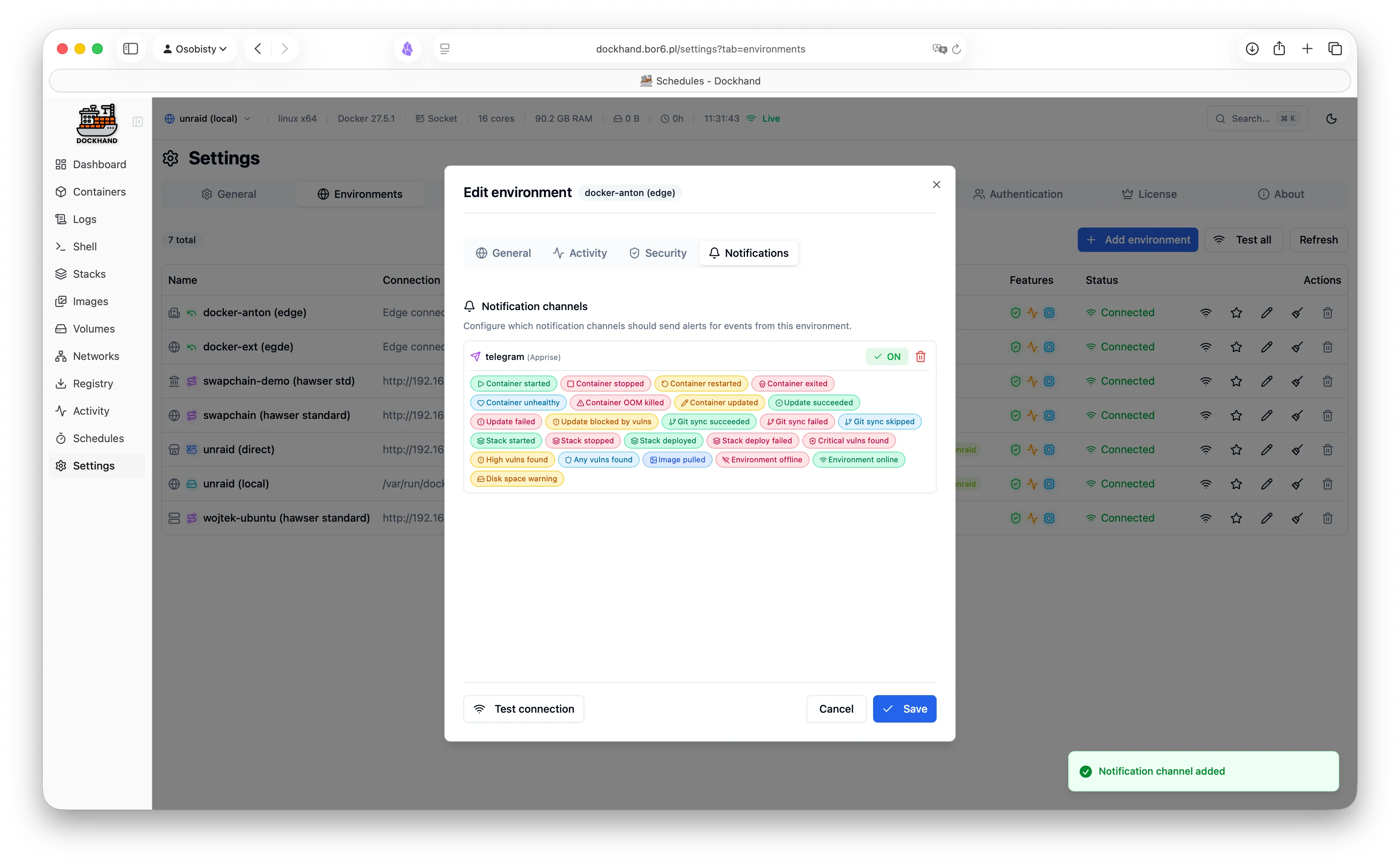
Notifications
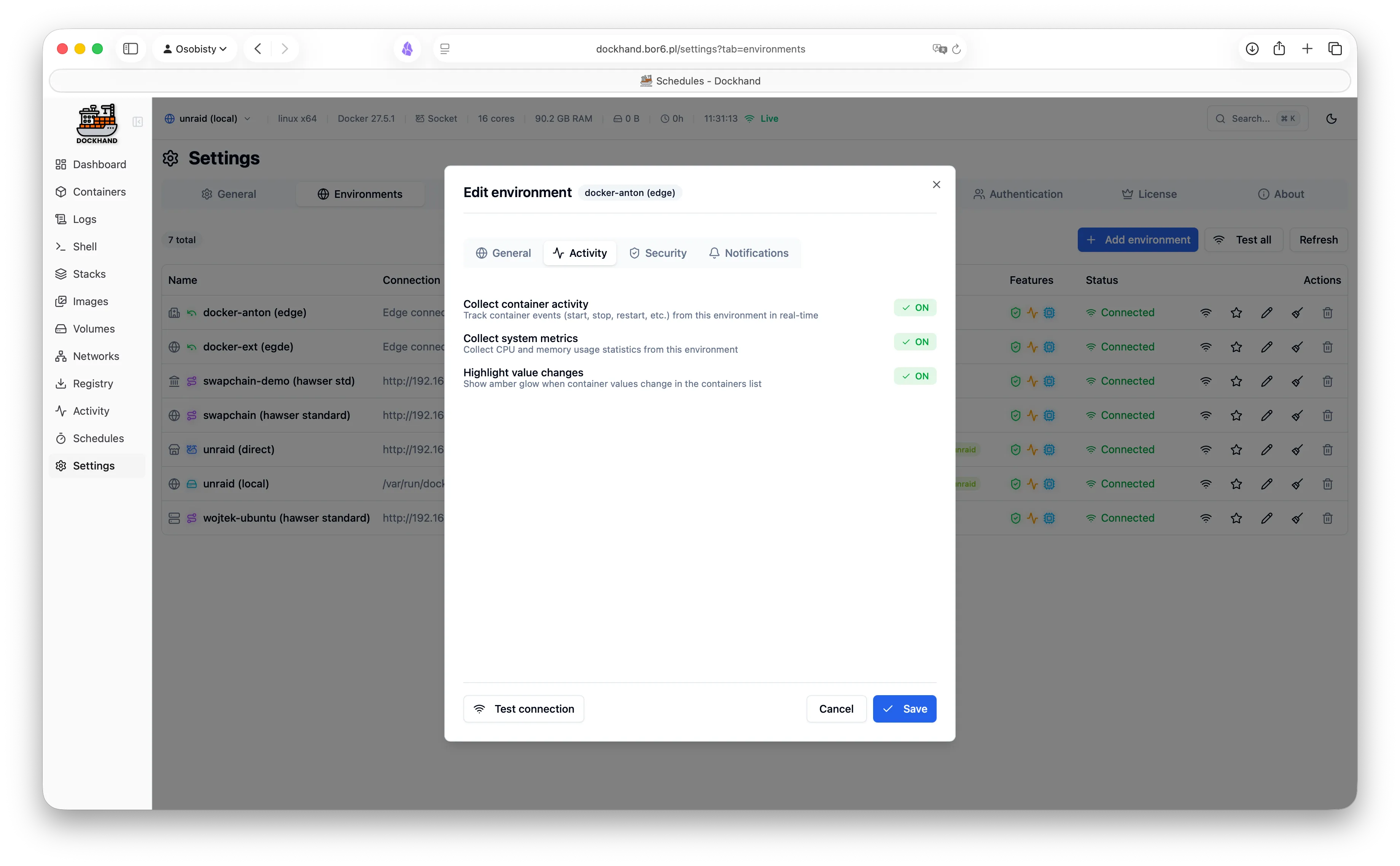
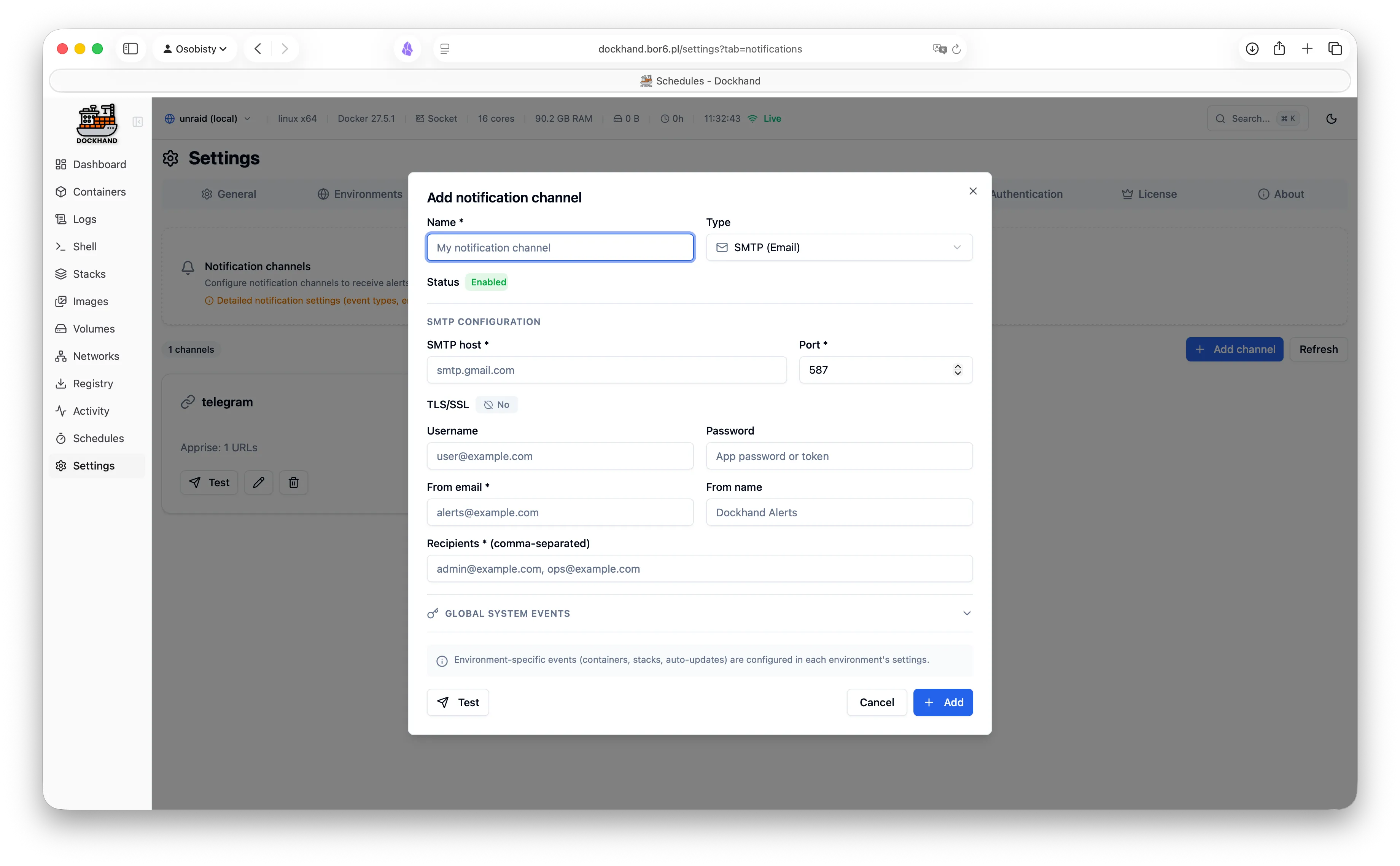
- Email (SMTP) and webhooks
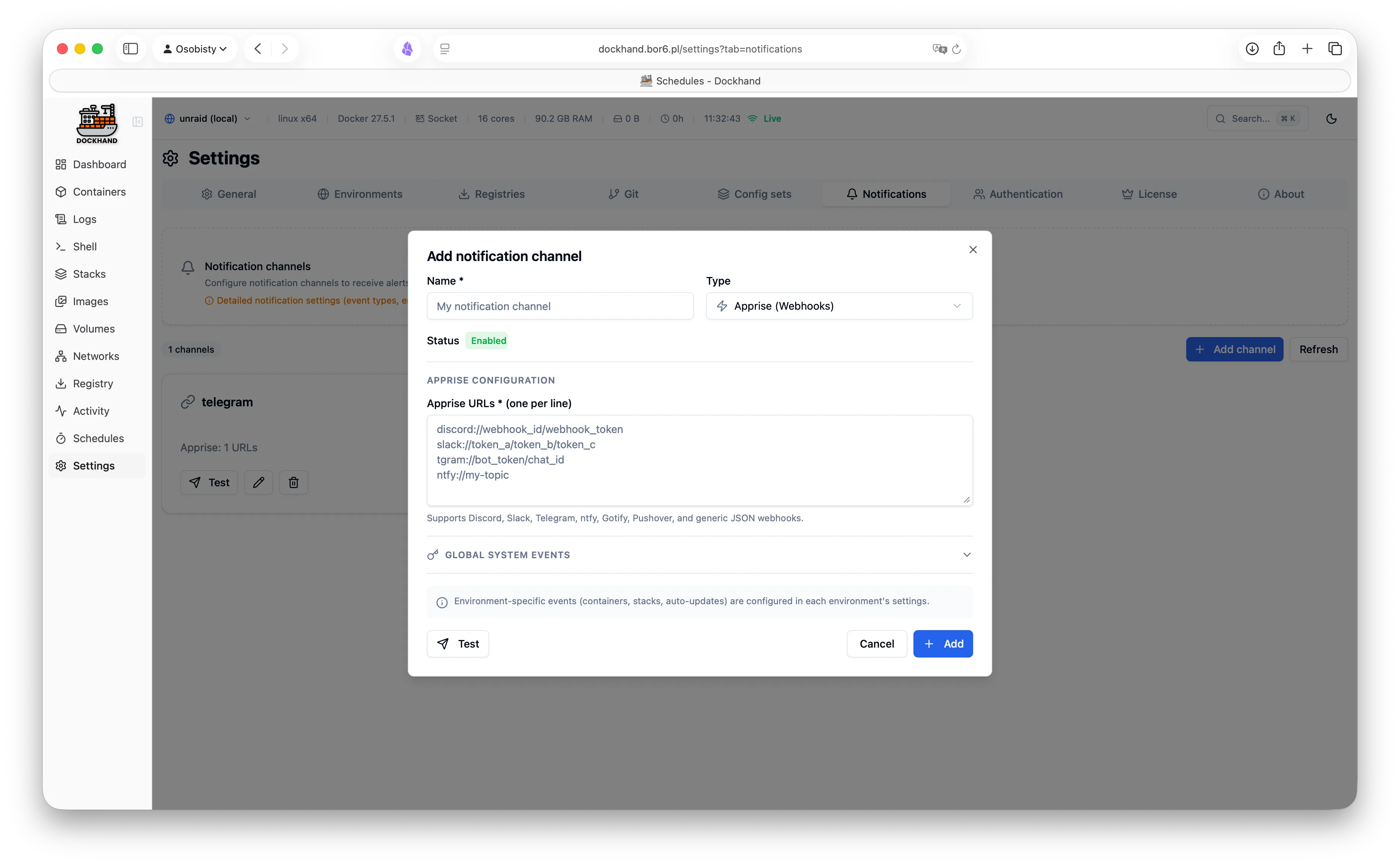
- Discord, Slack, Telegram, ntfy, Gotify, Pushover via Apprise
- Signal and Bark for iOS
- Per-environment and system-wide event rules
- Fires on updates, crashes, scans, backups, and more
- So you hear about it before your users do
Customization
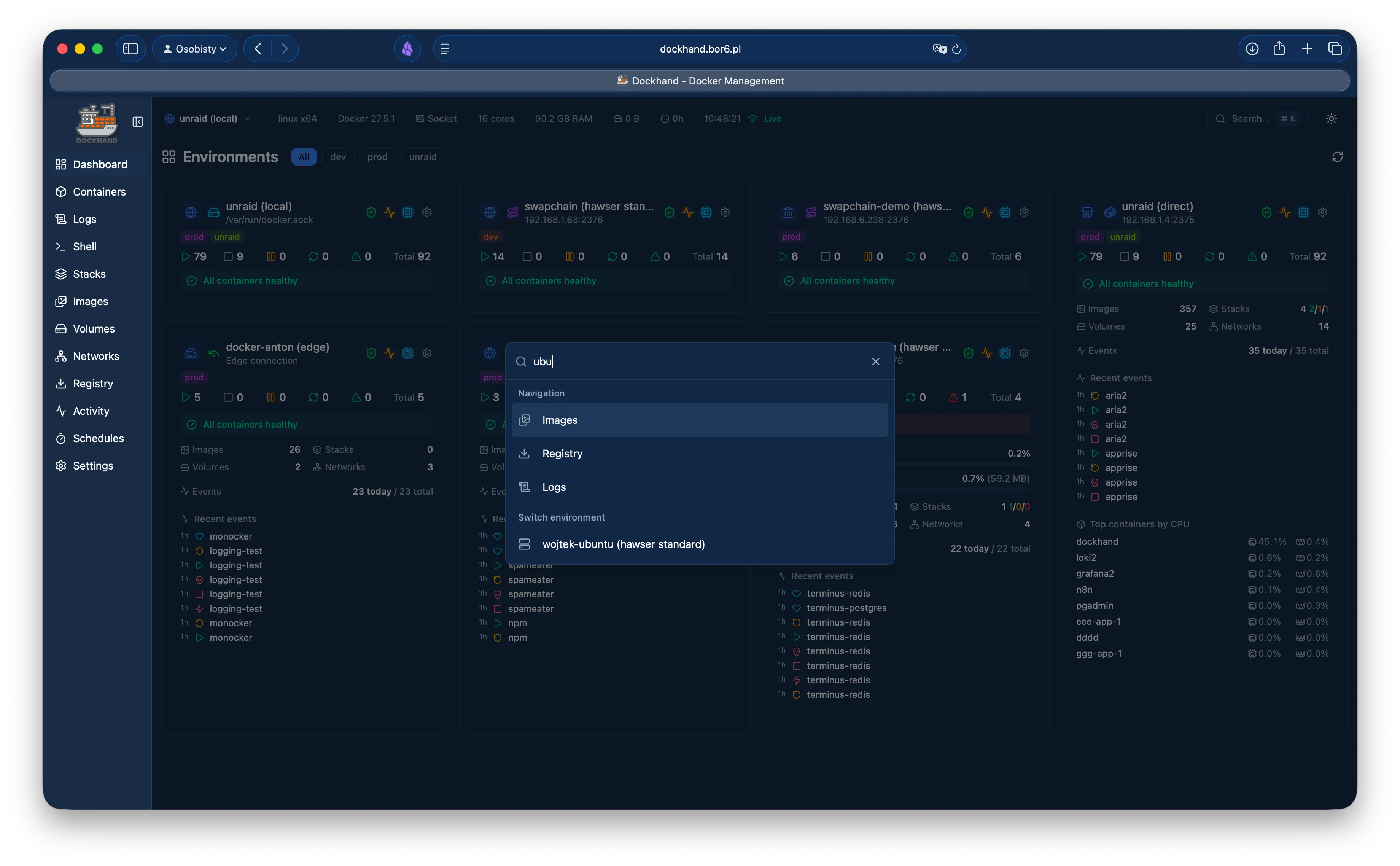
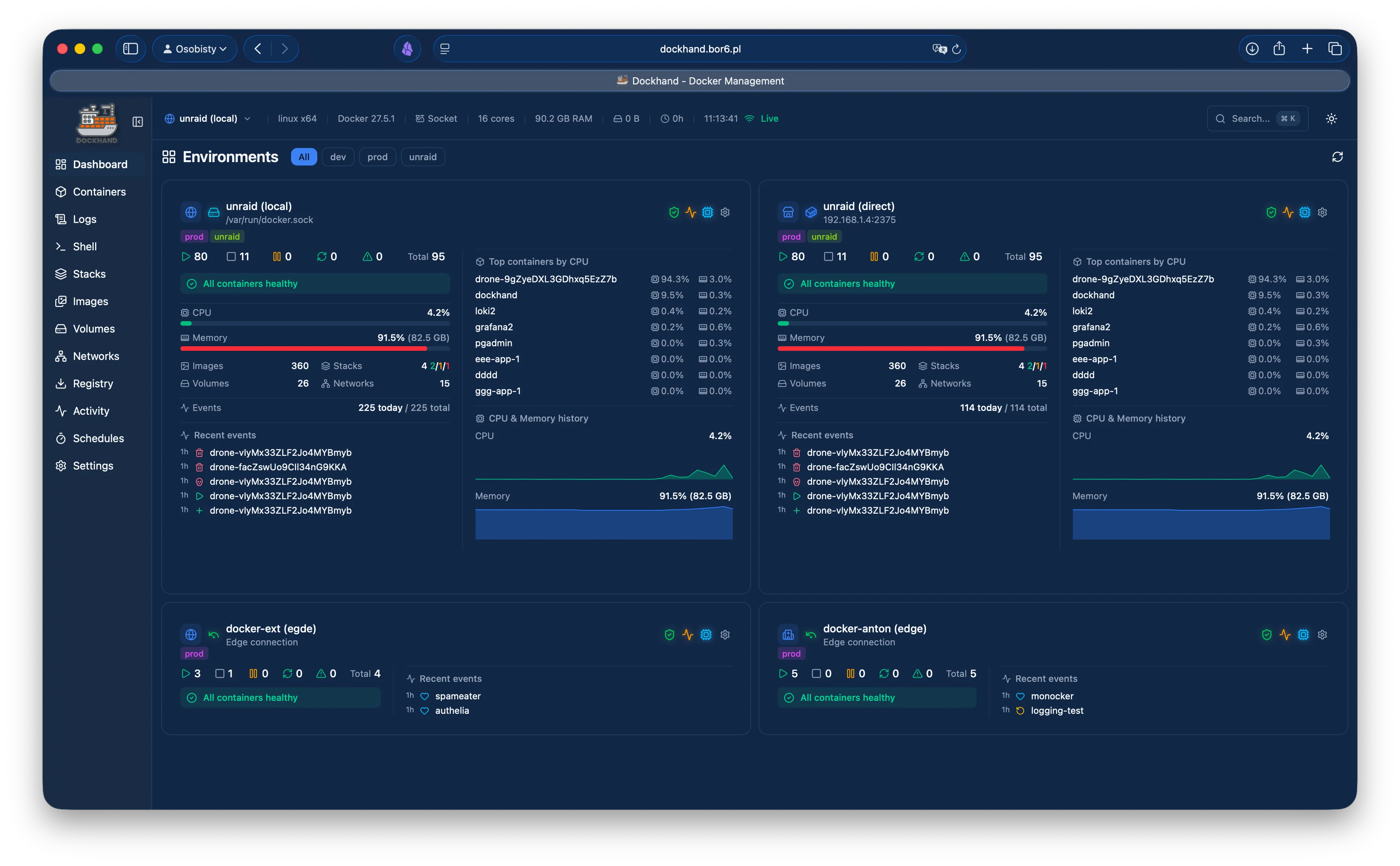
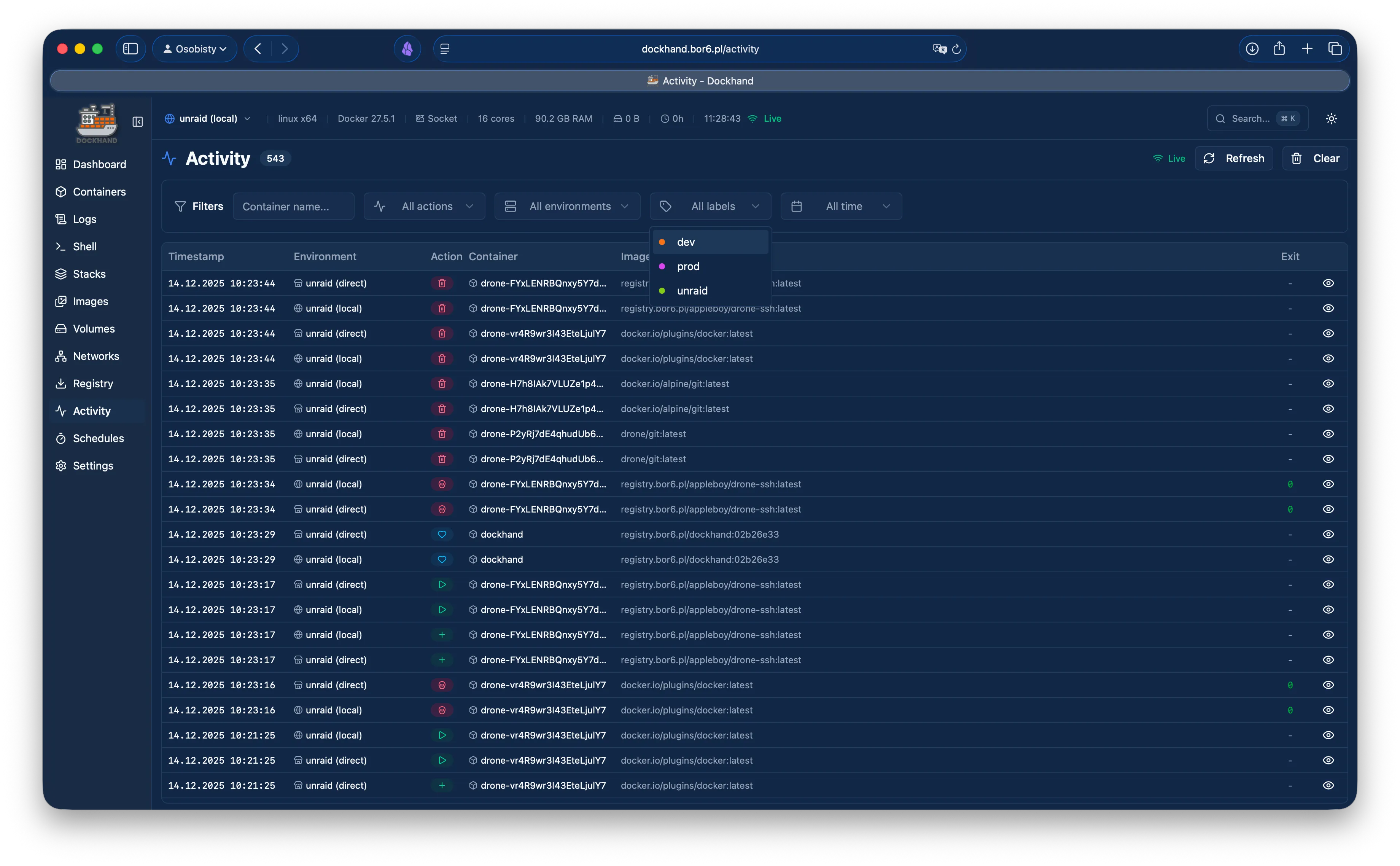
- Light and dark themes
- Configurable font sizes
- Hide, show, and reorder columns
- Resizable dashboard tiles
- Persistent per-user preferences
- Reorder and hide sidebar menu items, tags and hosts - your workflow, your order
Transparency
- Full source code on GitHub
- Licensed under BSL 1.1
- The code is naked. Deal with it.
- Each version converts to Apache 2.0 four years after its release
- Trust, but verify - you can!
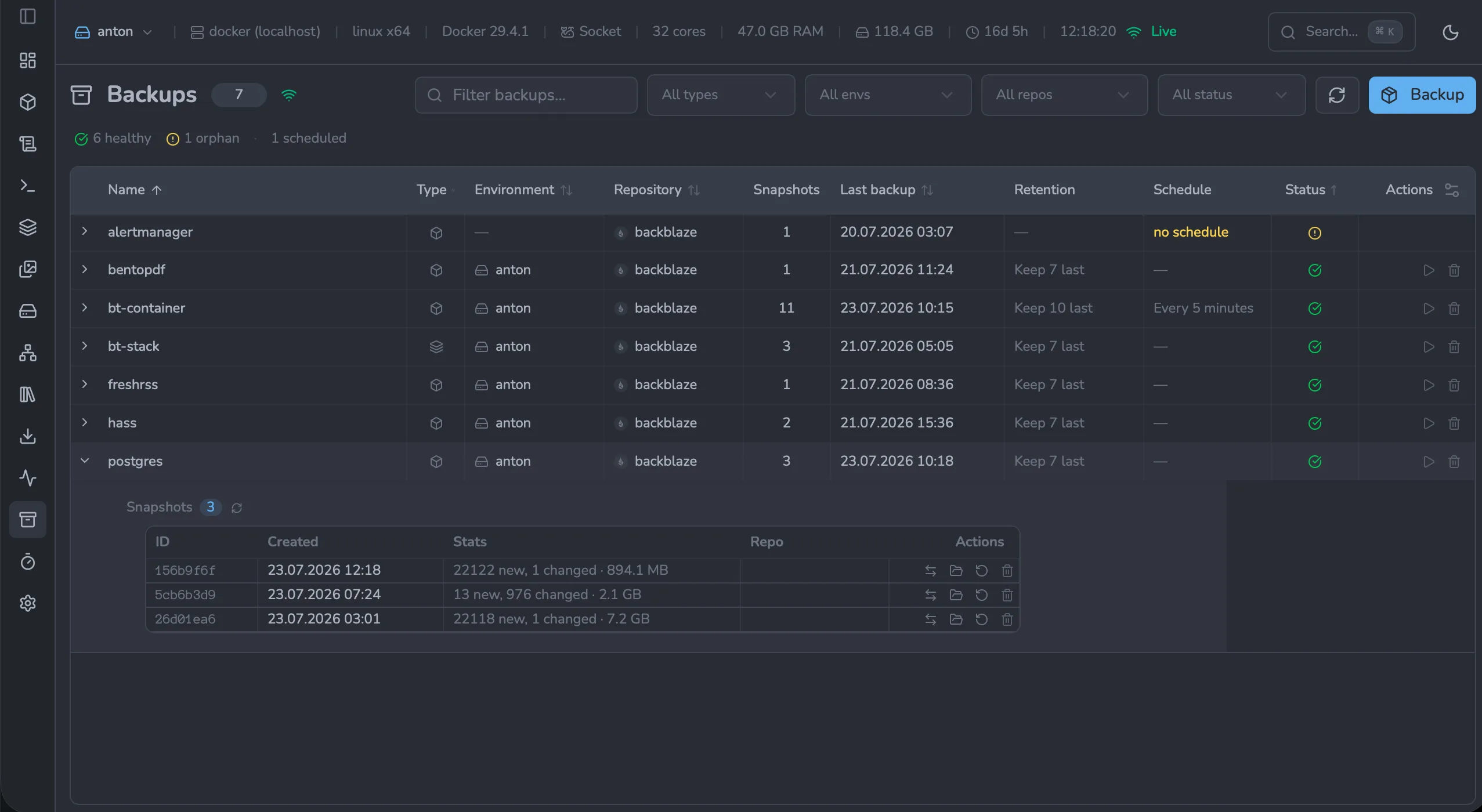
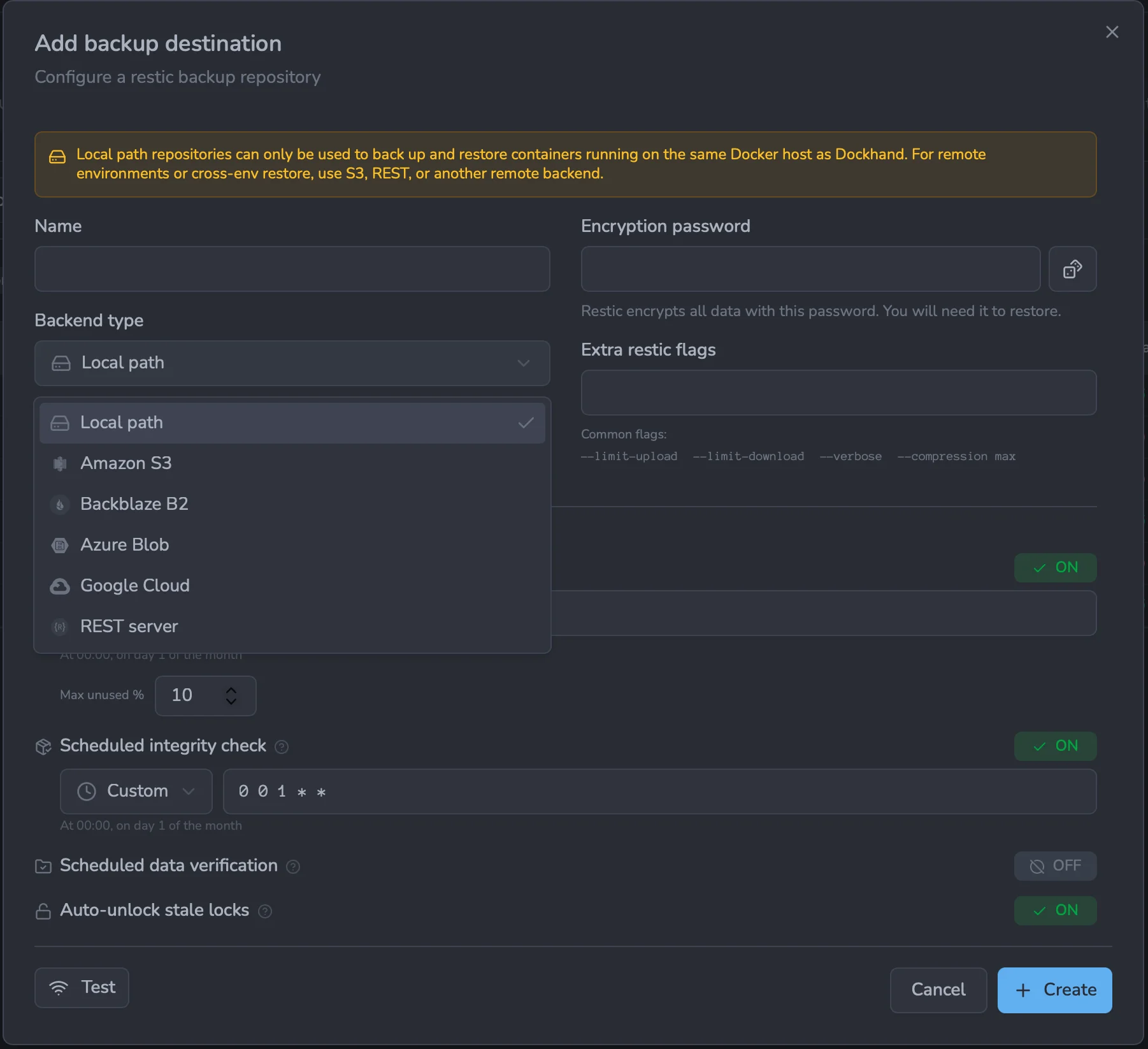
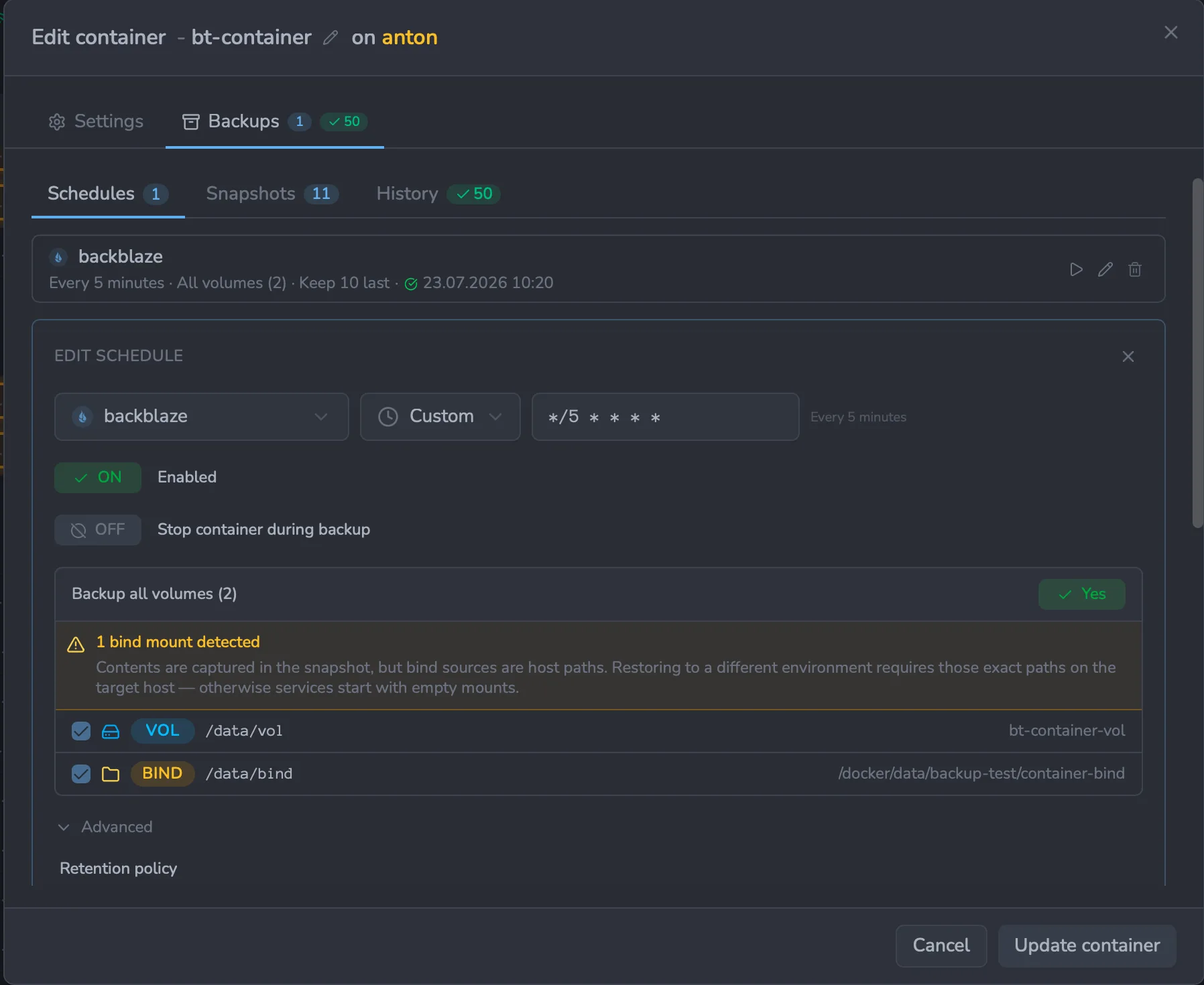
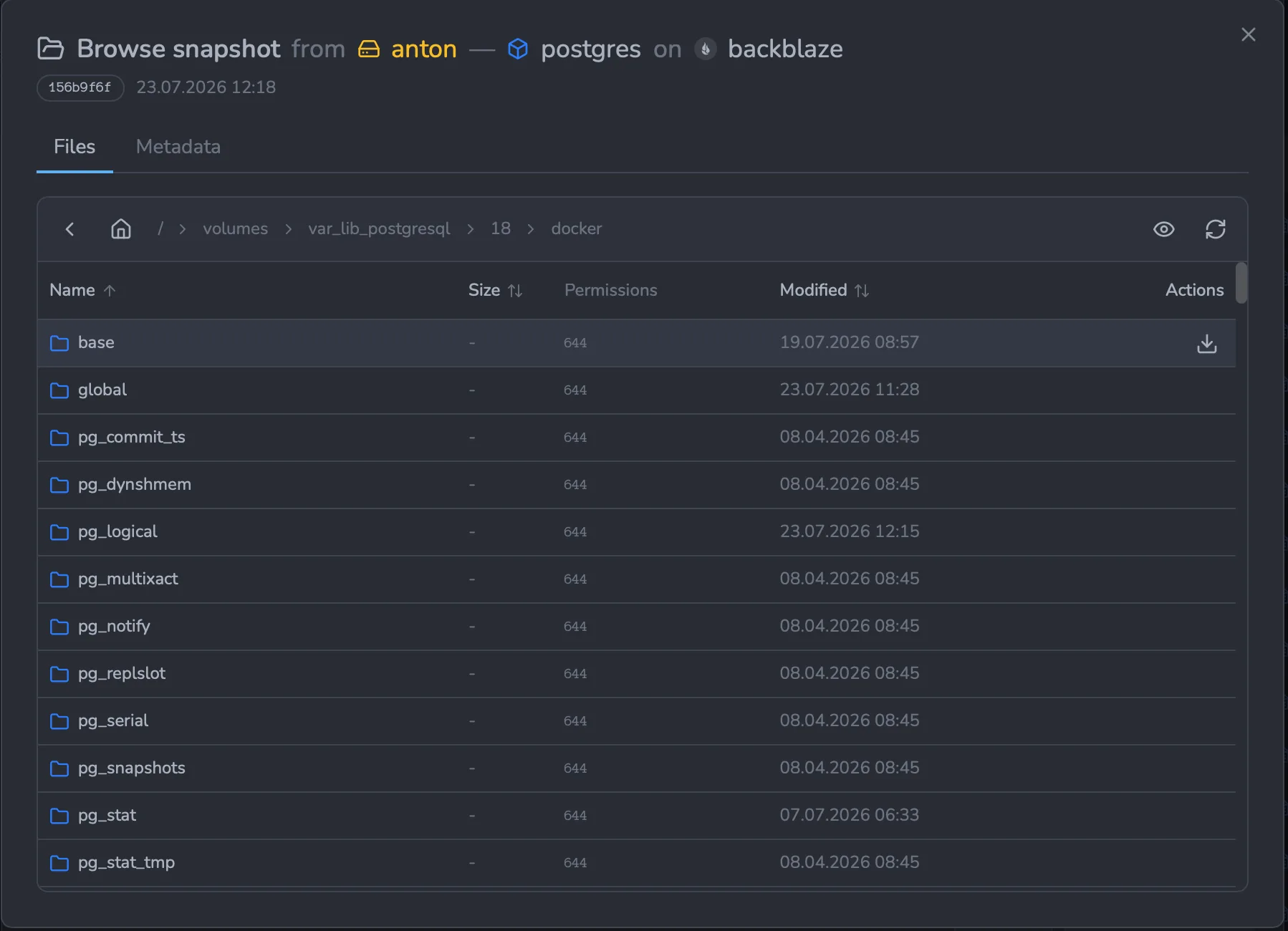
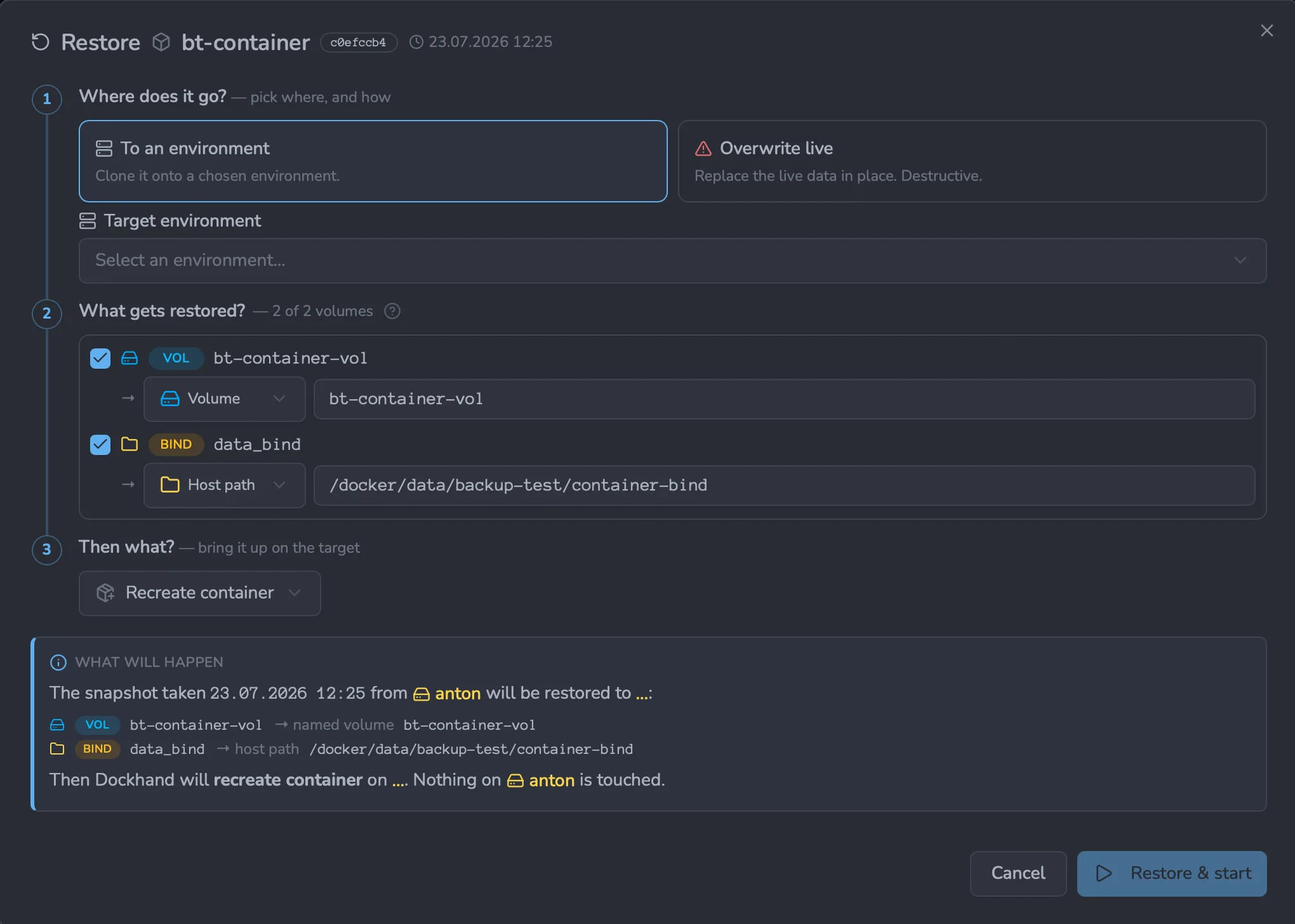
Backup & restore
Beta- Encrypted, deduplicated backups (powered by restic)
- Back up volumes, bind mounts, and stack files
- S3, Backblaze, Azure, Google Cloud, or a REST server
- Scheduled backups with retention policies
- Restore in place or to a new location - even to a different host
- Because "I'll set that up later" is how the sad stories start. Later is now.
External secrets
- Pull deploy-time secrets from 1Password, HashiCorp Vault, Infisical, Doppler, Bitwarden, Proton Pass, Azure Key Vault, KeePassXC, or Psono
- Inline references or a bulk pull of a whole vault - your call
- Secrets resolved on deploy, never written to disk, never in your compose file
- Pluggable backends - your favorite vault probably lands next
- Secrets stay in your secrets manager, not your compose or .env files.
What Git doesn't see, Git can't leak.
API & automation
- Every action is a REST call - the whole UI runs on the same public API
- Bearer API tokens (dh_...) for CI/CD, scripts, and cron - no cookie juggling
- Interactive OpenAPI docs with copy-paste code samples in your language
- Tokens inherit your role-based permissions - scoped, expiring, revocable
- Argon2id-hashed, rate-limited, never logged.
Curl it, cron it, CI it.
Speaks your language
- English, German, French (France and Canada), Polish, and Simplified Chinese
- Picks up your browser's language automatically, English if it can't
- Switch it yourself any time in Settings - your choice sticks
- The whole interface, not just the easy bits - settings, errors, every dialog
- More languages are on the way
Free vs SMB vs Enterprise
Authentication is free. RBAC is enterprise. No calculator required.
| Feature | Free | SMB | Enterprise |
|---|---|---|---|
| Unlimited environments | ✓ | ✓ | ✓ |
| Container & stack management | ✓ | ✓ | ✓ |
| Git repository integration | ✓ | ✓ | ✓ |
| Vulnerability scanning and reporting | ✓ | ✓ | ✓ |
| Backup & restore Beta | ✓ | ✓ | ✓ |
| External secrets (1Password, Vault, Infisical and more) | ✓ | ✓ | ✓ |
| Local user accounts | ✓ | ✓ | ✓ |
| OIDC/SSO | ✓ | ✓ | ✓ |
| Multi-factor authentication | ✓ | ✓ | ✓ |
| Container activity log | ✓ | ✓ | ✓ |
| Commercial usage license | — | ✓ | ✓ |
| Premium support | — | ✓ | ✓ |
| Priority bug fixes | — | ✓ | ✓ |
| Environment state report (PDF/CSV) | — | ✓ | ✓ |
| LDAP/Active Directory | — | — | ✓ |
| Role-based access control | — | — | ✓ |
| Environment-scoped permissions | — | — | ✓ |
| Audit logging (compliance) | — | — | ✓ |
| Price | $0 forever | $499/host/year | $1,499/host/year |
| Buy me a coffee |
Host = one machine running Dockhand. Volume discounts available for 5+ hosts.
Your infrastructure, your control
No cloud dependencies, no telemetry, no data leaving your network. Solid base.
Paranoid? We prefer "security-conscious."
Self-hosted only
Dockhand runs entirely on your infrastructure. No SaaS, no cloud dependency, no vendor lock-in. Your data never touches our servers.
Zero telemetry
We don't phone home. No usage tracking, no analytics, no mysterious background connections. Your Docker environment stays private.
Minimal dependencies
SQLite by default, optional PostgreSQL for HA. No Redis, no message queues. Simple deployment, minimal attack surface.
Vulnerability scanning
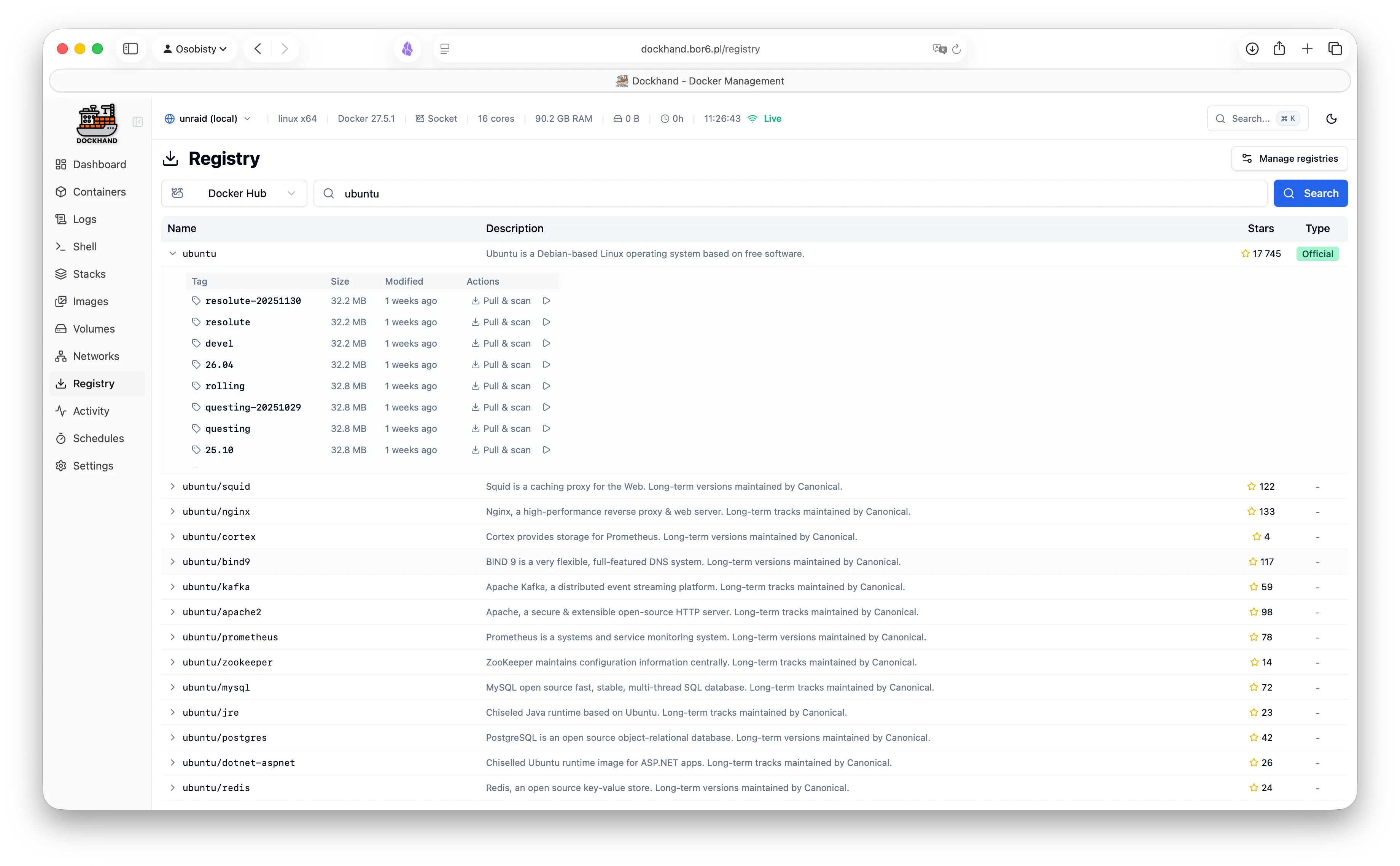
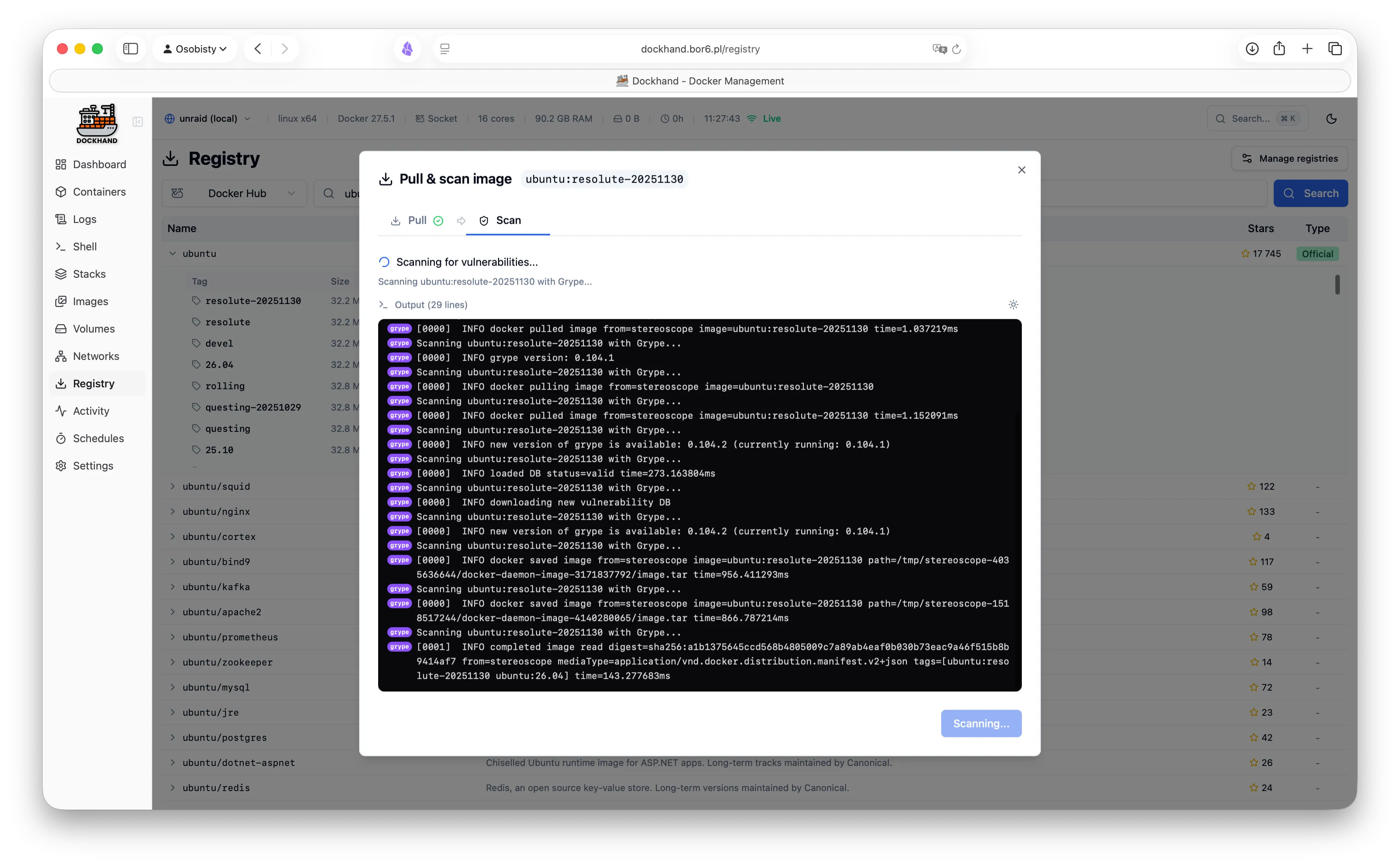
Scan your images for CVEs using Grype and Trivy. Identify security risks before deployment.
Safe-pull protection: During auto-updates, new images are pulled to a temporary tag and scanned before touching your running containers. If vulnerabilities exceed your criteria, the temp image is deleted and your container keeps running safely.
Hardened from scratch
We don't trust pre-built base images. Dockhand builds its own OS layer from scratch using Wolfi packages via apko. Every package is explicitly declared in our Dockerfile - full transparency, zero mystery meat.
While others ship Alpine with 10+ CVEs, we obsess over our own image security. Because a Docker management tool with vulnerabilities is like a locksmith with a broken door. We scan ourselves too.
Hawser: Manage Docker hosts anywhere
Our open-source Go agent lets you manage Docker hosts behind NAT, firewalls, or dynamic IPs. The agent initiates outbound connections to Dockhand - no exposed ports, no inbound firewall rules needed.
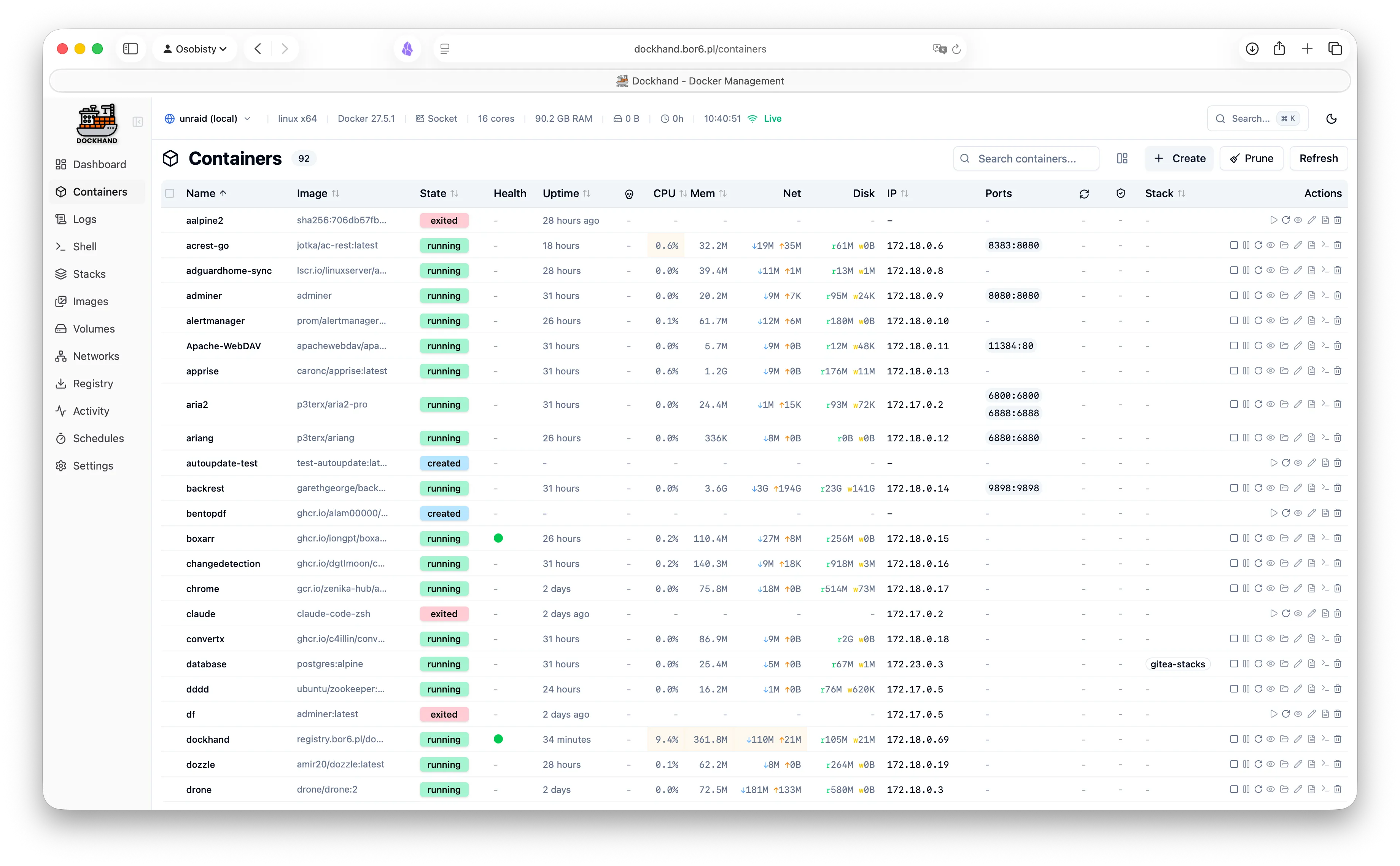
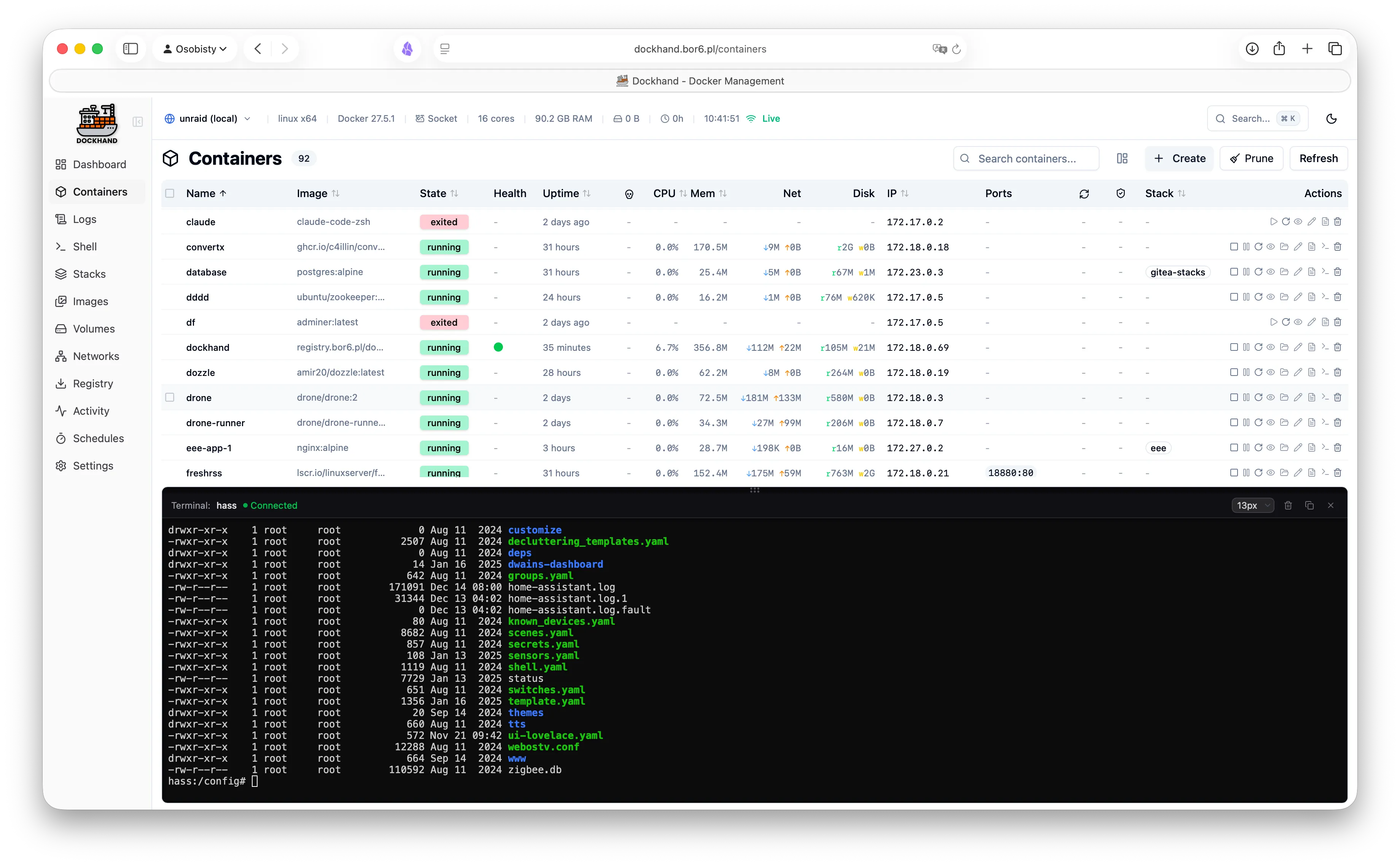
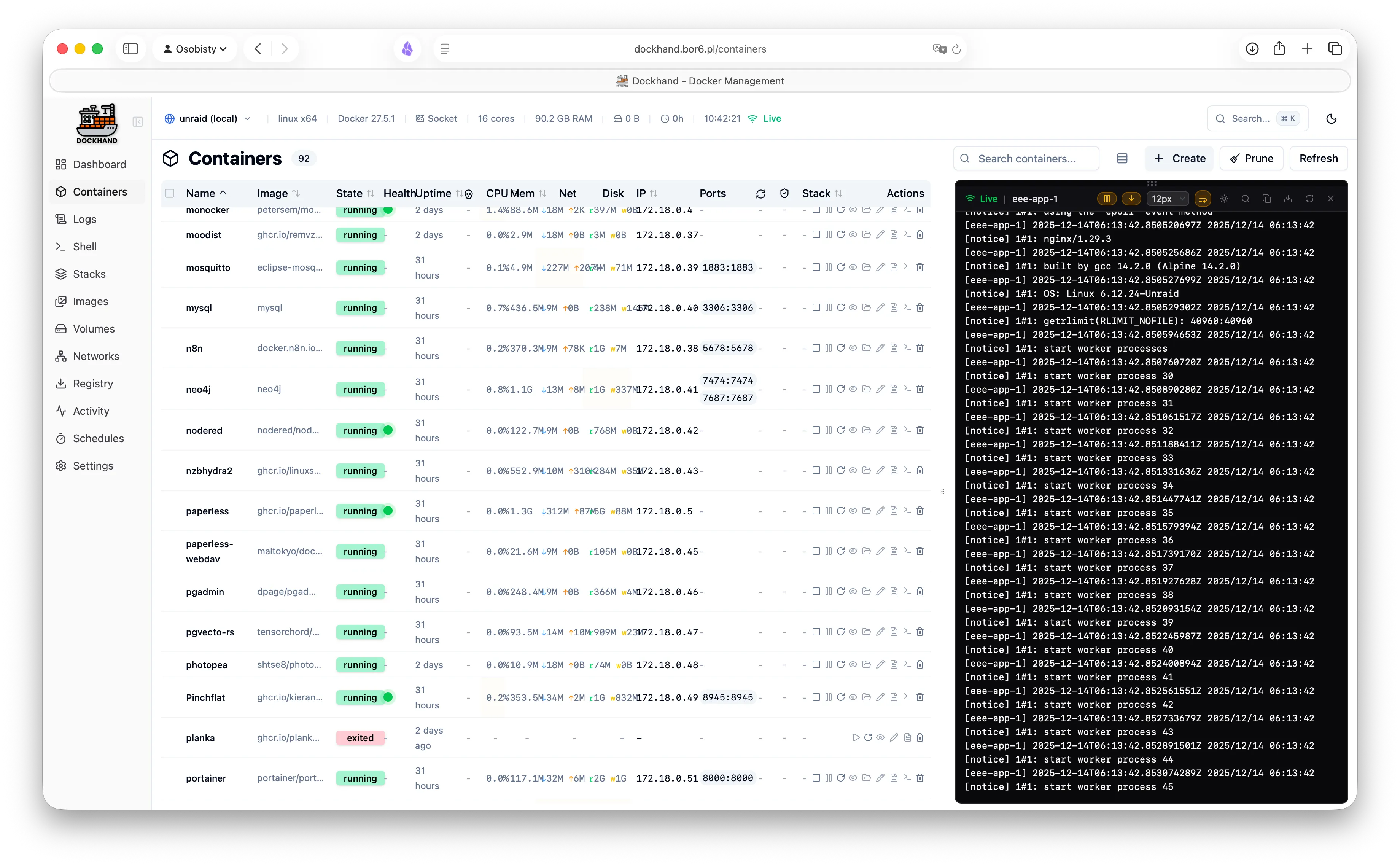
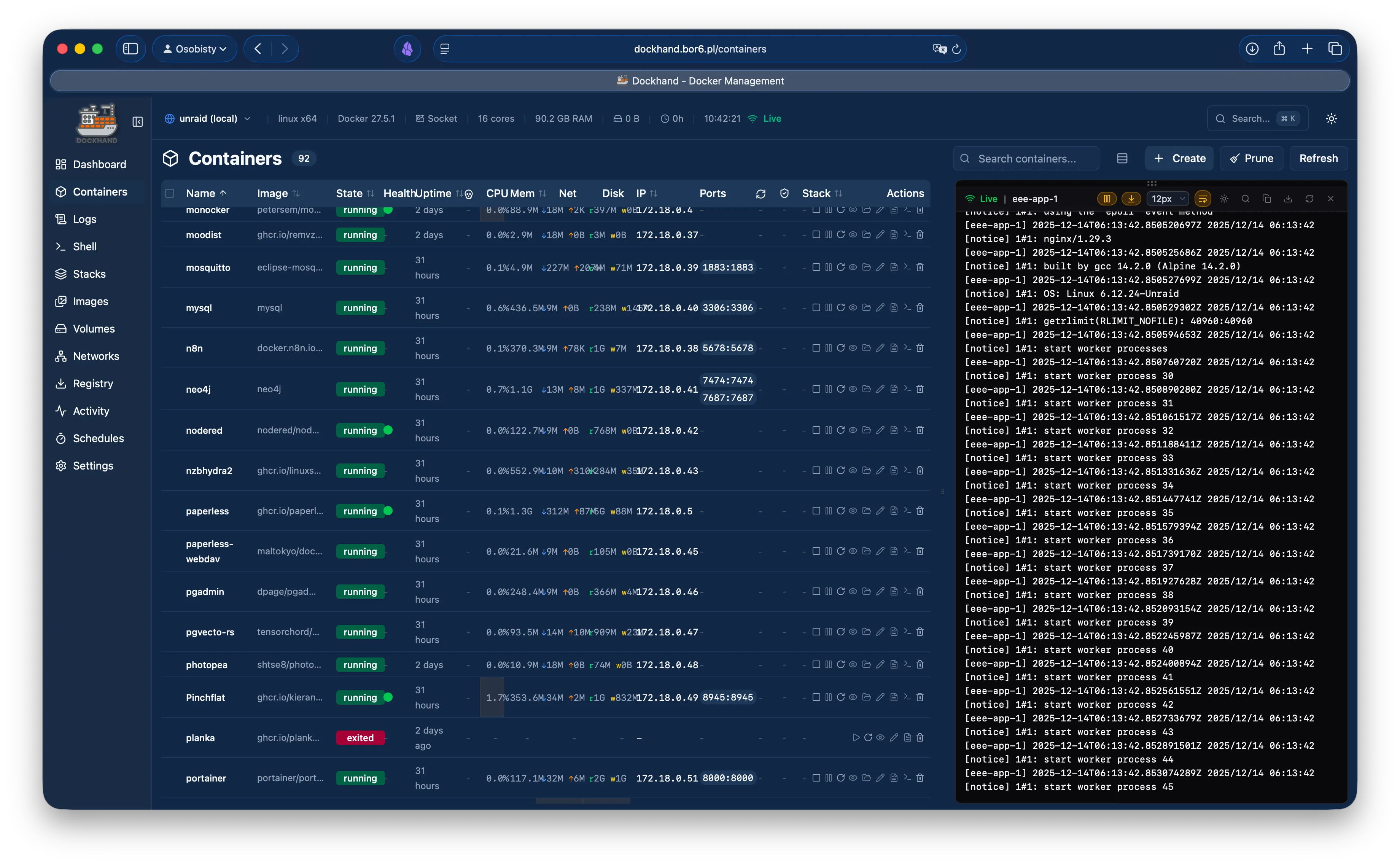
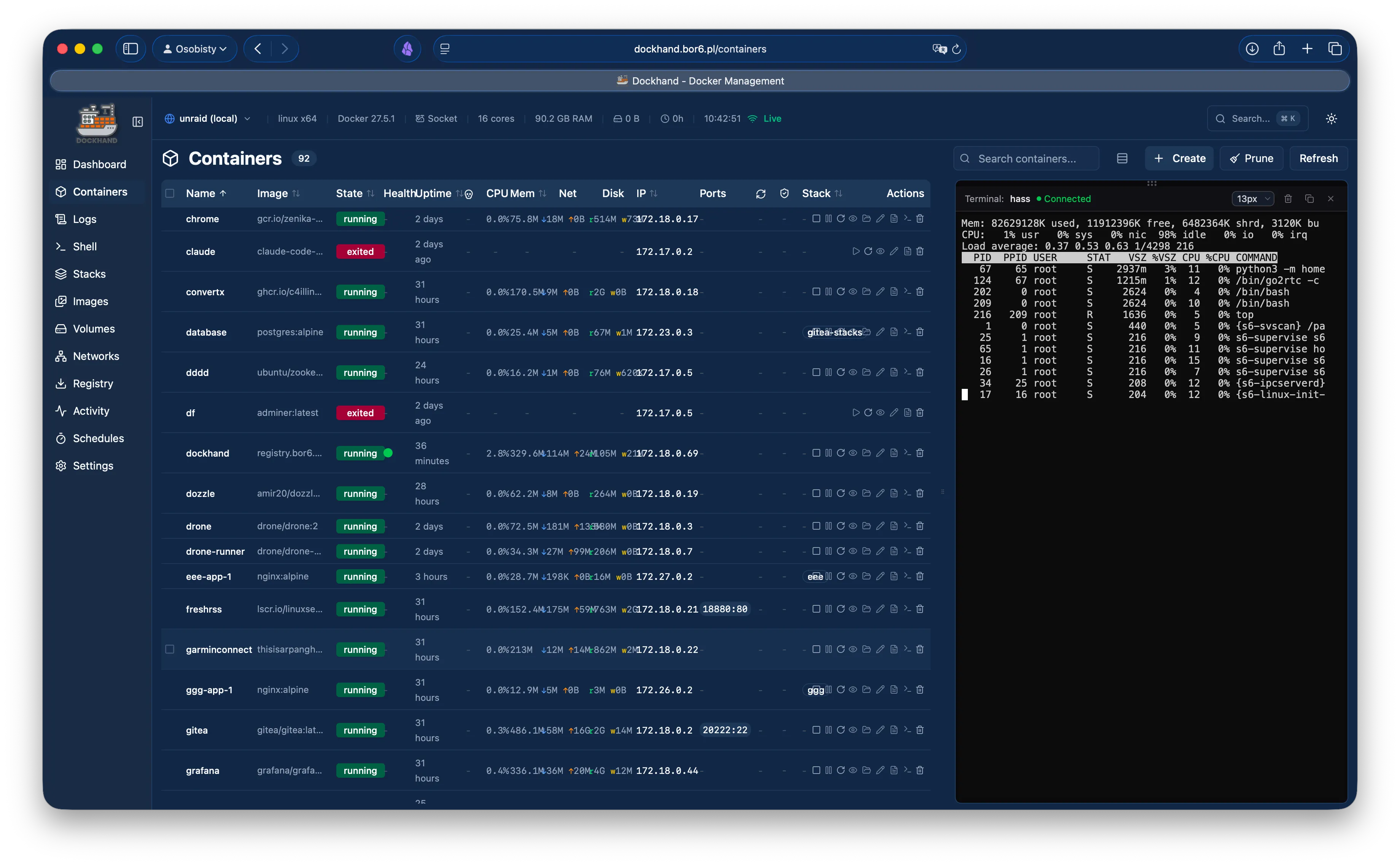
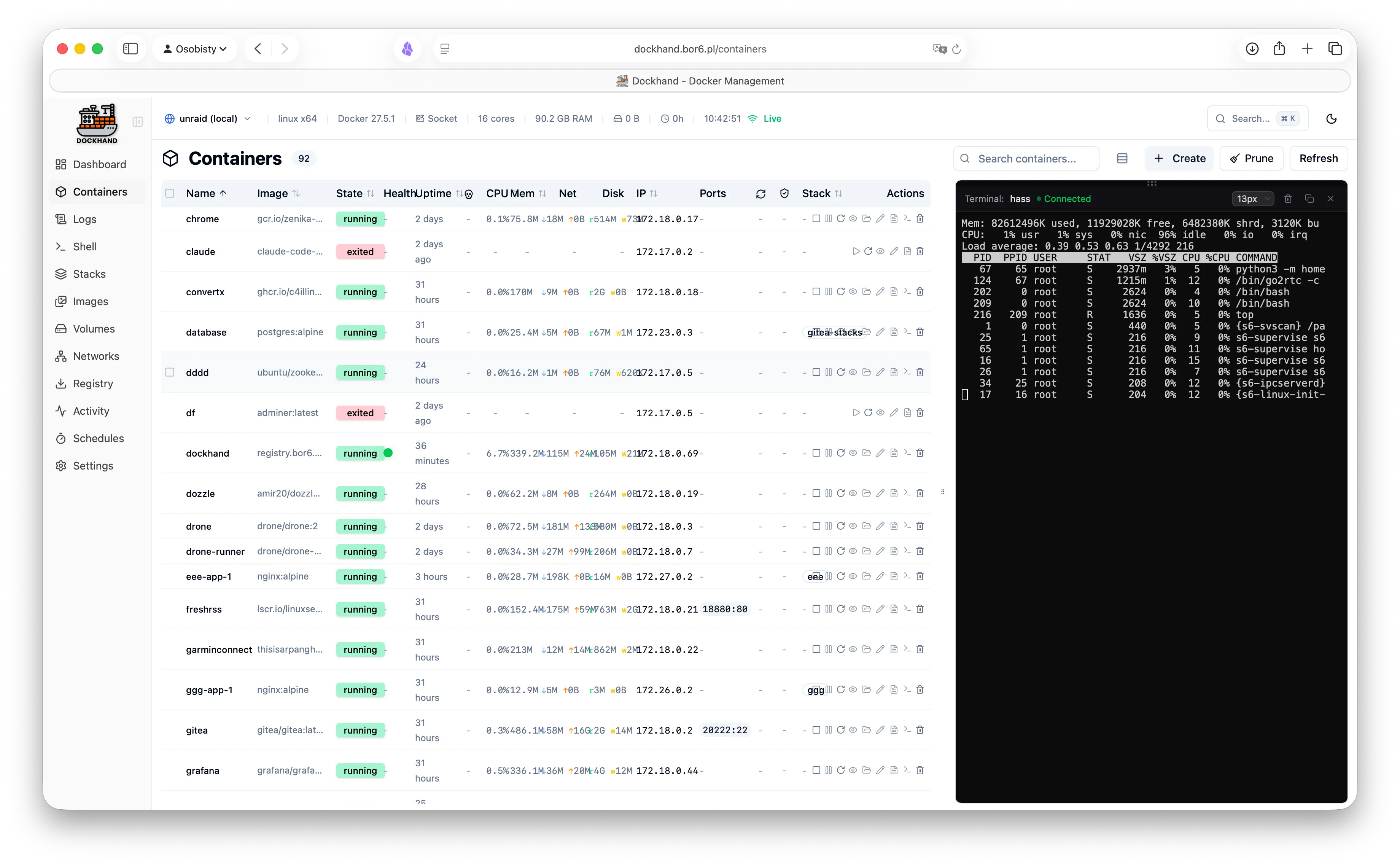
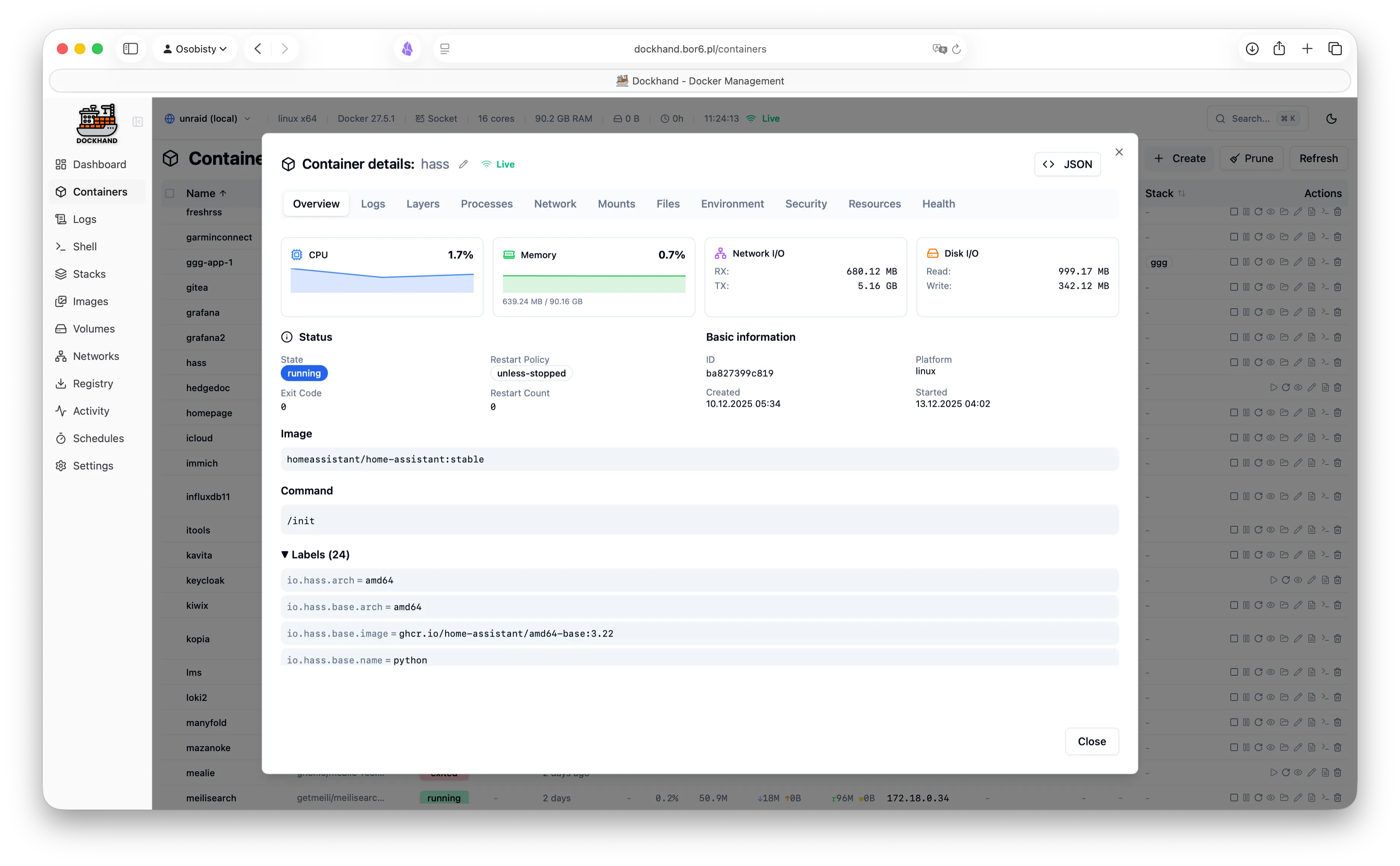
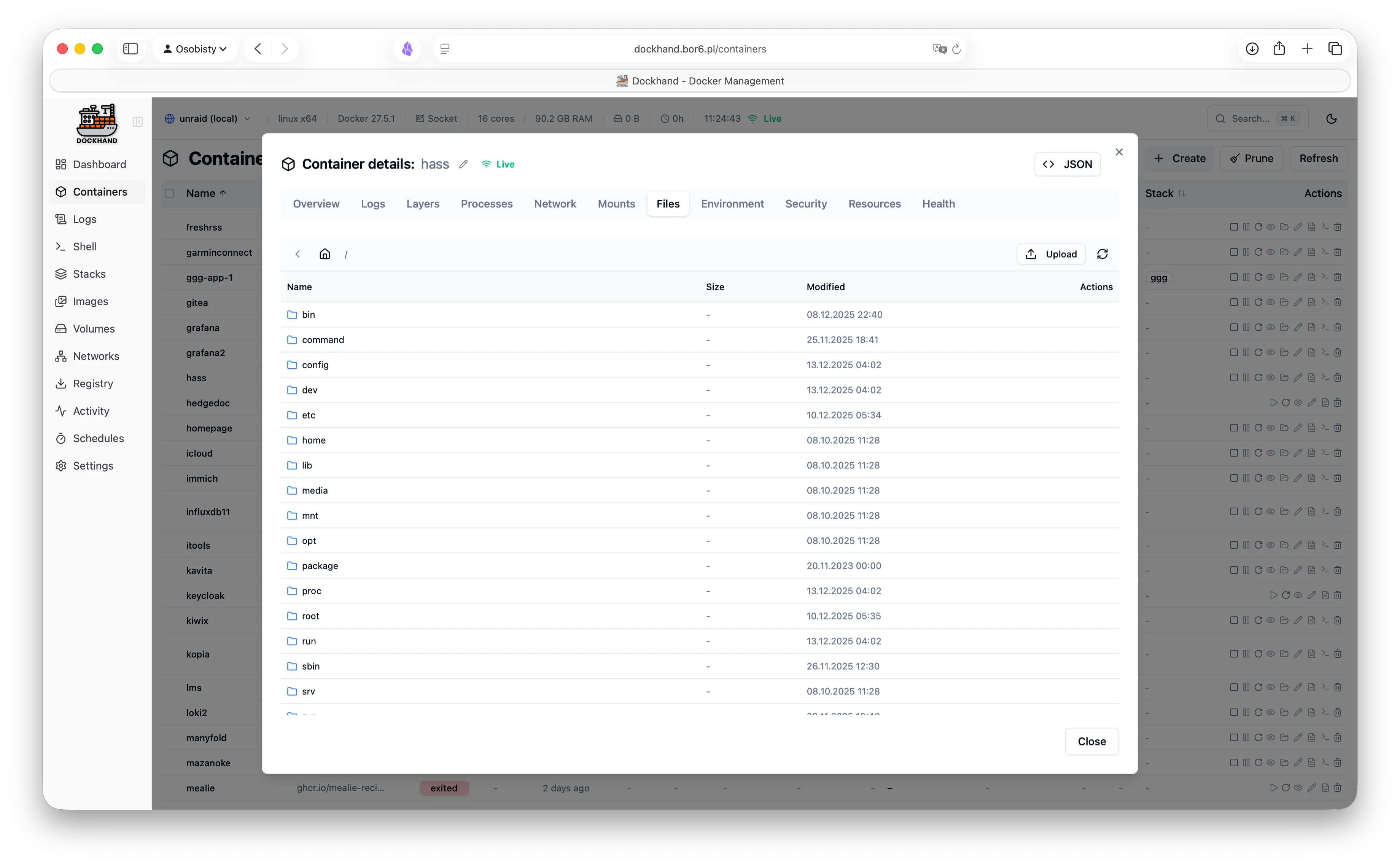
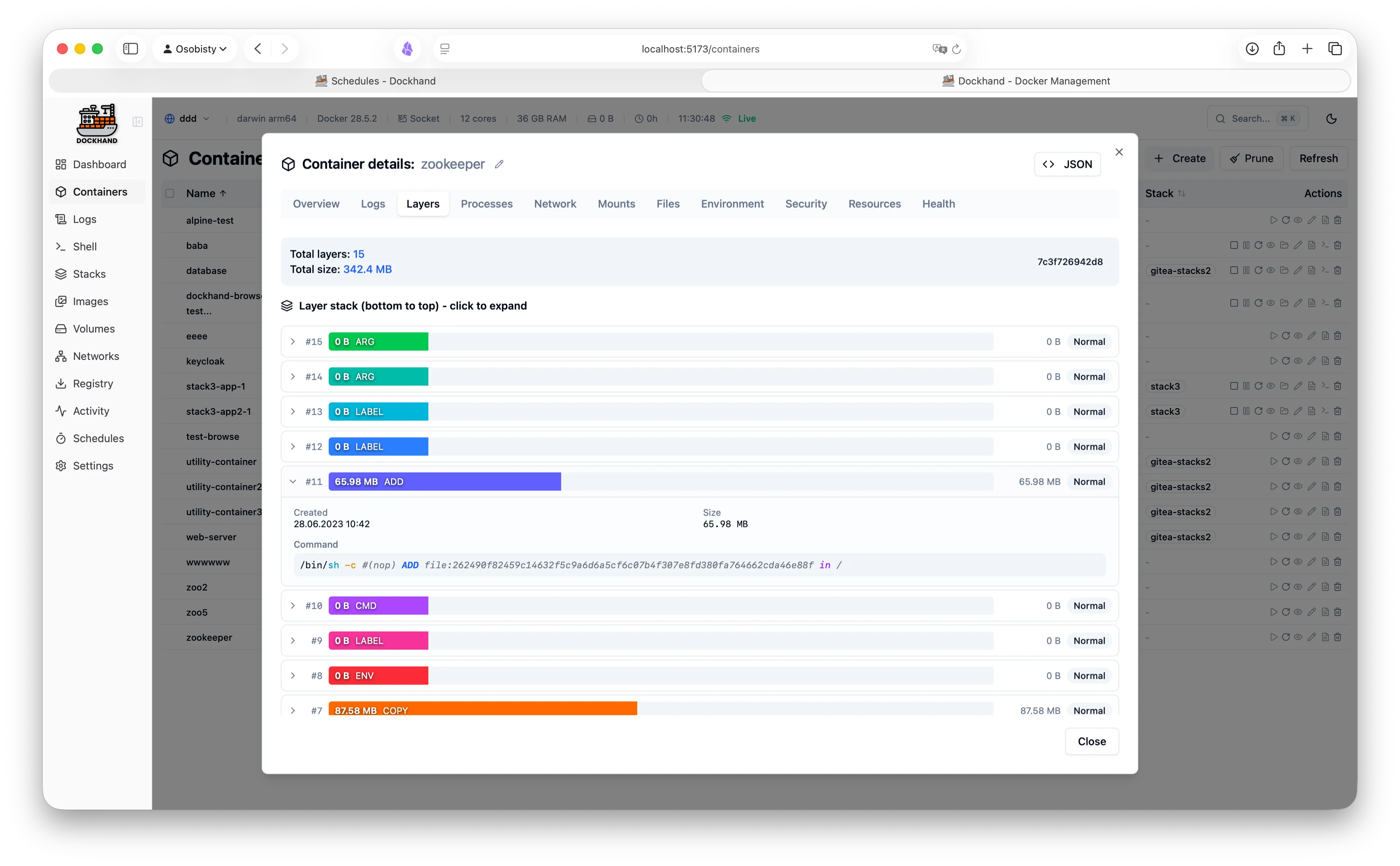
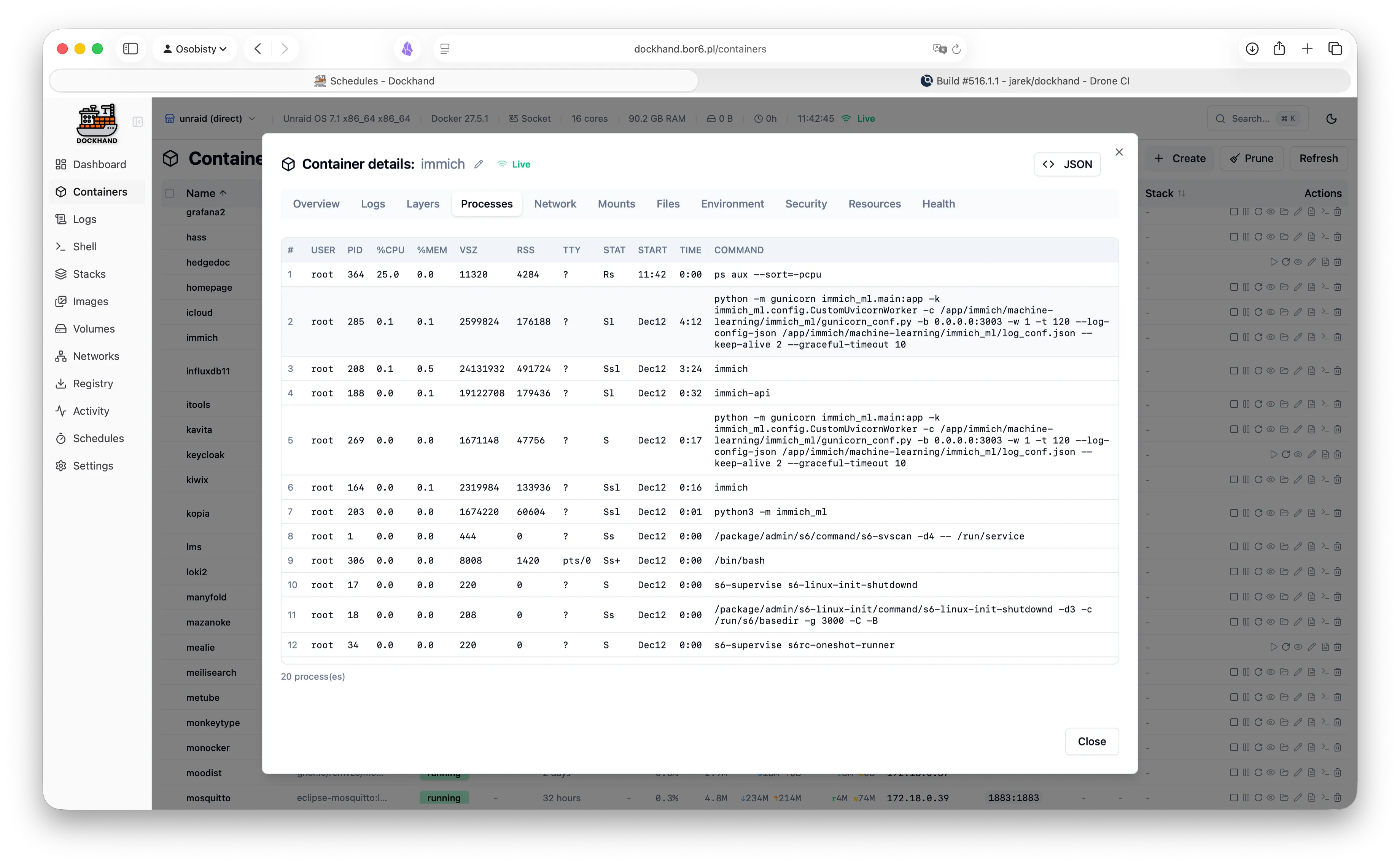
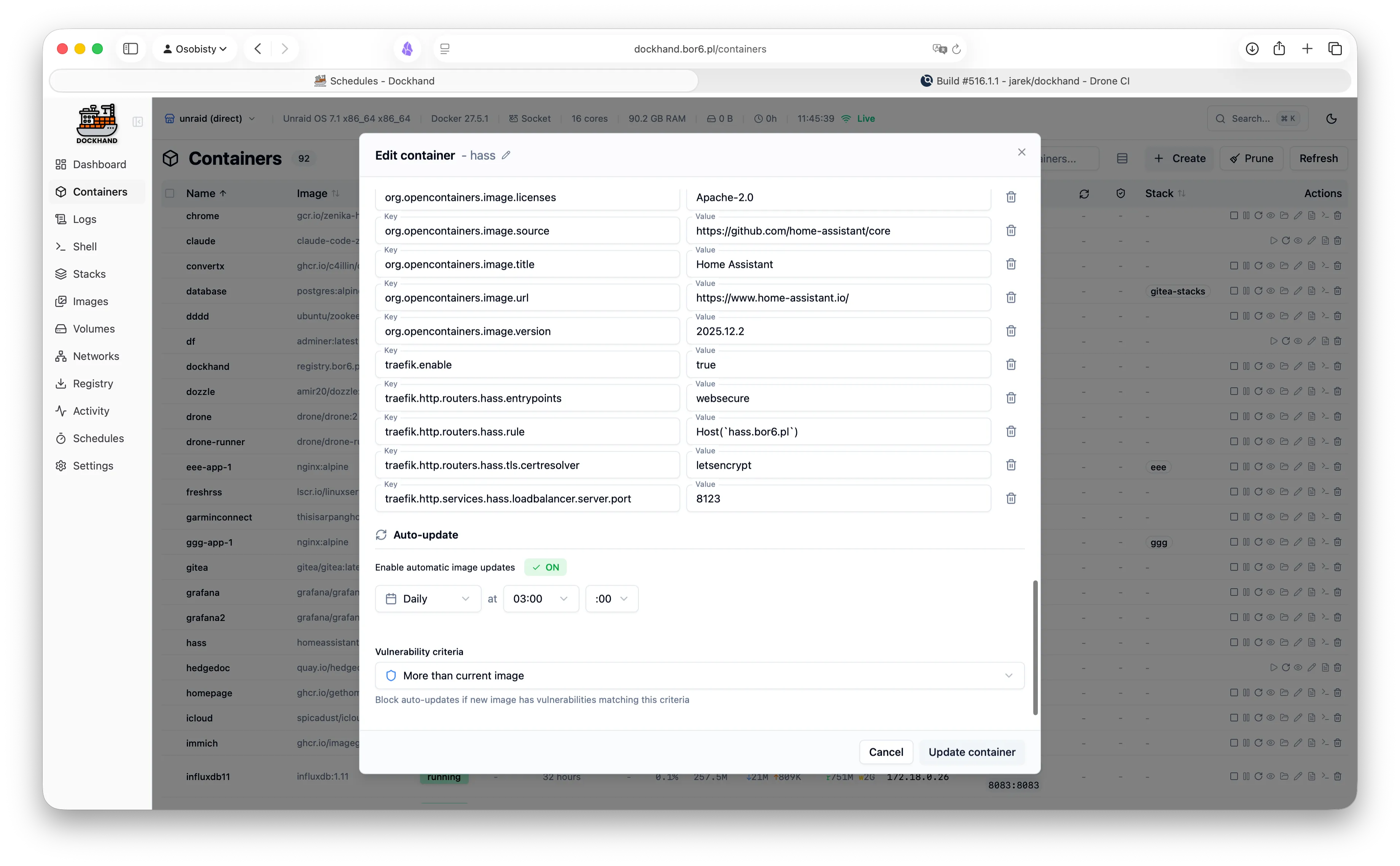
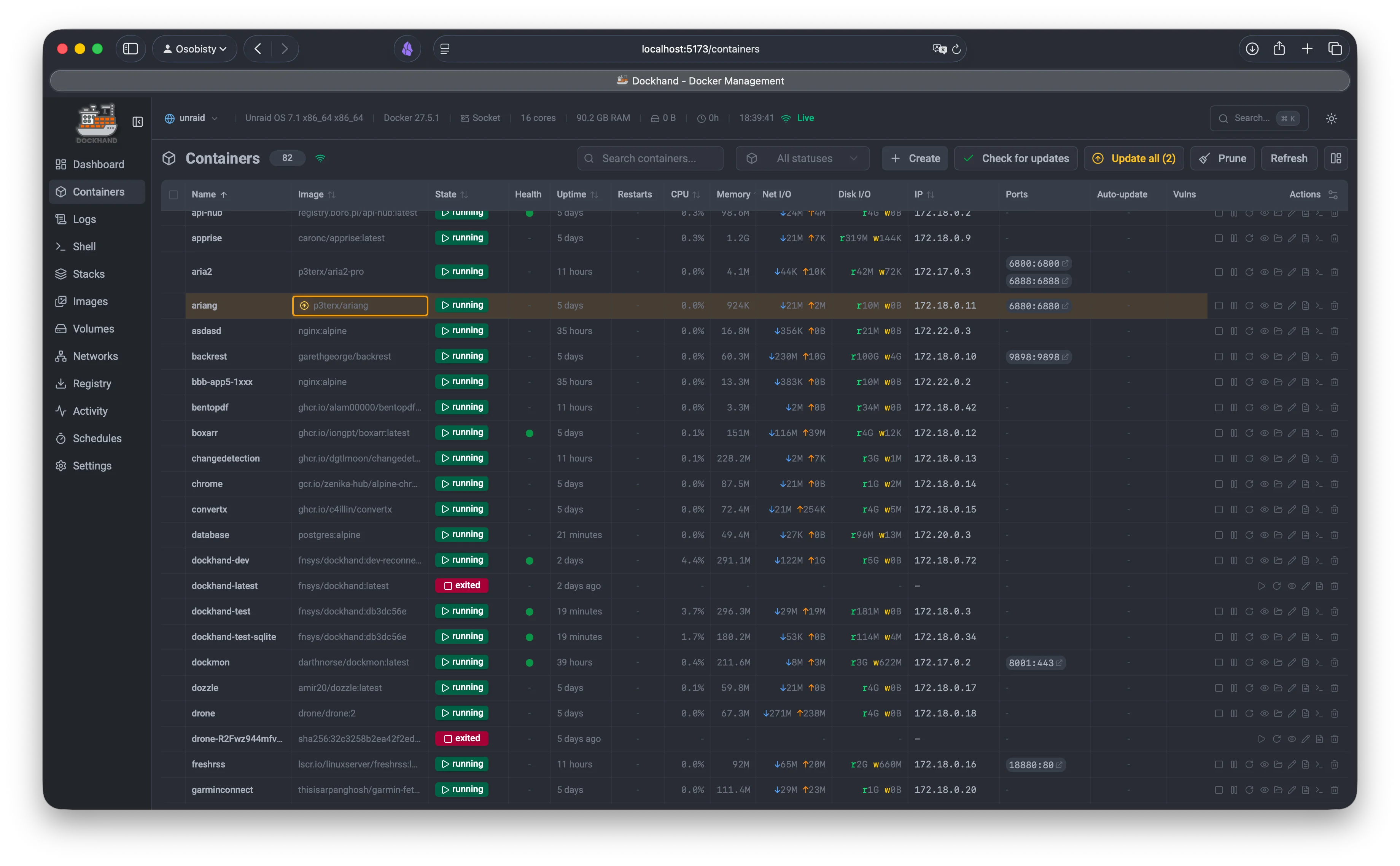
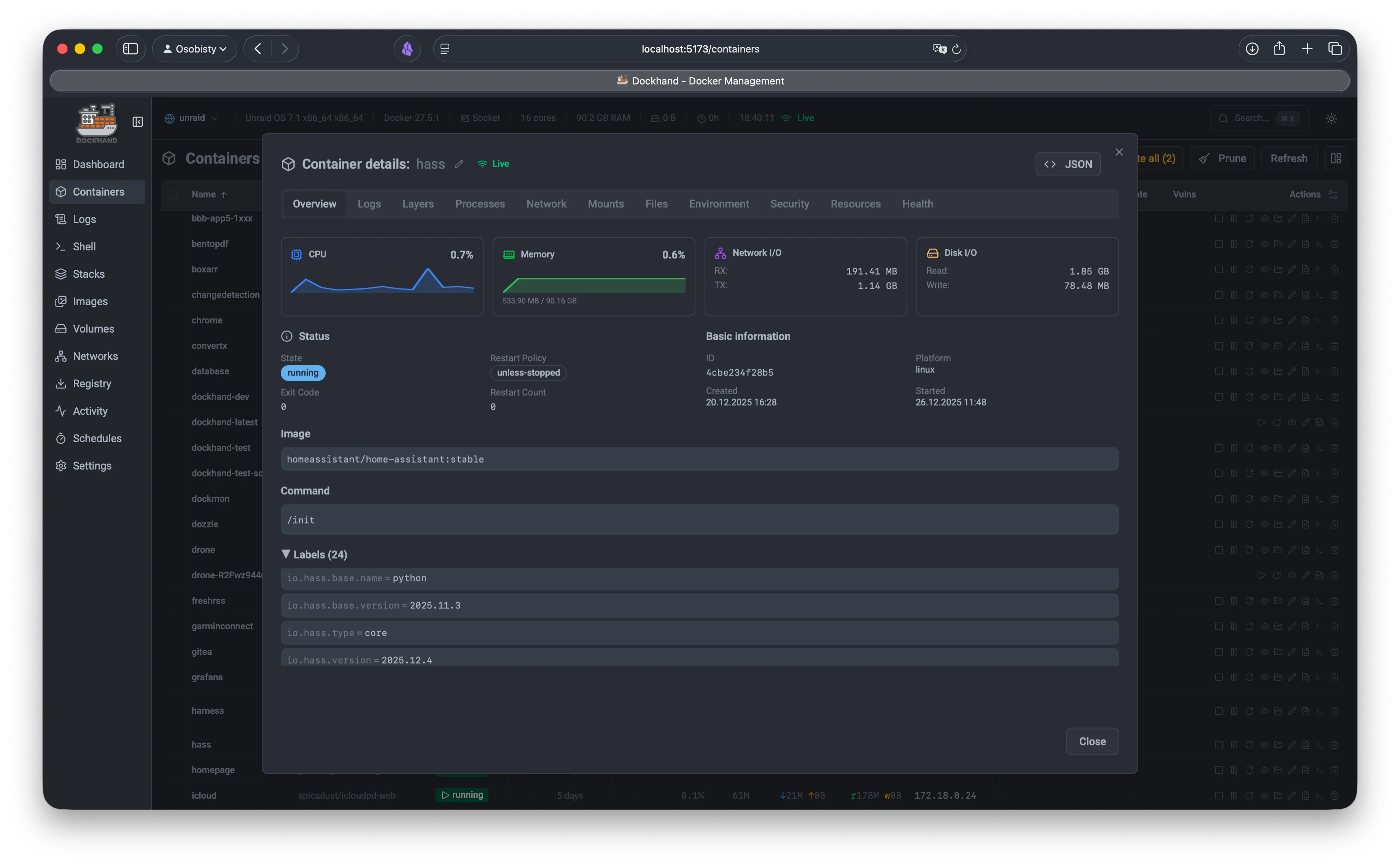
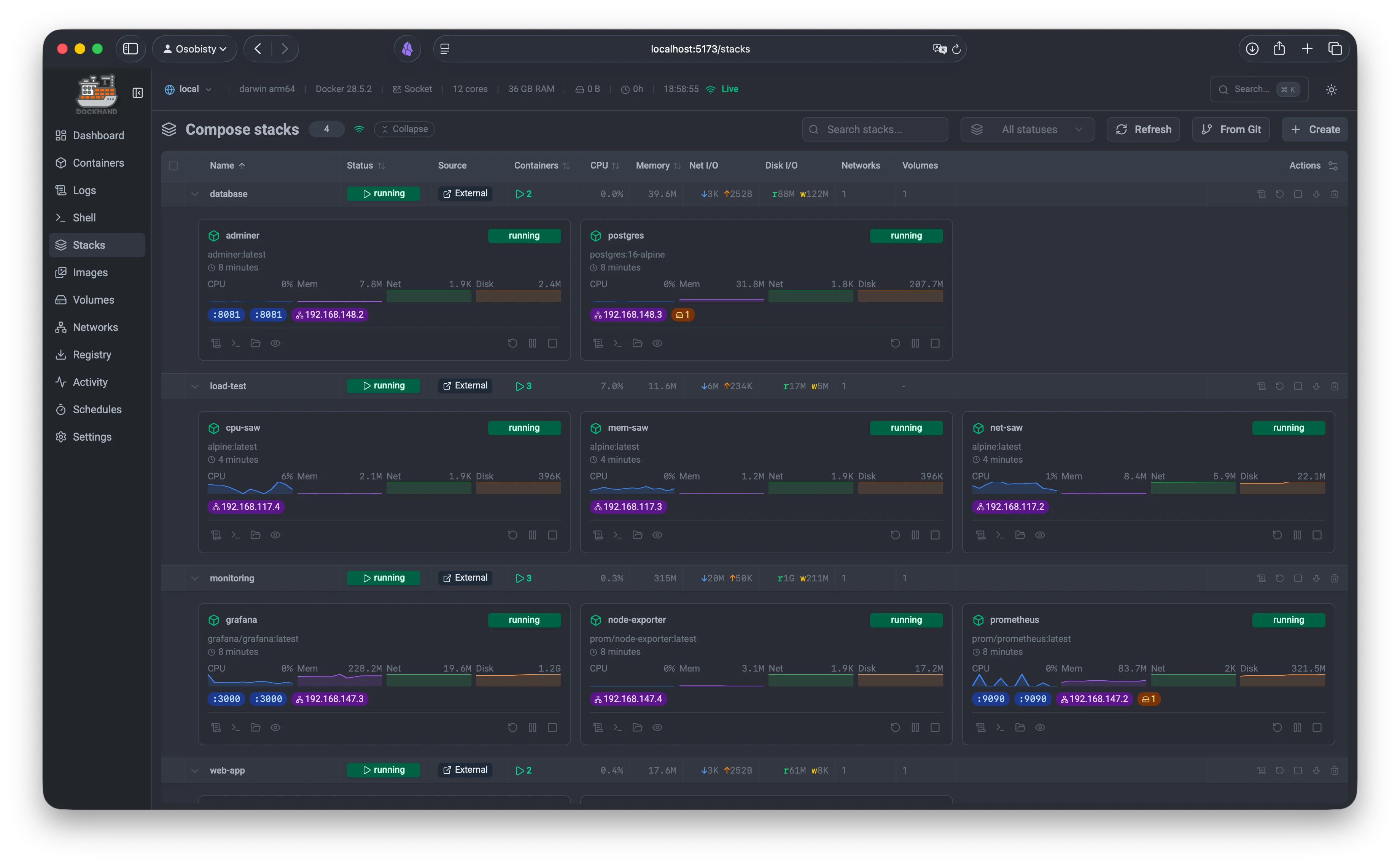
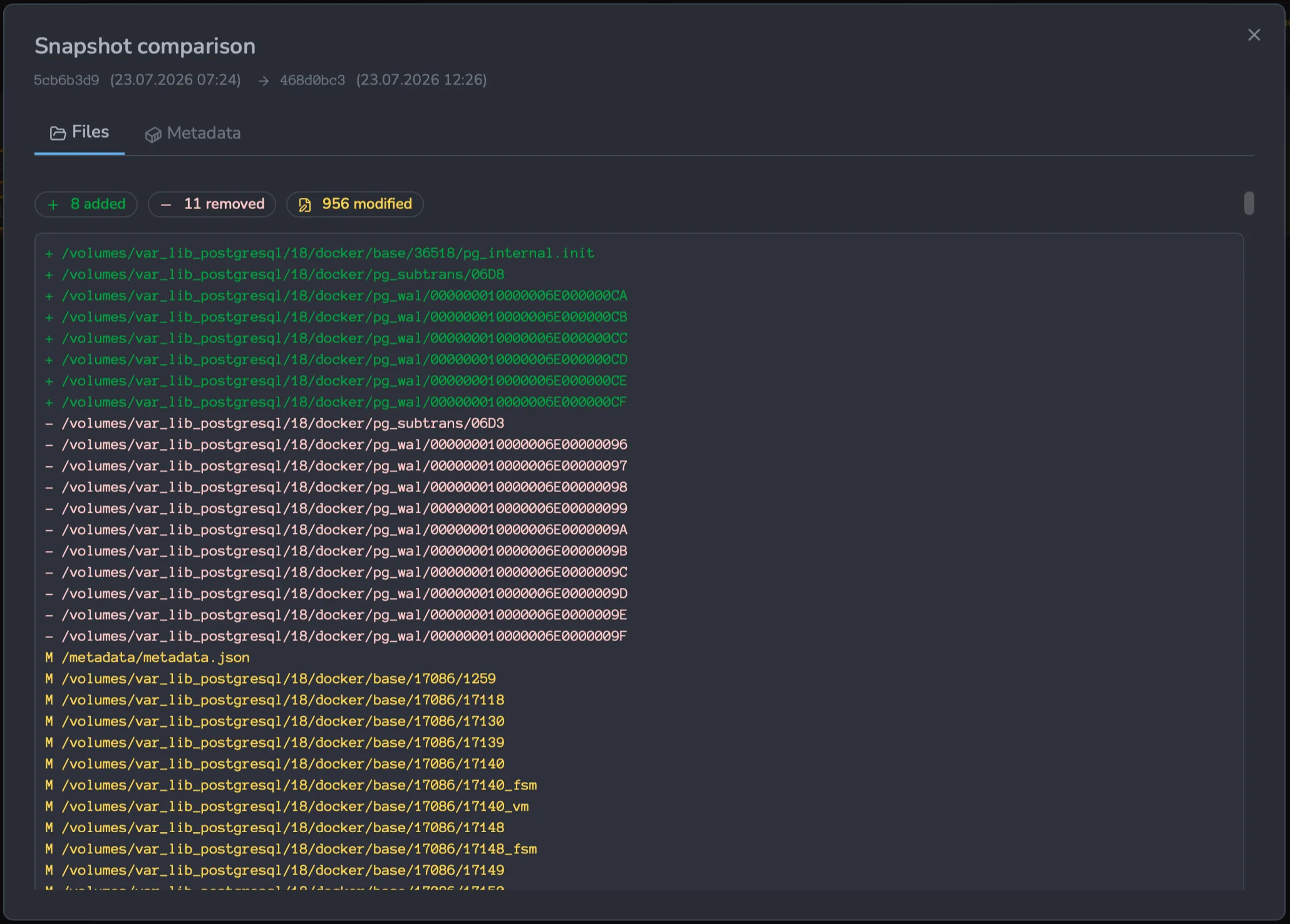
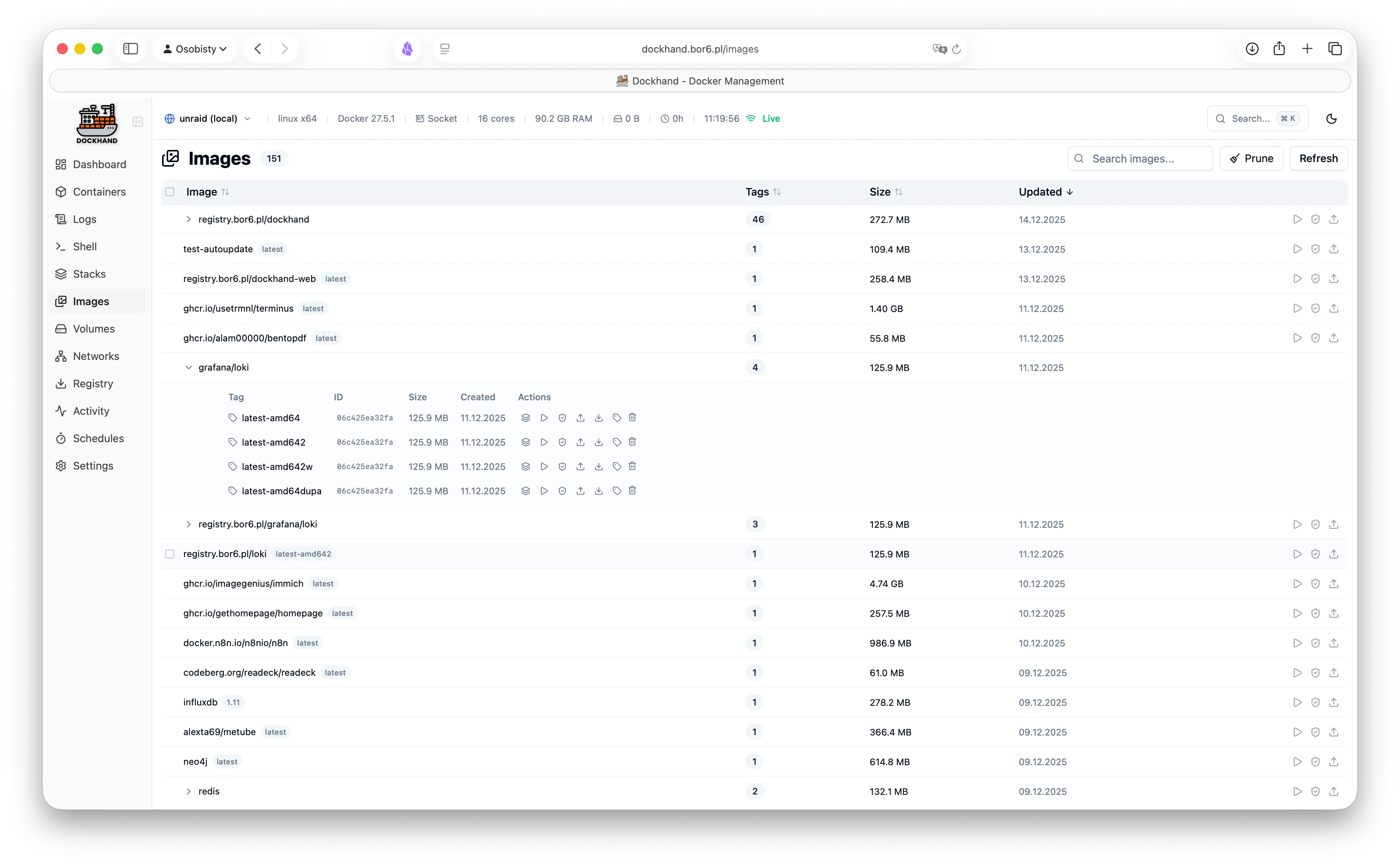
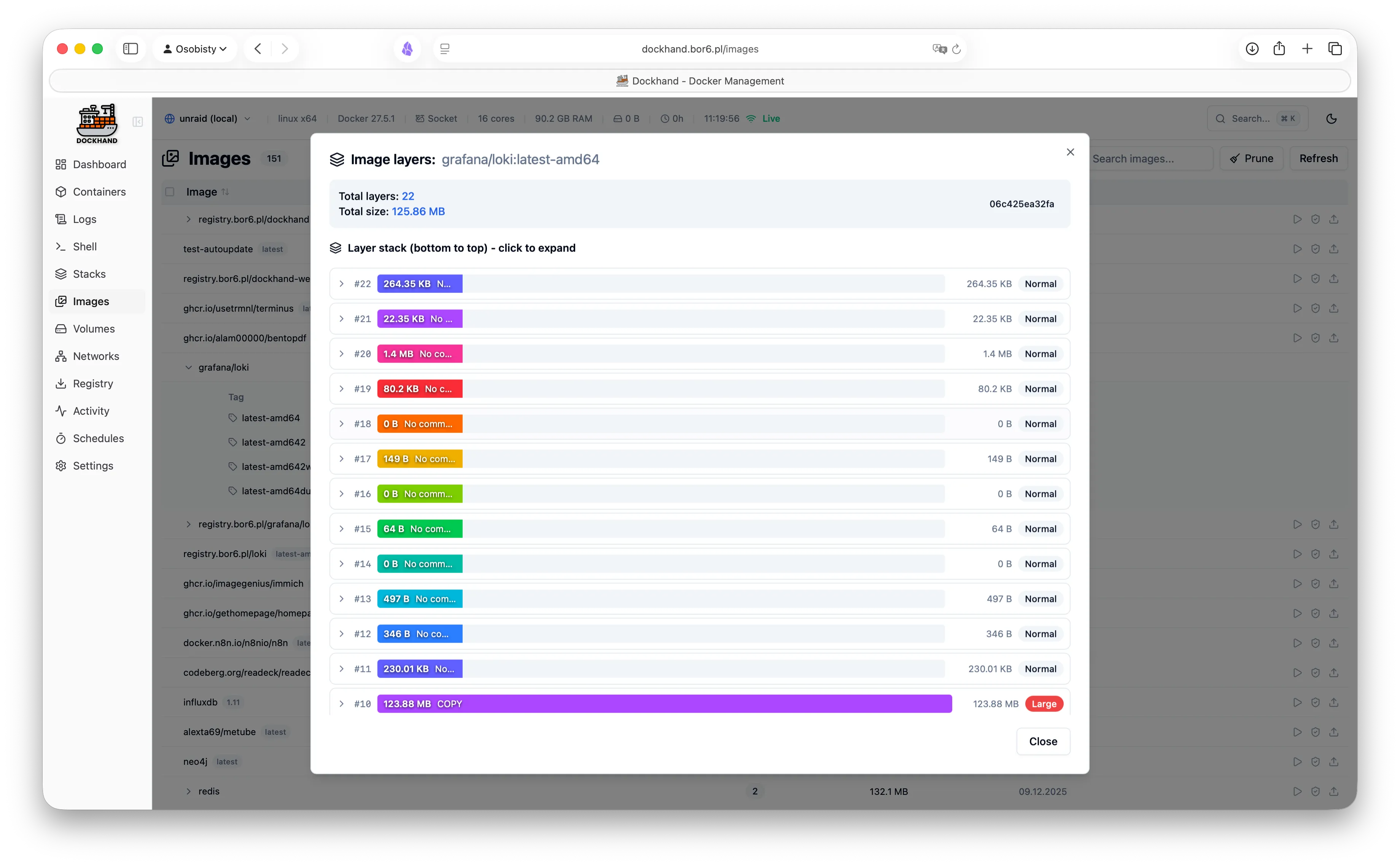
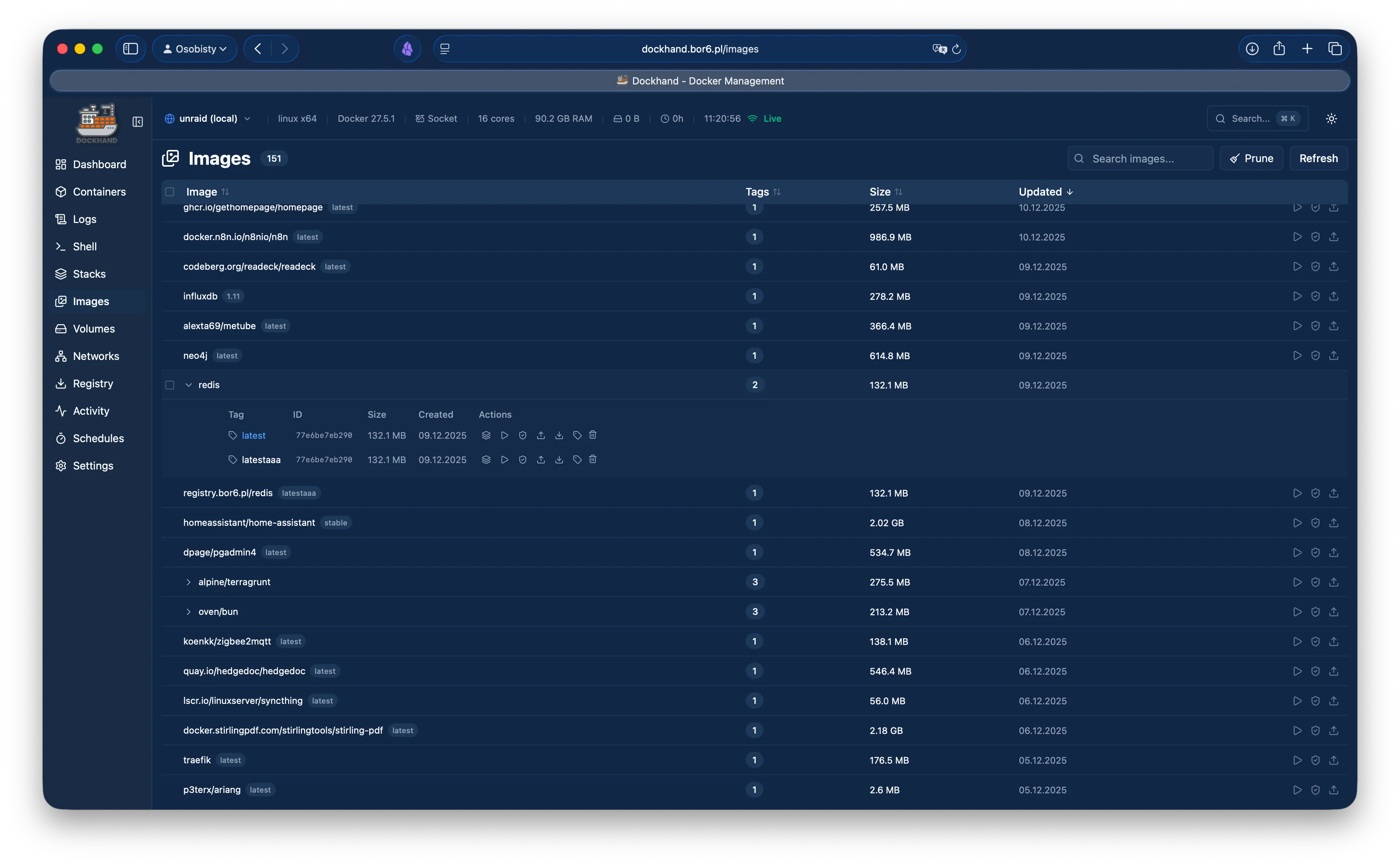
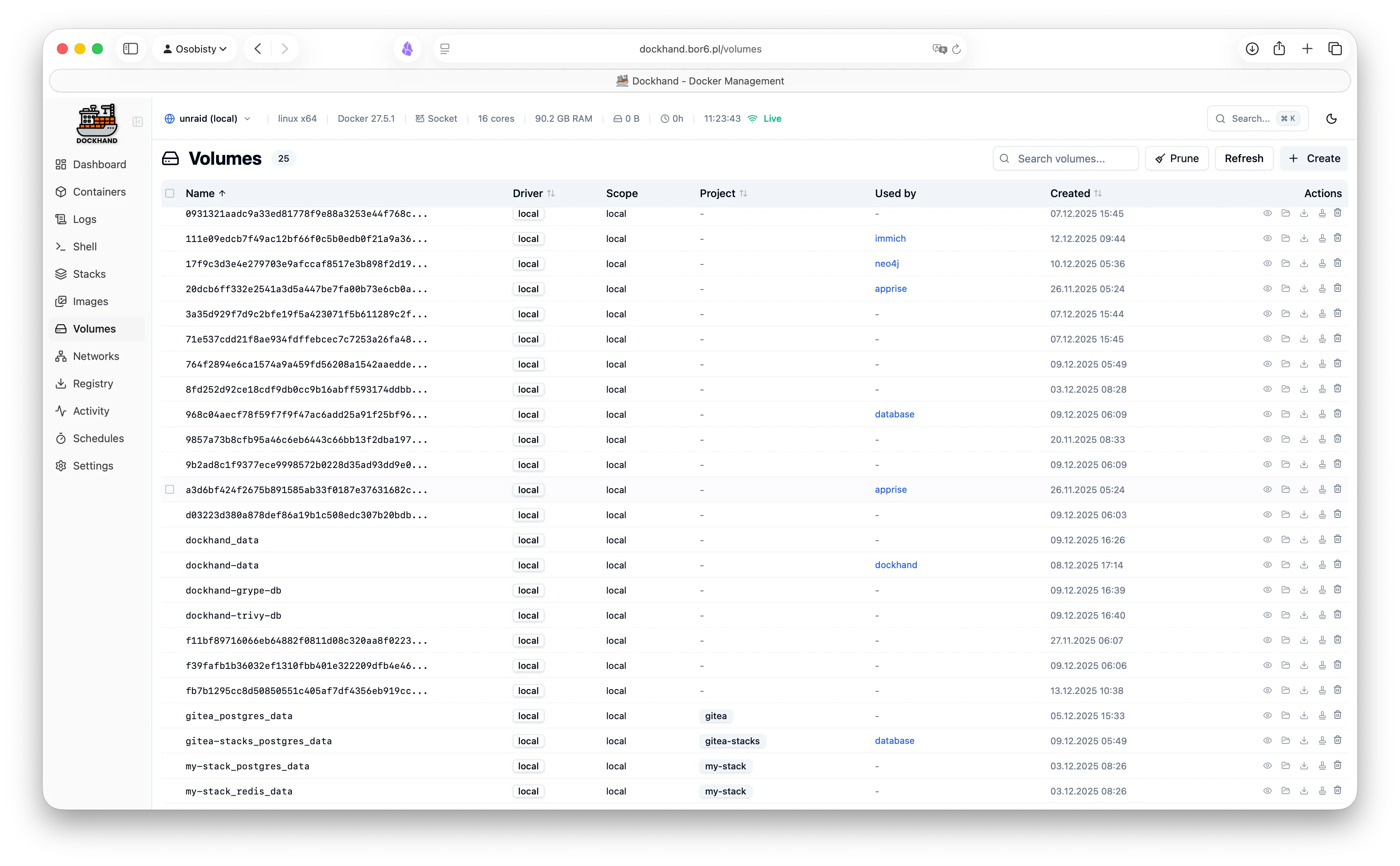
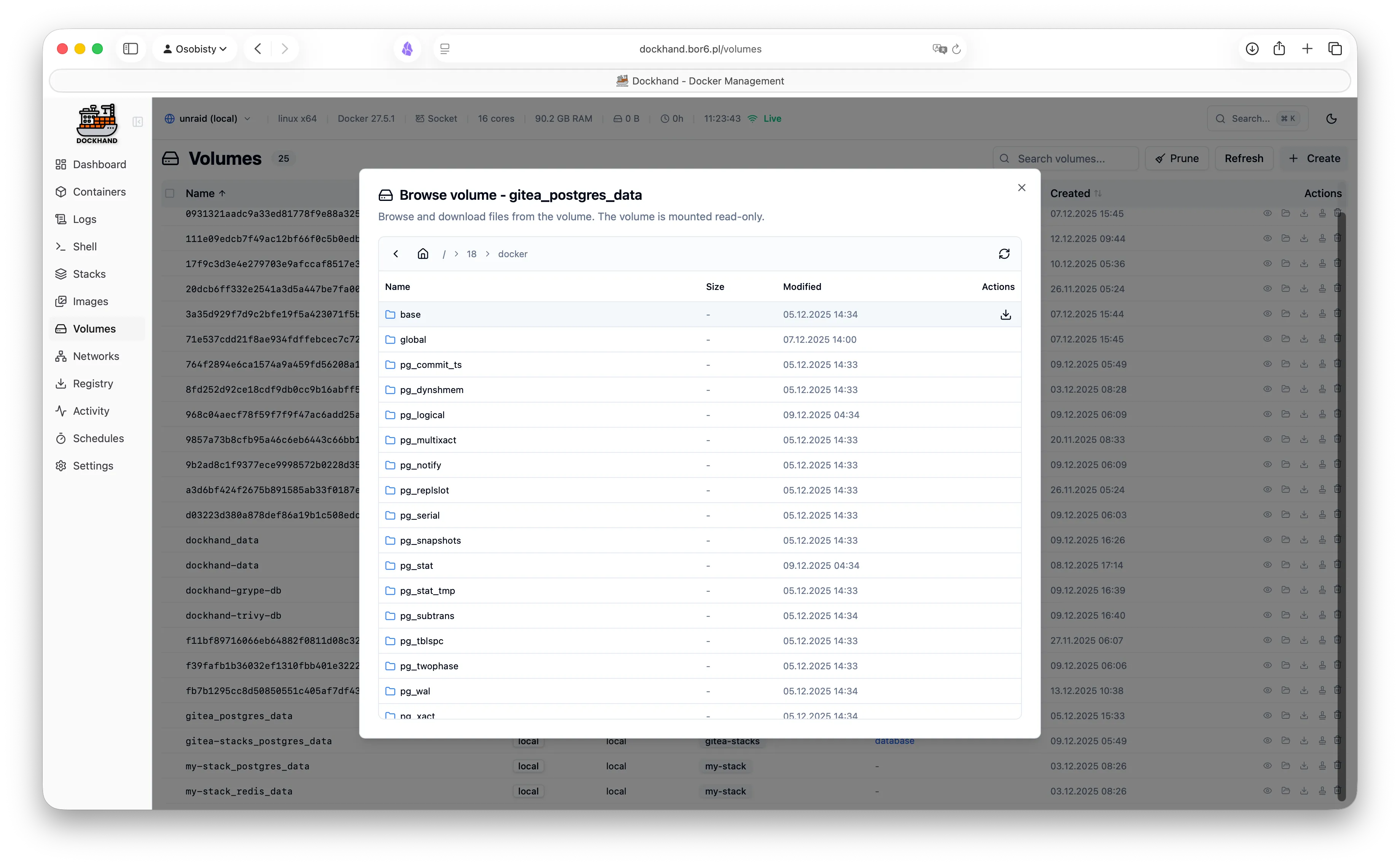
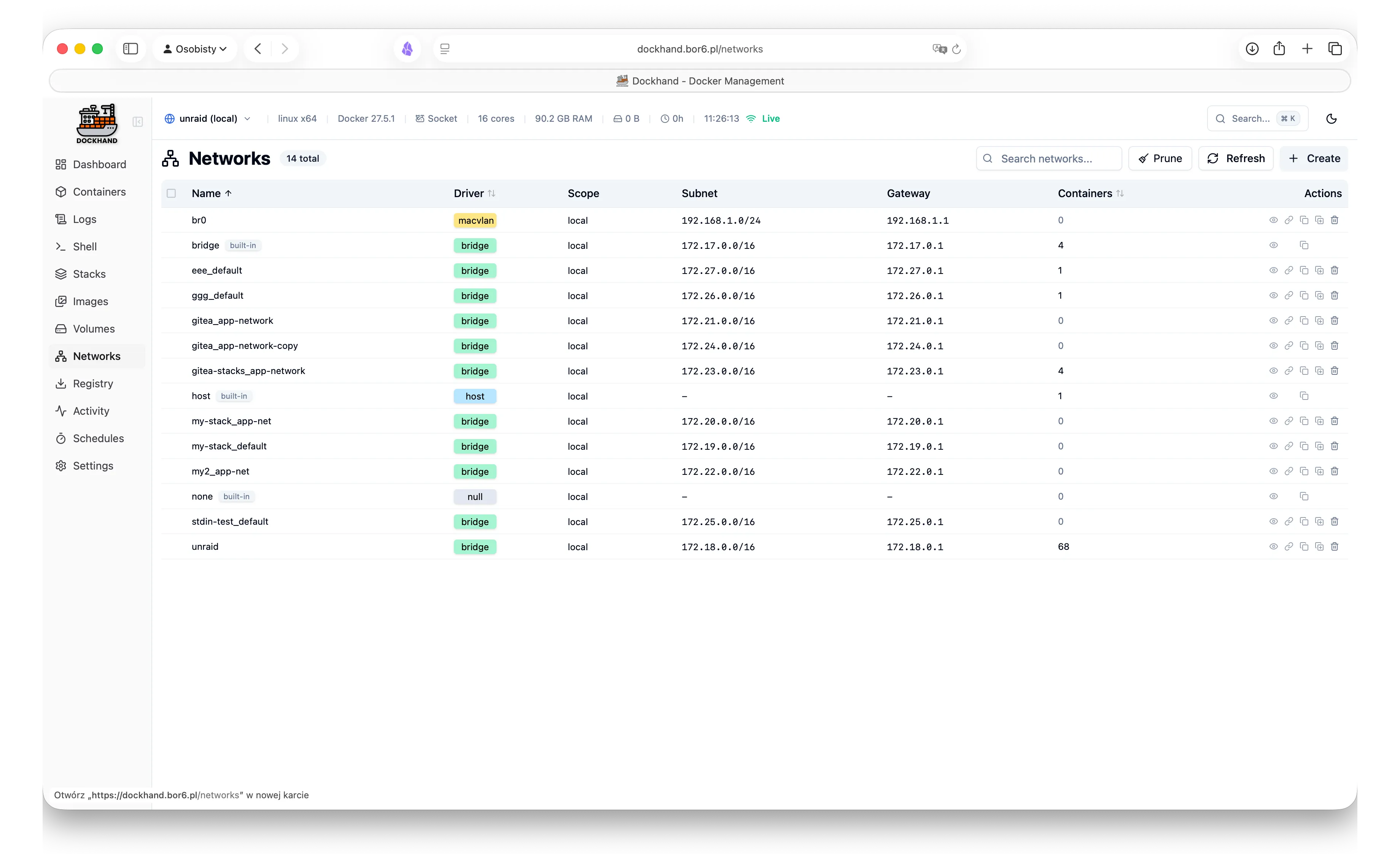
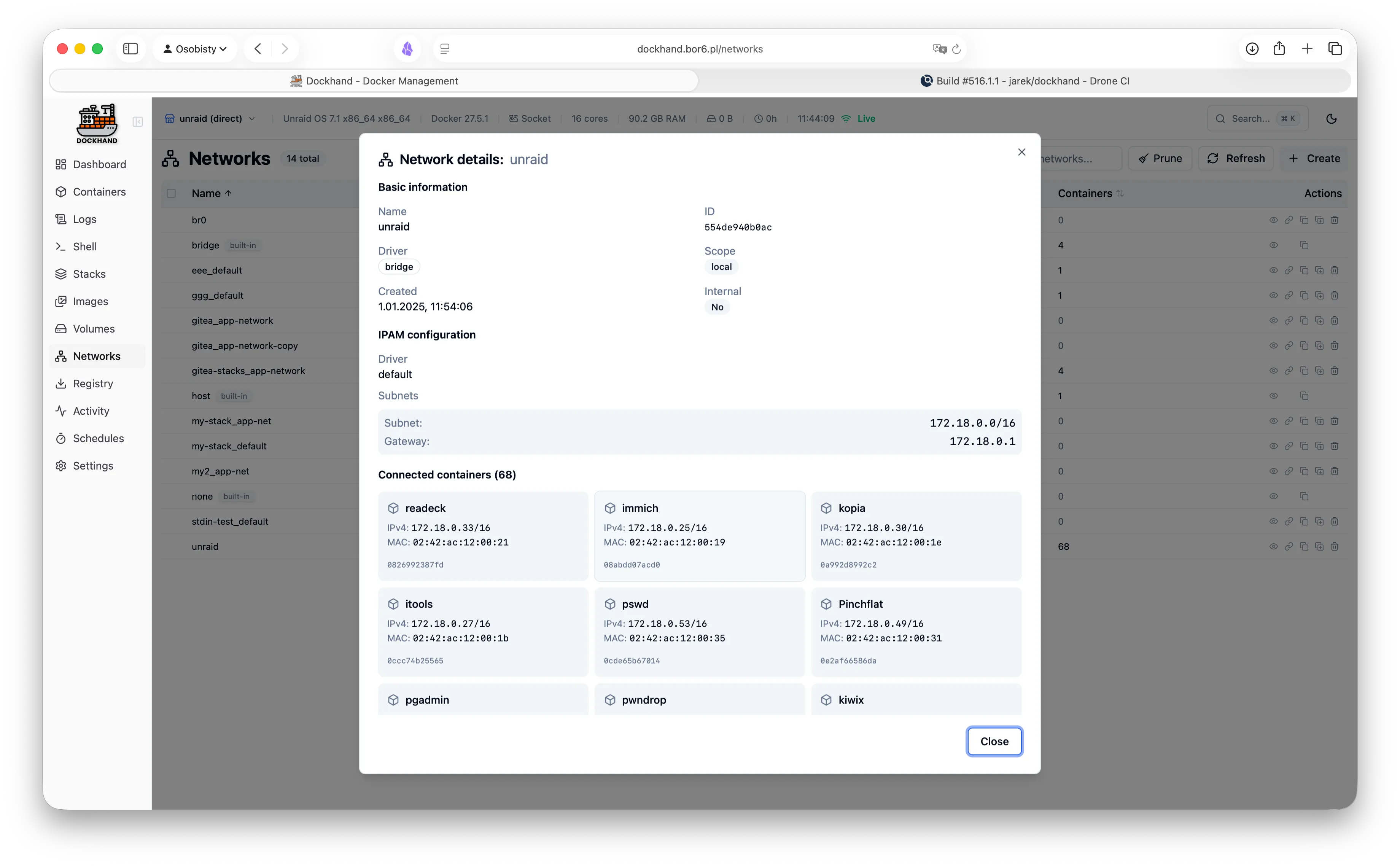
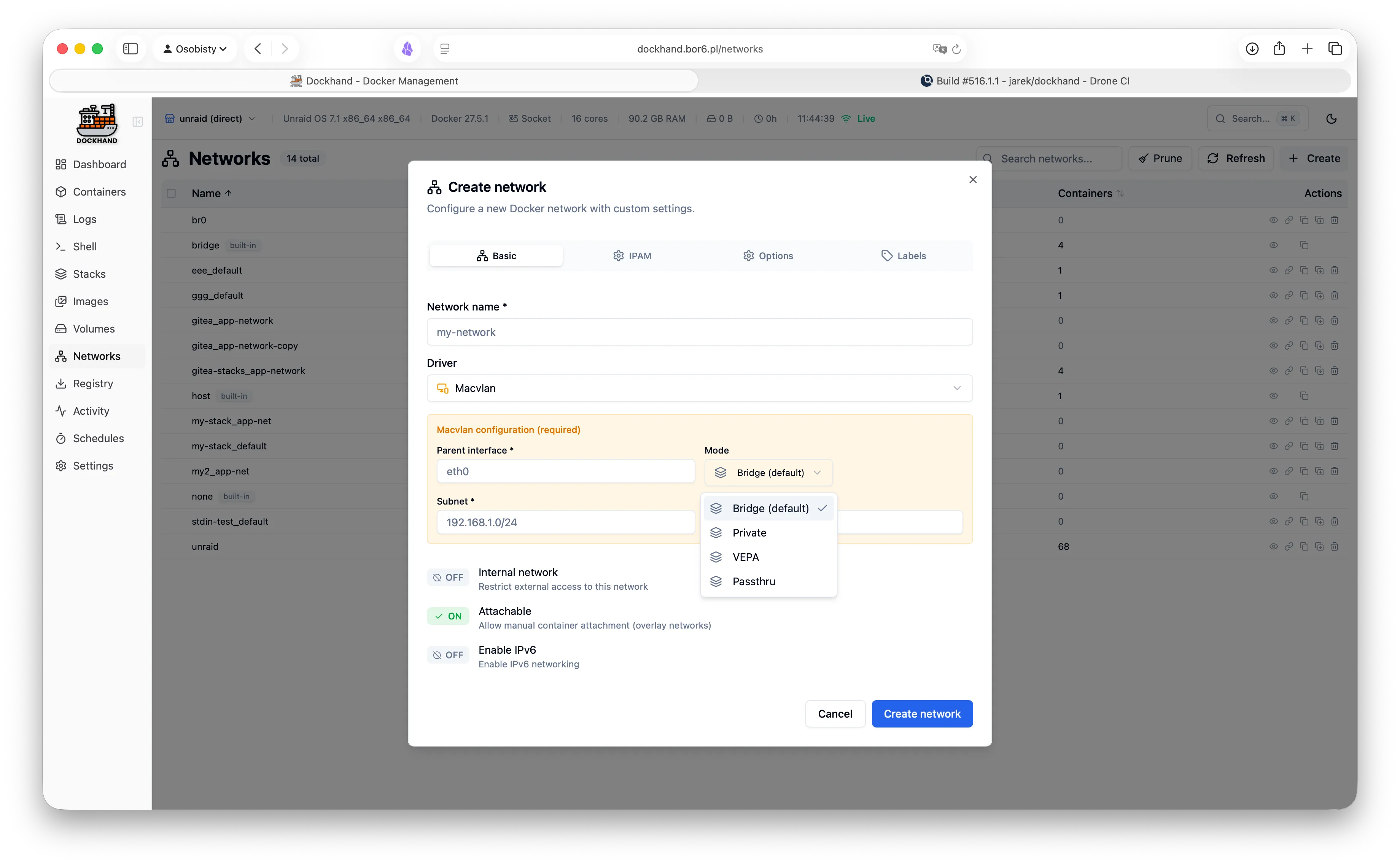
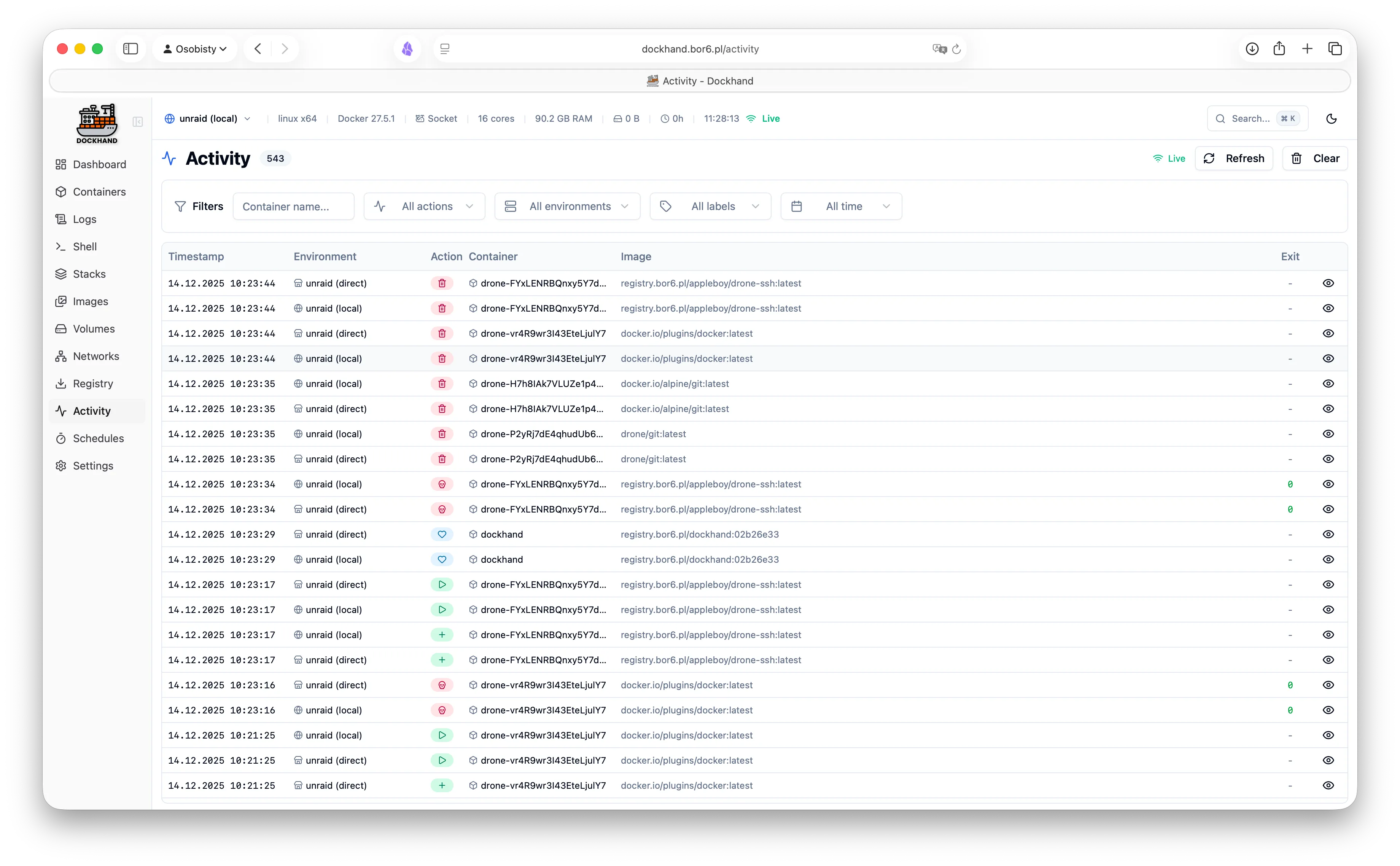
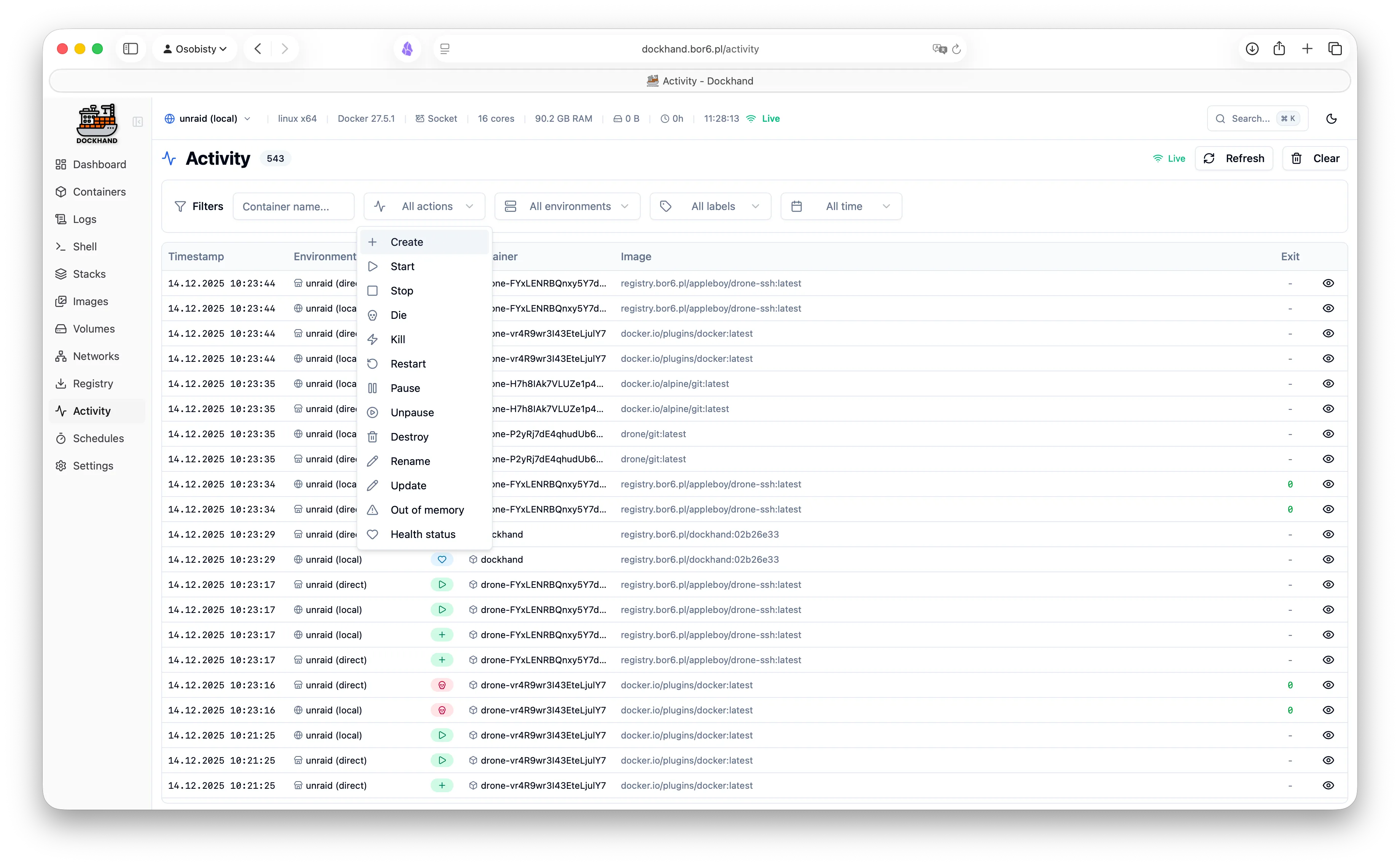
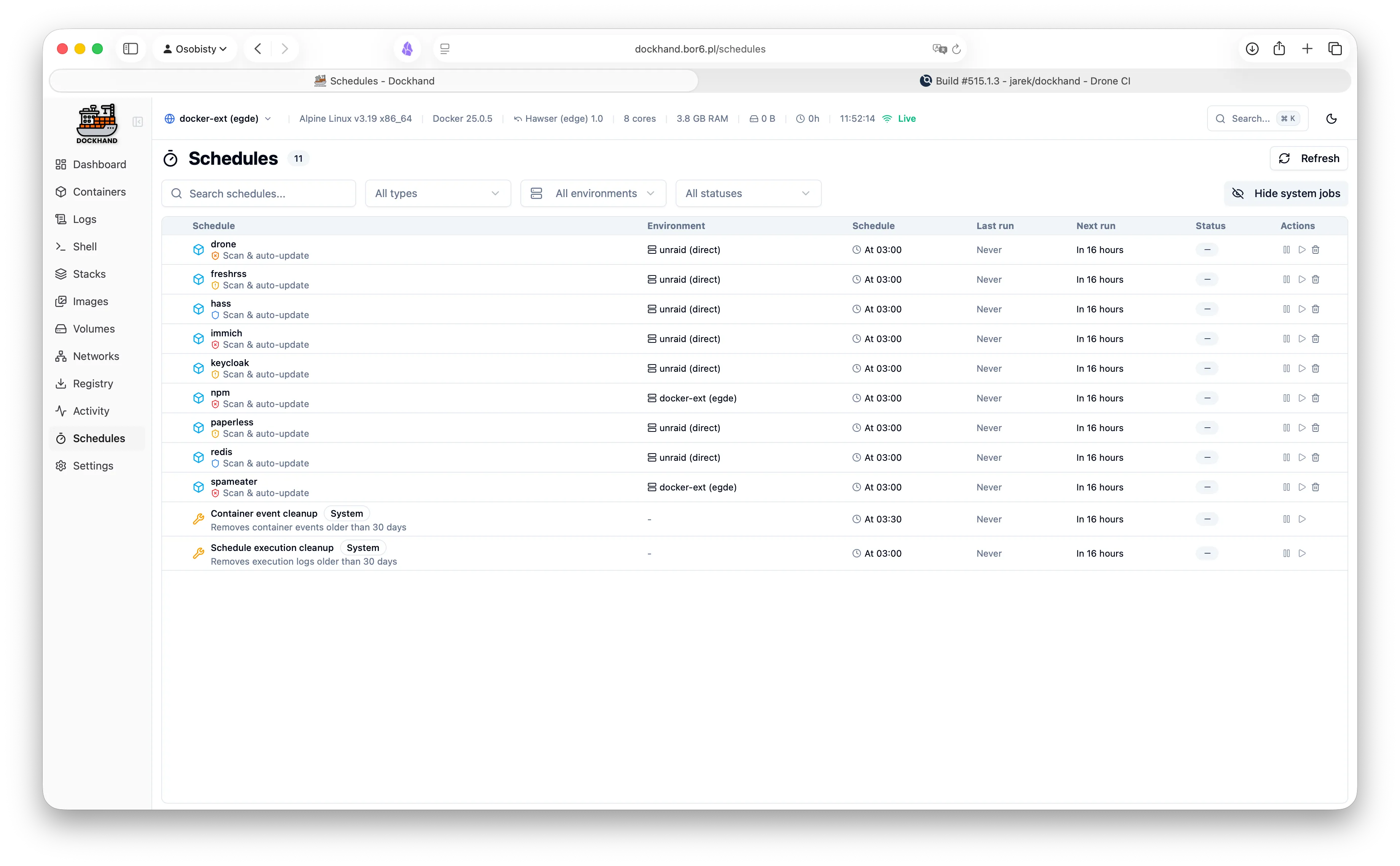
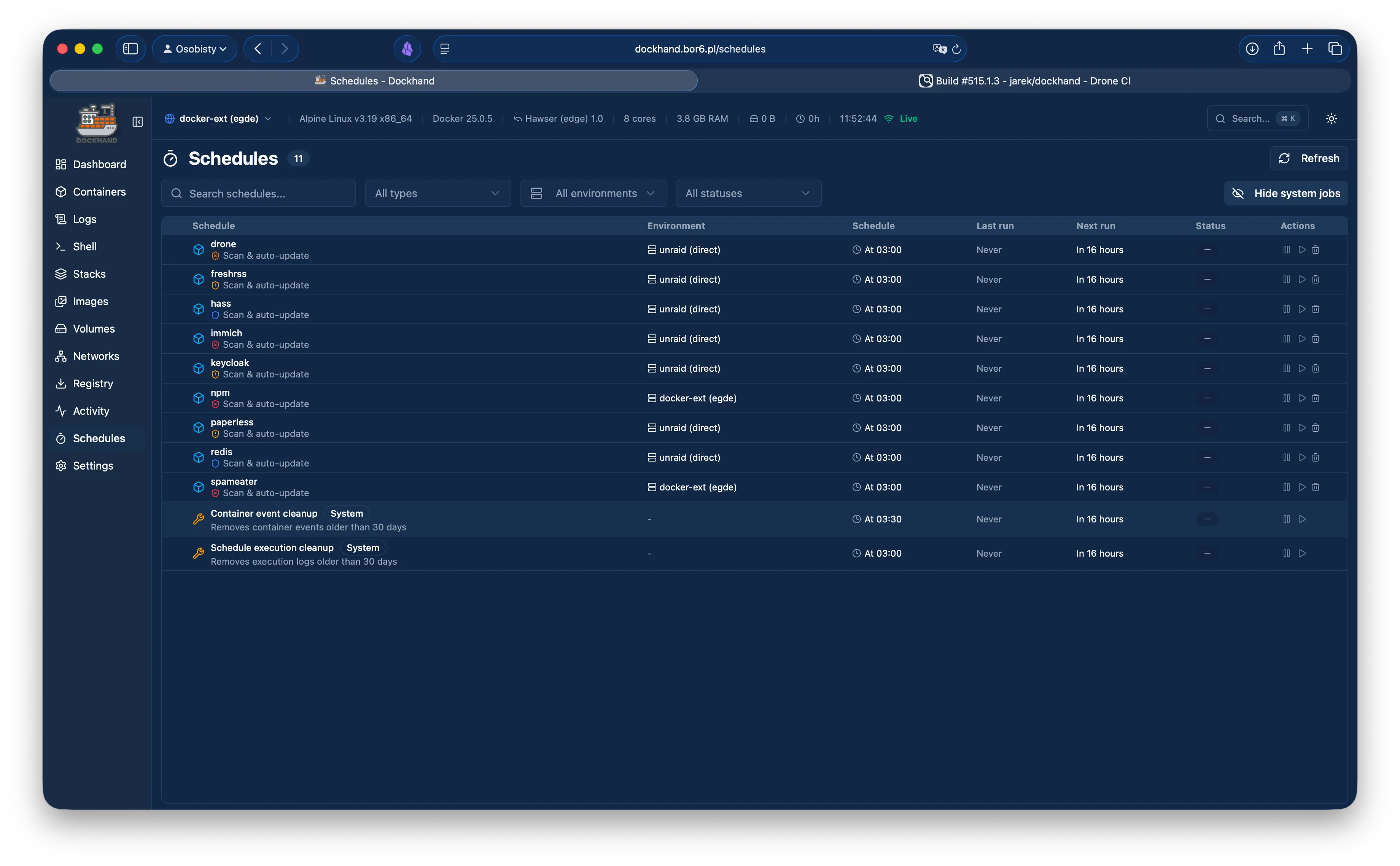
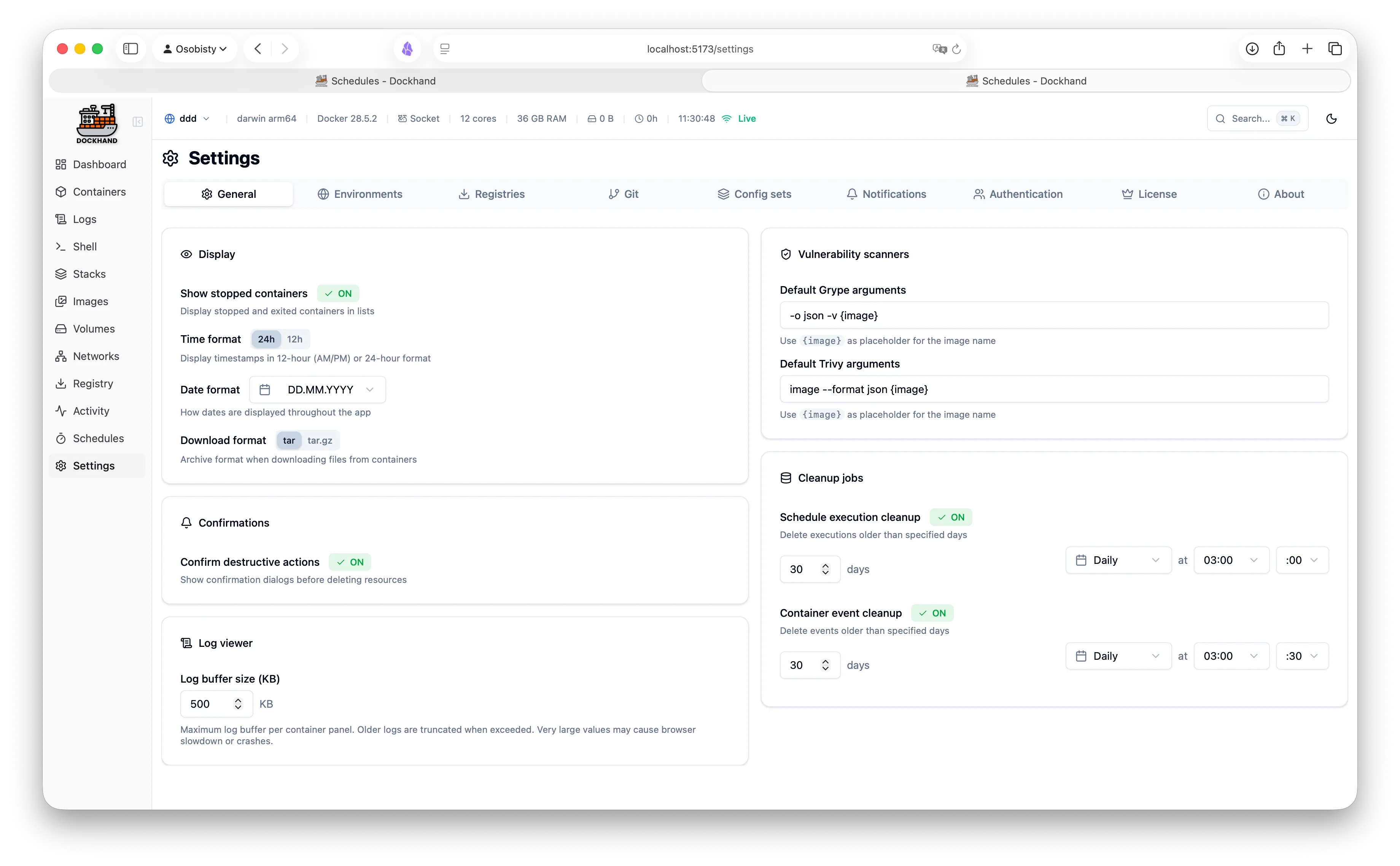
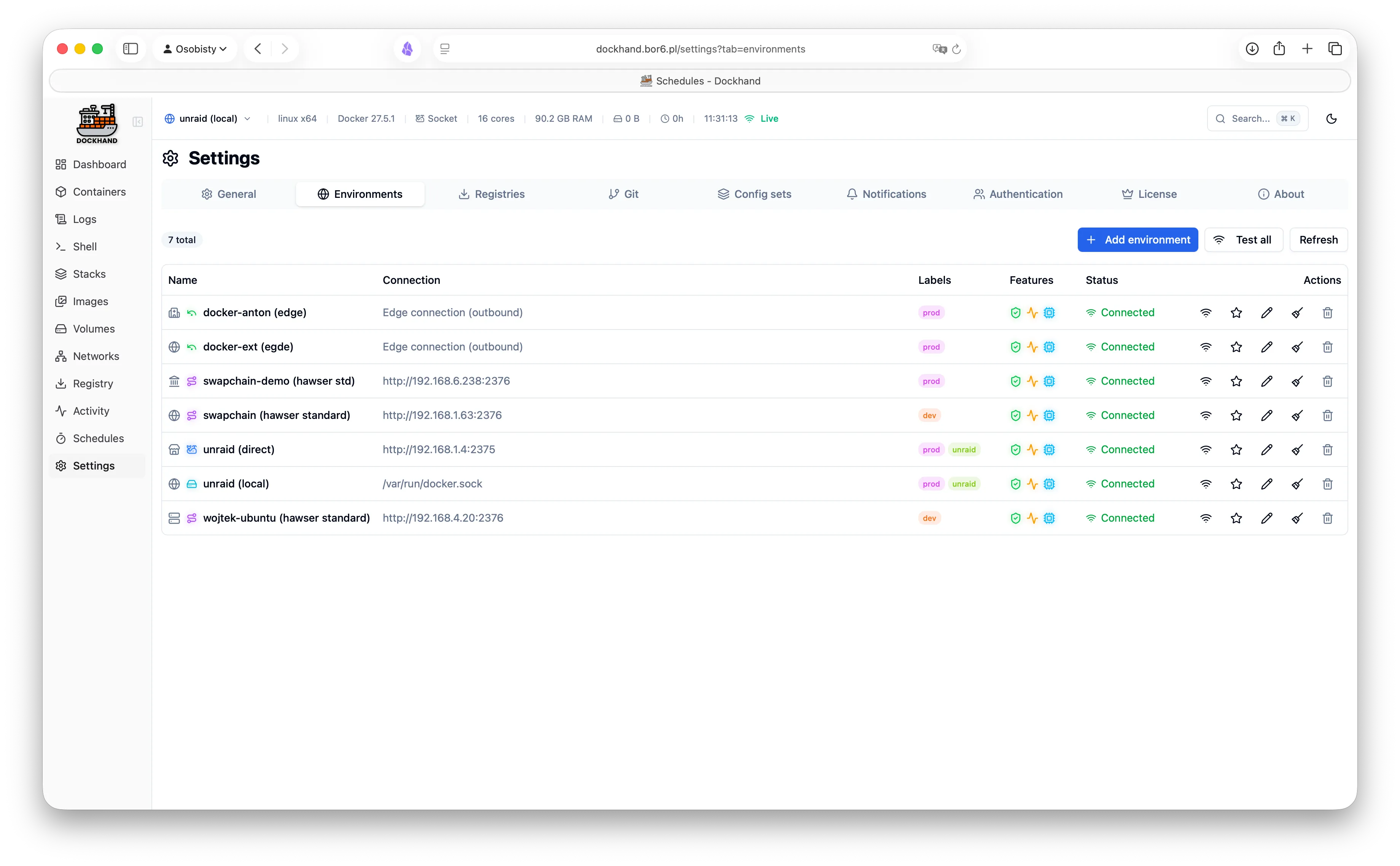
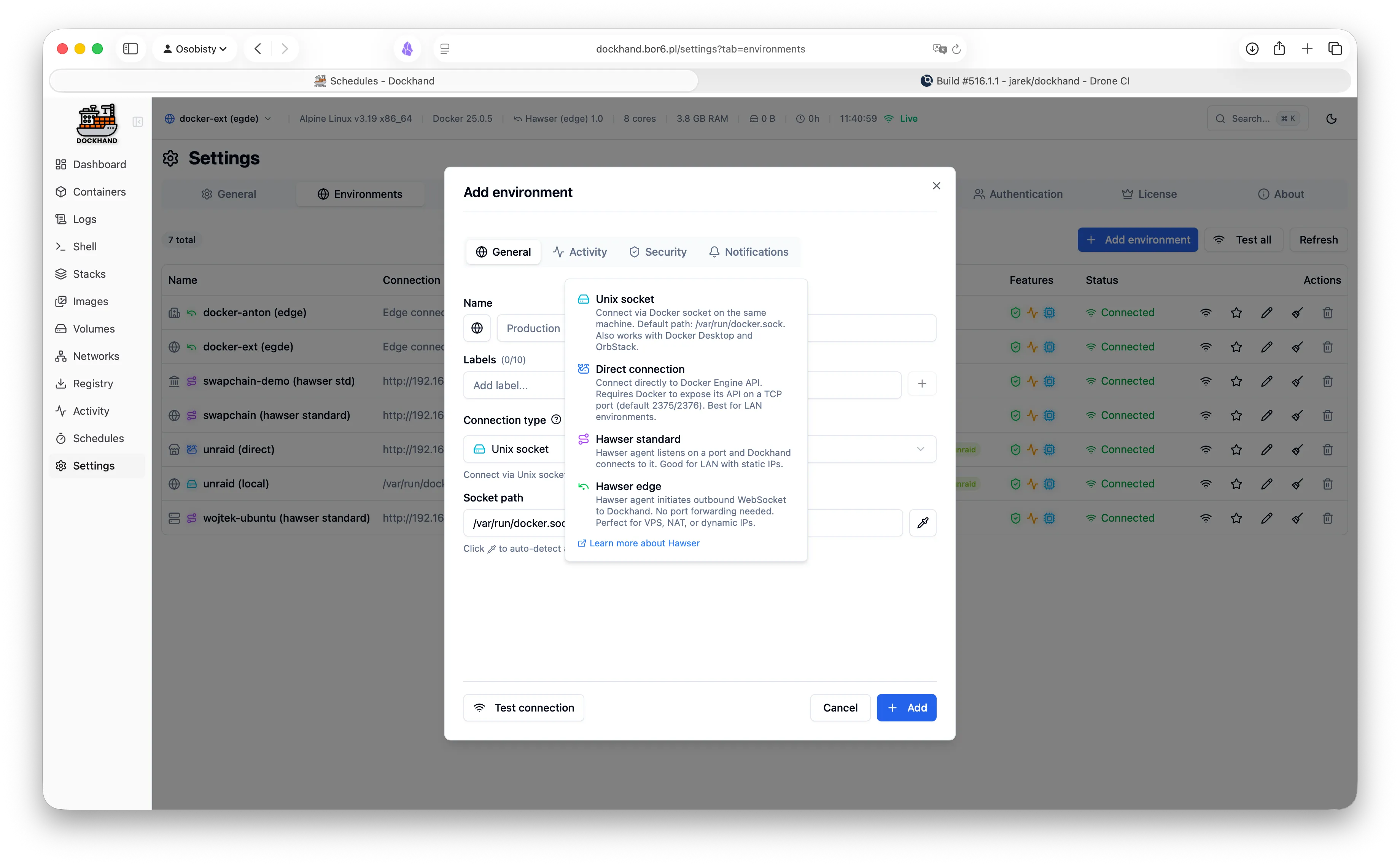
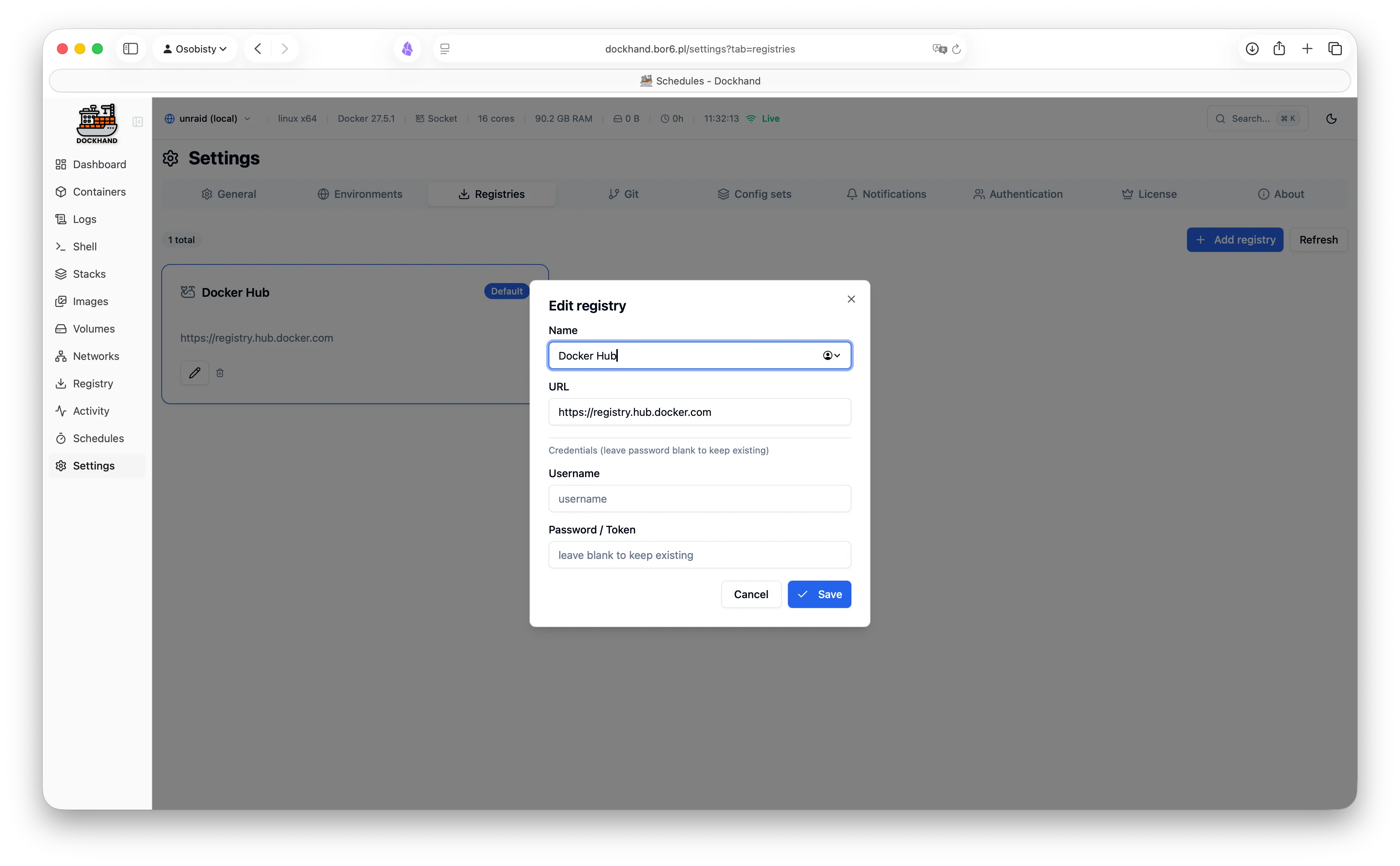
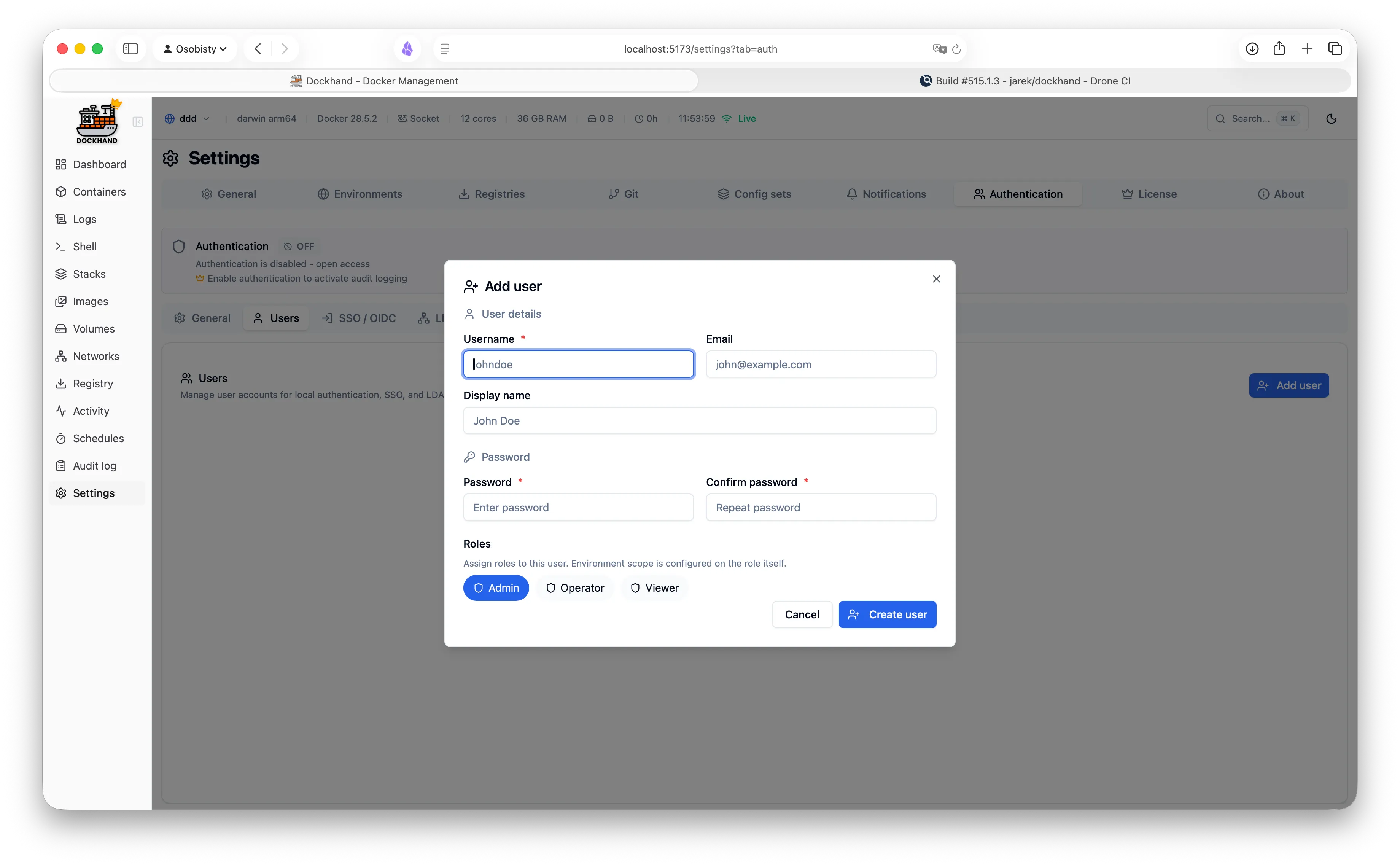
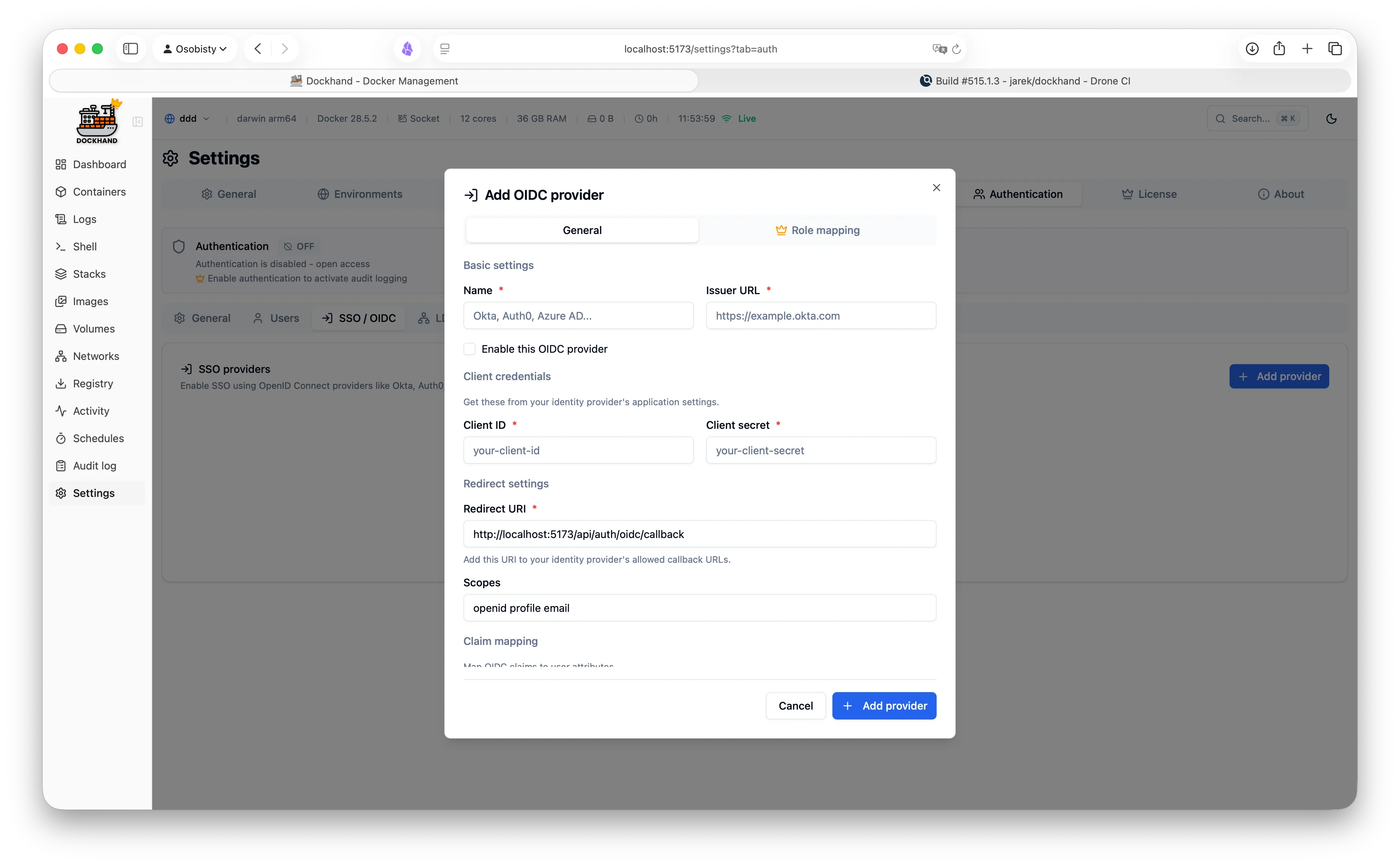
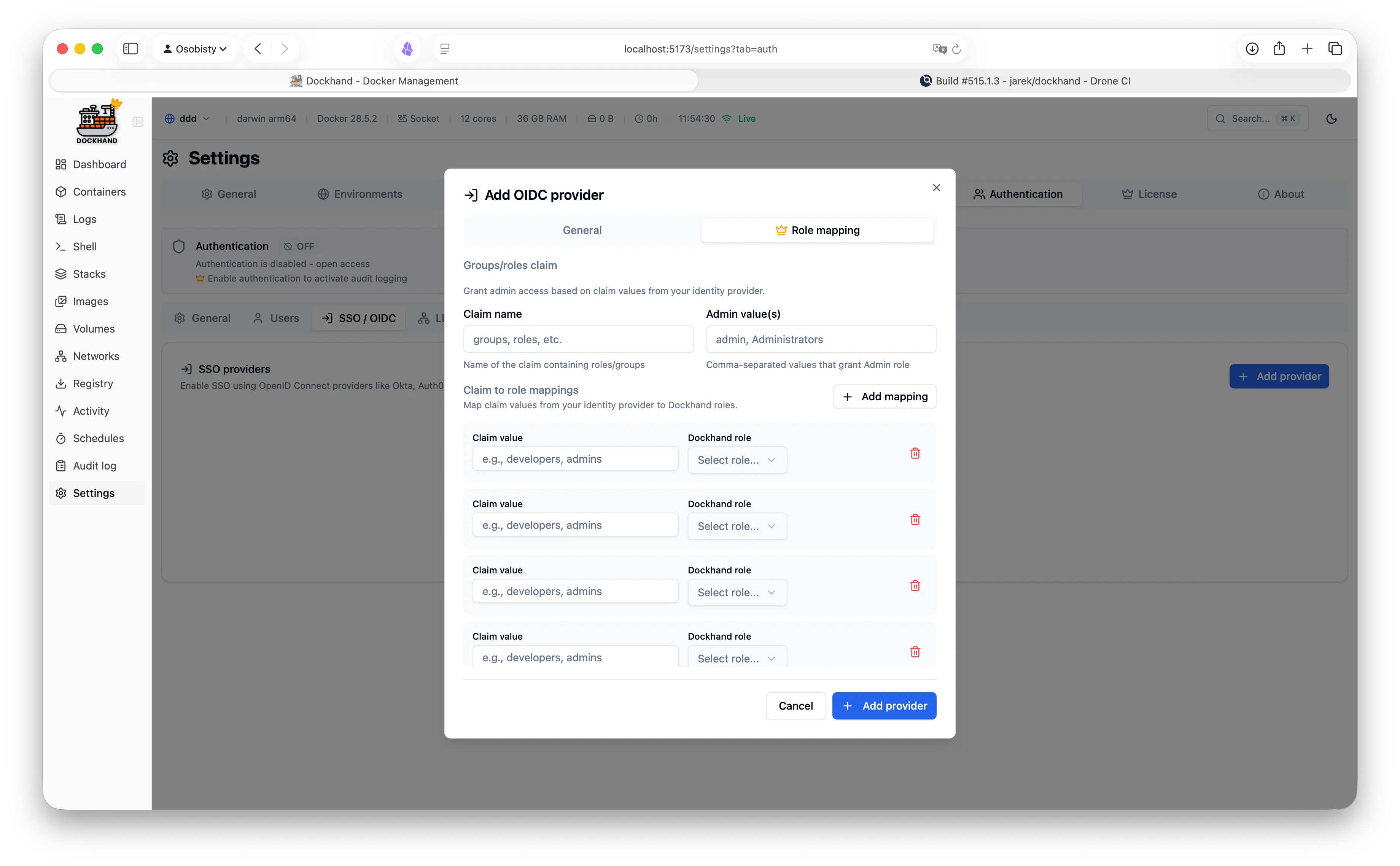
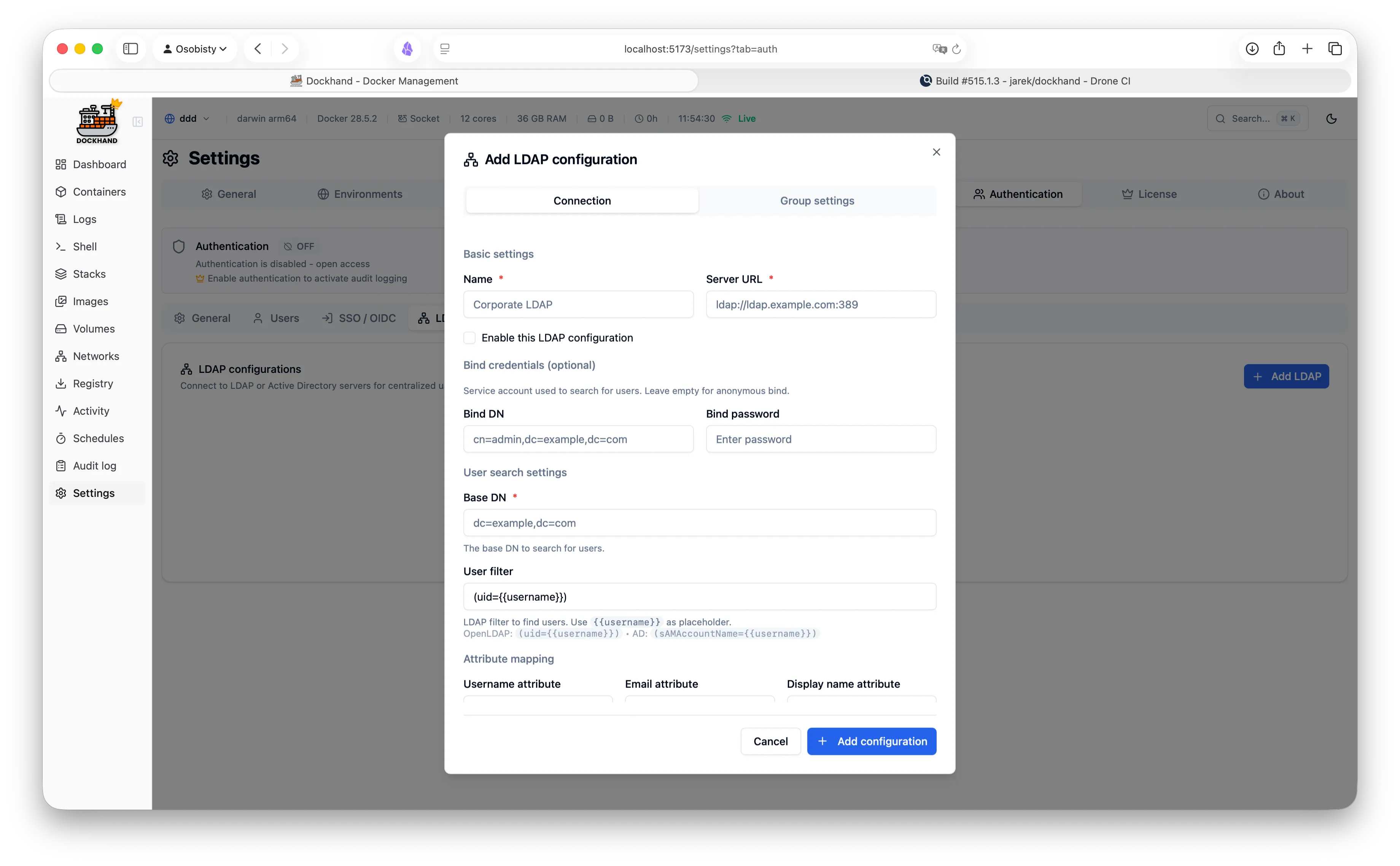
See Dockhand in action
A modern, intuitive interface designed for productivity.
Warning: May cause sudden urges to containerize everything.
Loved by developers & sysadmins
See what our users are saying.
"After trying Dockhand in my lab and comparing features toe to toe with other tools I am currently using, I can honestly say it is one of the best that I have used. It is extremely easy to use, intuitive, and it puts docker management tool security in focus where it should be."

Brandon Lee
"Perfect for my homelab. It's lightweight, actively maintained, and has all the features I need. Love the terminal access and real-time log streaming!"
"The LDAP integration was a game-changer for our team. Set it up in 10 minutes and now all our developers have proper access control."
"Dockhand wants to be a Portainer replacement, and it might already be there."
"Dockhand is bursting onto the scene with impressive force, bringing a breath of truly fresh air to a world that, let's be honest, had started to feel a bit stagnant."

Marius Bogdan Lixandru
"Dockhand is incredibly handy to have around."

"That's Dockhand, I think it's amazing. I will probably actually implement this for myself."

DB Tech
"I think Dockhand is absolutely incredible once you start managing more than one Docker server, but also certainly for a single Docker server it's great. It has many, many advanced features."

Christian Lempa
"Overall, I'm really excited about this. I'm really excited to use it. It's going to be really easy to manage all the various services that I have."

TechHut
"Then I do the thing and leave. Most of the time, I do not think about Dockhand at all. That may be the strongest recommendation I can give a piece of infrastructure software."

Katy
Free Edition
Free forever. No, really. No bait-and-switch.
- Unlimited environments
- Full container & stack management
- Git integration & webhooks
- Vulnerability scanning and reporting
- OIDC/SSO authentication
- Multi-factor authentication (TOTP)
- Local user accounts
- Notifications & container activity log
Like it? Fuel the dev with caffeine.
SMB Edition
For commercial use. Growing teams, happy CFOs.
- Everything in Free
- Commercial usage license
- Premium email support
- Priority bug fixes
Enterprise Edition
When compliance asks "is it enterprise-ready?" and you want to say yes.
- Everything in SMB
- LDAP/Active Directory
- Role-based access control
- Environment-scoped permissions
- Audit logging (compliance-grade)
- Priority email support
Questions about licensing? Need a custom quote? Other questions?
Drop us a line at enterprise@dockhand.pro — we reply fast.
Release history
RSSTrack our progress and see what's new in each version. Spoiler: it gets better every time.
v1.0.55
Coming soon- Newstart and stop a container on a schedule #1178
- Newthe interface language is kept on the server, so it survives a browser that clears its data #1795
- Newmoved-digest reports on pinned images are now configurable, globally or per container #1780
- Newterminal button in the container details view #1754 · #1768 · @Totopo27
- NewPsono bulk pull and inline references now read Environment Variables secrets #1784
- Newdecrypt a git stack's SOPS-encrypted env file with a new SOPS (age) secret provider #386 · #1781 · @oha-4
- NewEXPORT_METRICS_PUBLIC makes /metrics endpoint public, off by default #1698
- New-lsNNN and -rN tag bumps count as newer versions, with tag.transform and link.template labels #1703
- Newminimum image age visual improvements and dockhand.skip.cooldown label #1725
- Fixthe actions column can be resized in every data grid #1777 · #1787 · @Totopo27
- Fixnewer version tags are found on GHCR repositories with tens of thousands of tags #1792
- Fixa stack that bind-mounts a single file restores, also onto a host where the file is missing #1793
- Fixthe log view's live streaming toggle shows its state like the other toggles #1654
- Fixbackup history shows the destination each run used, not the schedule's current one #1783
- Fixmobile layouts for the containers list and environment tabs #1758 · @ddeitterick
- Fixupdate docker-compose to 5.6.0-r2 to pick up its CVE fixes
v1.0.54
Latest- Newthe interface follows your language - translation engine and German #494 · #1706 · #1709 · #1718 · #1719 · #1722 · #1726 · #1734 · #1736 · #1738 · #1742 · @Hellraiser28
- NewSimplified Chinese translation #494 · #1708 · #1716 · #1720 · #1721 · #1730 · #1733 · #1741 · #1749 · @maicent
- NewFrench translations, for France and Canada #494 · #1714 · #1717 · #1727 · #1728 · #1729 · #1732 · #1735 · #1746 · #1747 · #1748 · @MagnanGG
- NewPolish translation #494
- NewPsono as a secret provider, with bulk pull and inline psono:// references
- Newthe secret-provider banner collapses its key list when a stack loads many secrets #1771
- Newfilter containers and stacks by "Untagged" #1704 · #1763 · @Totopo27
- Fixa version pattern with four or five parts is no longer refused, and an ignored pattern says why #1702
- Fixreading pages no longer fails behind an nginx reverse proxy that uses an upstream block #1707
- Fiximage scans work again when the Docker daemon compresses its logs #1715 · @santacruz-usa
- Fixa container with a long stop_grace_period updates instead of being left stopped
- Fixa wider sidebar so translated labels fit #1731 · @MagnanGG
- Fixa scheduled update is no longer blocked by a failed scan of an image the registry cannot name #1737
- Fixbulk operations on stacks over the API no longer fail every item #1745
- Fixa quoted value from a .env file no longer keeps its quotes in the form #1750
- Fixa dockhand.tags label stays on the container that carries it #1740 · #1743 · @Totopo27
- Fixthe update check now reports a newer release on Kubernetes instead of giving up #1710
- Fixa moved digest on a pinned tag is now reported instead of silently ignored #1755
- Fixan unreachable environment no longer fills the log with errors for its own health checks #1739 · #1752 · @Totopo27
- Fixa git stack no longer recreates every container when a commit only touched files that do not affect them #1761 · #419 · #364
fnsys/dockhand:v1.0.54
or
fnsys/dockhand:latest
fnsys/dockhand:v1.0.53
- Newback up to an SFTP server with a dedicated SSH key and verified host keys #1478 · #1693 · @ddeitterick
- Newoffer the compose file detected from container labels when adopting an external stack #1612 · #1617 · @ondras
- Newhold off automatic updates until a new image is older than a configurable minimum image age #918 · #1365 · #1643 · @TheDuffman85
- Newa dockhand.name label sets the name a container is shown under #1623
- Newredeploy a stack without recreating every service, and choose how it redeploys #148
- Newsign in with a passkey instead of a password #1431 · #1431 · @StefanSa · @timcappalli
- Newfilter newer-version candidates per container #1674
- Newread per-stack resource totals from the API #1626
- Newshow stack health on the stacks page, and filter by it #1678
- Fixa container started with PUID=1001 runs as that user instead of root #1669
- Fixskip newer-version tags whose image is older than the one running #1673
- Fixfind the stack folder when a nested bind shares a name with one at the root #1679
- Fixordering one container with dockhand.order now moves it ahead of the unlabelled ones #1117
- Fixrestore preview no longer reports an empty target for a stack whose files are there #1681
- Fixupdating a Podman container started by podman-compose no longer leaves it stopped #1692
- Fixthe next compose deploy no longer recreates a container Dockhand just updated #1687
- Fixa stack's bind directories are no longer left out of a backup when no volume covers them #1696
fnsys/dockhand:v1.0.52
Full release history (57 releases)
Ready to simplify Docker management and stop pretending you enjoy YAML indentation?
Get started in 30 seconds. No credit card required.
Finally, a UI that sparks joy.